HOME | DD
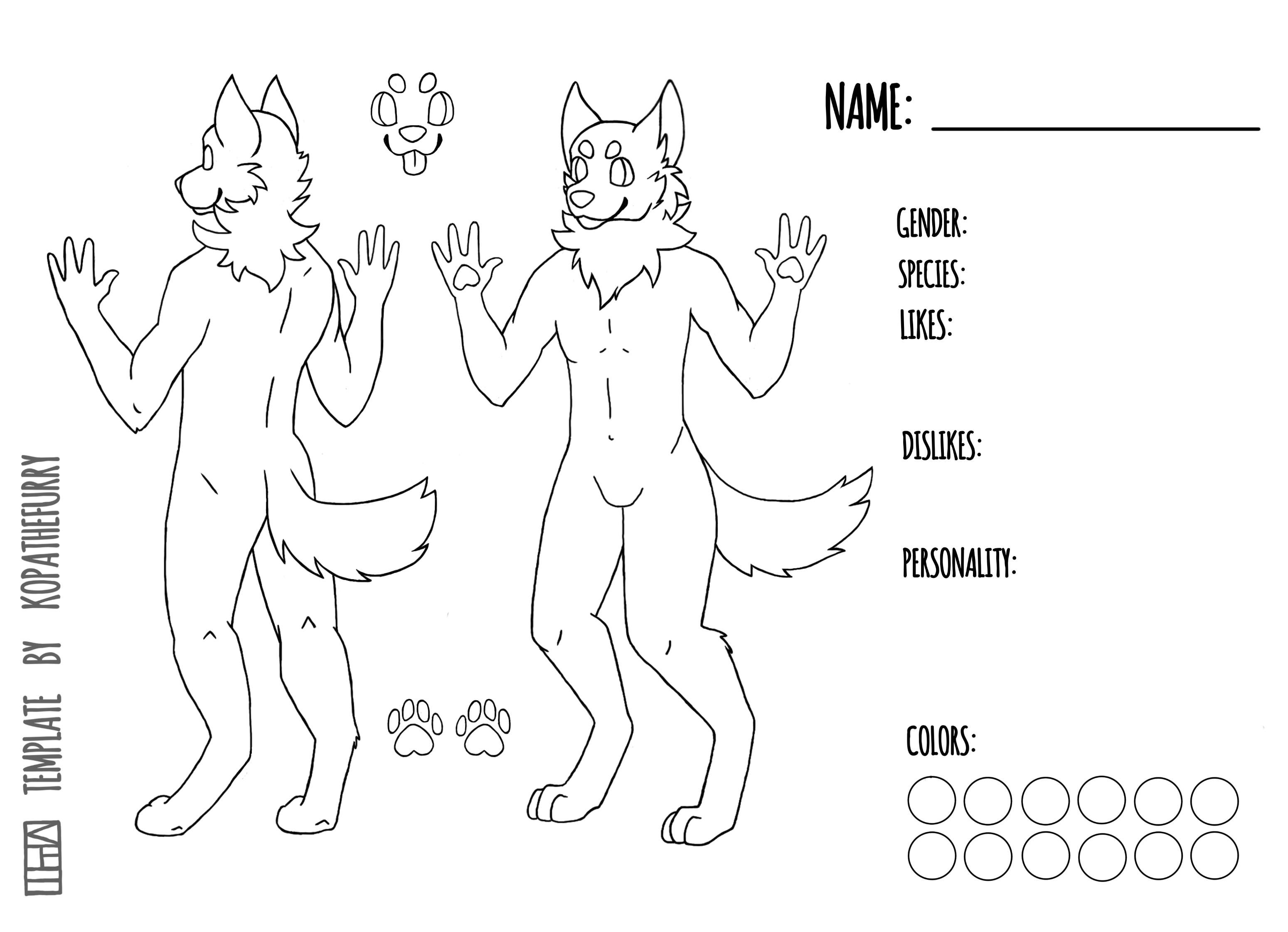
 Asher449 — F2u Fox Lineart

#free #furry #f2u #furrylineart #use #anthropomorphic #foxfurry #furryanthro #furrybase #f2ulineart #f2ufox #f2ufurrybase #f2ufurry #f2urefsheet
Published: 2019-06-14 17:06:09 +0000 UTC; Views: 6402; Favourites: 21; Downloads: 51
Redirect to original
Description
if you feel like donating anything for this you can here Ko-fi.com/asher449this is free to use but please give credit back to me if you use it 😊
DO NOT REMOVE THE WATERMARK thanks
Related content







Comments: 11

👍: 0 ⏩: 0

👍: 0 ⏩: 1

👍: 0 ⏩: 0

👍: 0 ⏩: 1
Take the layer thays got the lineart and set it to multiple. Then but a clear layer under the lineart one and colour on that.
You can even try the magic wand tool to select the lines so you dont colour over them.
Now where to find these on gimp im not sure. But if you do a google search im sure you’ll find something to help.
👍: 0 ⏩: 1
👍: 0 ⏩: 0