HOME | DD
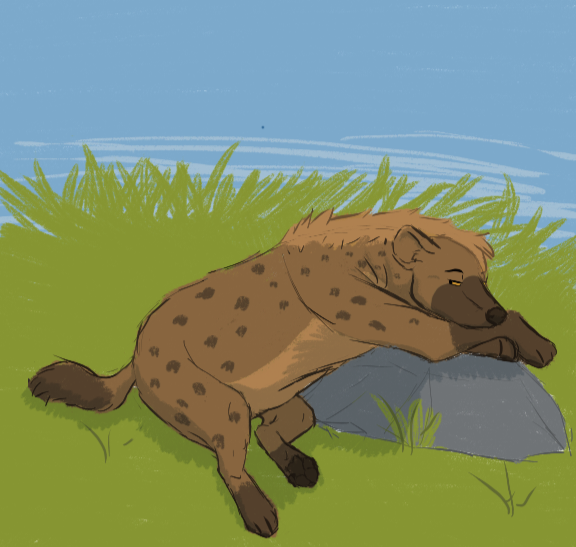
 Ashlychee — The missile is eepy

#bakari #digital #doodle #hyena #sunlight
Published: 2023-07-19 11:31:26 +0000 UTC; Views: 2797; Favourites: 3; Downloads: 0
Redirect to original
Description
Page one is thumbnailed, but before i do all the hard work- i really wanted to play with sun dappling through leaves. So here is a clean, bit very rough doodle of Bakari sleeping under a tree Steps:
1. Draw your lineart and your flat colors, however they look.
2. Make a new layer on top. Take a pale yellow and color in splotches where light would hit if there were no leaves- In this case, his head and down his neck.
3. Blur these until they are like a soft glow
4. Set the layer to Lighten, and turn the opacity down. For mine I chose 32%
5. Make a new layer on top. Color this entire layer a shade of slightly pale, desaturated teal.
6.Change this layer to multiply, so it now tints your entire picture. This is now your tree's shade.
7, lower the opacity. I chose 36%
8. Take an eraser (one with textured or fuzzy edges works well) and erase random small spots and chunks from your teal layer. This allows your characters normal colors to shine through, as well as the subtle lighting we added before. By simply erasing the shadow, we give the illusion of light! This simulates light coming through the gaps in the leaves.
Related content








Comments: 2

👍: 2 ⏩: 0

👍: 1 ⏩: 0