HOME | DD
 Bitcoon — [game] Bitcoon-vania prototype

#action #bit #familiar #furry #game #metroidvania #platformer #raccoon #video_game #bitcoon #itchio
Published: 2015-12-21 22:12:47 +0000 UTC; Views: 982; Favourites: 3; Downloads: 0
Redirect to original
Description
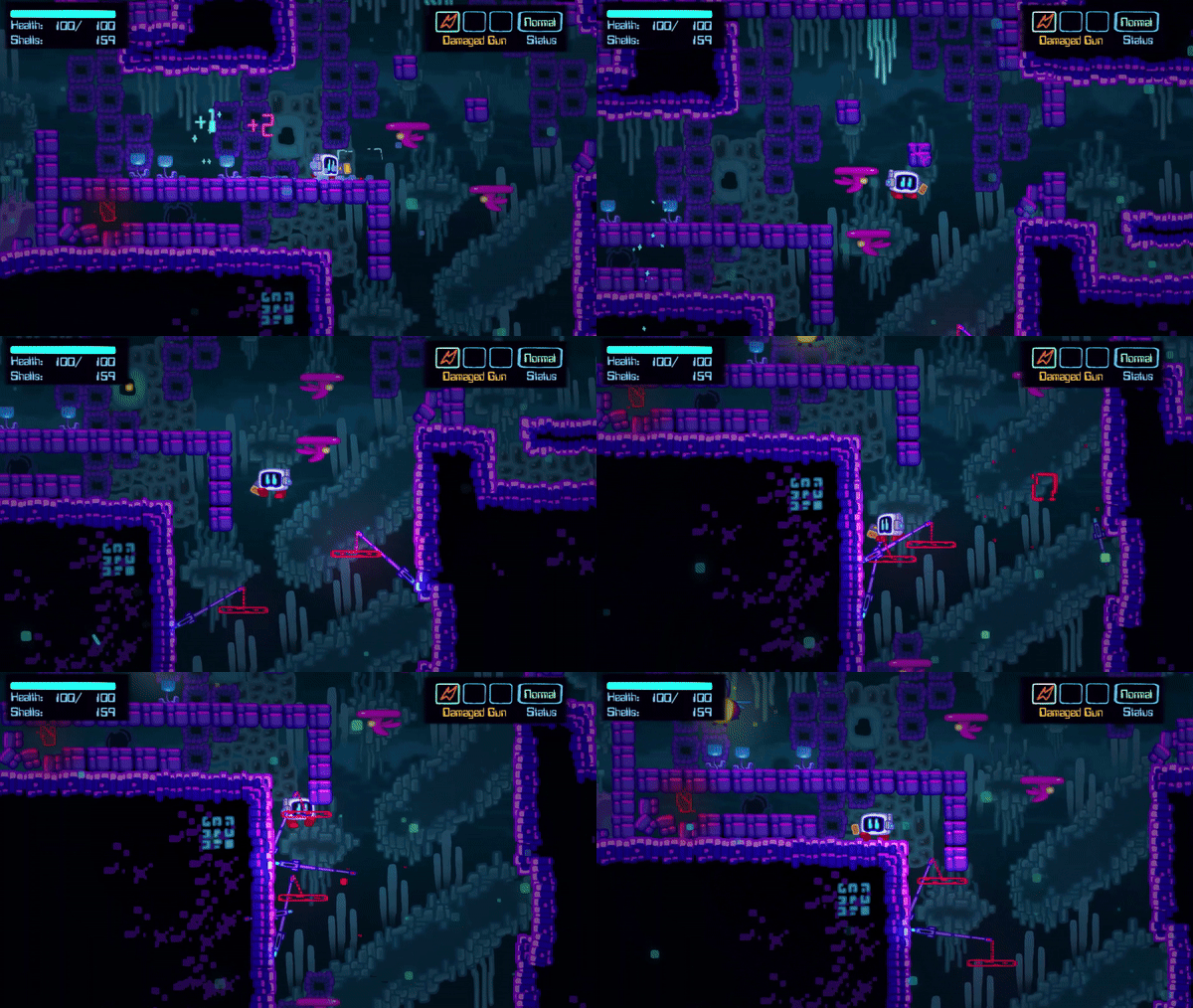
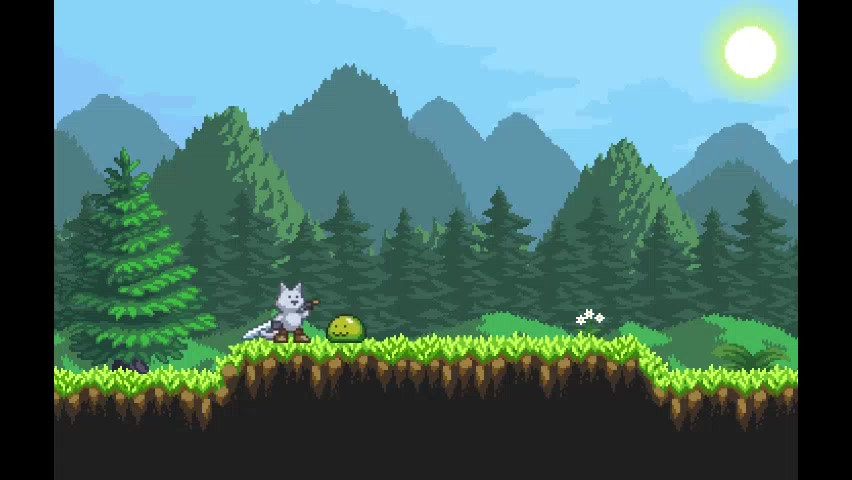
bitcoon.itch.io/bitcoonvaniaSo, here's an old game I worked on but never really publicly wrote about. I really wanted to do more with it, but between issues with Game Maker (stuff like the fact that this game's stuck at 1080p and if you don't have that resolution or better, you probably won't be able to see the whole screen) and generally not finding the gameplay wasn't coming out as tight and balanced as I wanted.
Before today, only a few people had seen this game. Until recently the only place you'd find this game was on my computer But! Tis the season and all that. I know I am very unlikely to come back to this game but I think what I made is worth playing and worth showing off. It can keep you entertained for a half hour or so, maybe~
Alternate download link: www.mediafire.com/?98s89i3w4db…
Related content









Comments: 18

Nice, how is Gamer Maker? I use Construct 2 for my gamer making needs.
theflyingnest.itch.io/munch
👍: 0 ⏩: 1

Game Maker has a lot of problems, really. 
👍: 0 ⏩: 1
That's a bummer to learn. At least it's possible to actually finish a game with it, yes?
👍: 0 ⏩: 1
Yeah, people have used GM to make some amazing games. I feel like I know from experience though, any of the games you probably know about that were made in Game Maker needed a lot of extra work to come out as polished and nice as they are. Stuff like building your own level editor, even.
👍: 0 ⏩: 1
From the Steam page it looked pretty bare bones but I just thought that was the UI being minimalistic.
👍: 0 ⏩: 0

There was this YoYo Games sandbox that allows game makers to upload their games created with Game Maker. With Game Maker Studio now out & about, it's a shame that this sandbox website is now abandoned, even though I still have my profile there: sandbox.yoyogames.com/users/Bl…
Isn't your game made with Game Maker Studio, or one of the older versions (Game Maker 8.1 & under)?
👍: 0 ⏩: 1
It's made in Studio. I think they still have stuff like that integrated in Steam, but I haven't looked at it.
👍: 0 ⏩: 1
Is Game Maker Studio better than Game Maker 8 for example? I only bought the Pro Edition of Game Maker 8 on my 2010 Christmas & didn't bother upgrading it to Studio.
Also, my max resolution I can get for my laptop is 1366 x 768. Is there's a 720p version of that game, or should I use my Dad's Windows Vista computer & risk crashing it?
👍: 0 ⏩: 1
You can see how it looks, but it will be cut off in places at that screen size. Unfortunately there's not much I can easily do to enable different screen resolutions. Might as well see if it works though.
👍: 0 ⏩: 1
That is quite a limitation on Game Maker after all. It's only possible to set the screen size to be set & not being able the change it. Well on Game Maker 8 that is. I might be wrong though. Once I used a gigantic image for a starting up screen & it cuts to like I can see a quarter of it due to the image being too large. >.=.<
👍: 0 ⏩: 0
Oops, forgot to list them! It should be standard keyboard or gamepad controls, both should work. Arrow keys to move, Z to jump, X to attack. (can't attack until you have a weapon though)
👍: 0 ⏩: 1

Yeah, I Found the controls by going through each key on the keyboard 
I Can't really talk though...in my game I Have jump mapped to C...so yeah XD
👍: 0 ⏩: 1
I have the code in there to enable custom keybinding but no menu to allow players to access it. There's really no easy-button way to do it. I usually just try to code in future-proof ways, like using variables to store the key-presses and assigning them in a script, so I can reference the variables instead of directly looking for the key-presses.
👍: 0 ⏩: 1
I See.
I Haven't done much work with Game maker to be honest
👍: 0 ⏩: 1
Heh, that's got to be a tough switch. Though I guess I made it hard on myself learning to do C++ instead of sticking with blueprints and such~ xwx
👍: 0 ⏩: 1
yeah, at the moment I Am putting Unreal on the side and focusing on my RPG Maker game X3
👍: 0 ⏩: 0
