HOME | DD
 C---M — Absolute Weather for Rainmeter

Published: 2012-09-10 02:15:16 +0000 UTC; Views: 9884; Favourites: 46; Downloads: 1729
Redirect to original
Description
Absolute Weather for Rainmeter1920 x 1080 | 1600 x 900 | 1366 x 768
This is an interactive weather skin that incorporates the current weather into your background wallpaper.
Features:
• Wallpaper
• 48 weather variants
• Weather description and temperature
• This skin comes in two dimensions, 1920 x 1080 & 1600 x 900
Dimensions for 1920 x 1200 & 1680 x 1050 can be found here
This skin contains a lot of image files that take up a lot of space so it is recommended that you delete the extra variations of screen resolutions that you are not using.
Instructions:
• Run the installer.
• Go to your Rainmeter skin directory: "...Documents\Rainmeter\Skins\Absolute Weather" (the path may vary depending on your OS)
• Open the Weather.ini file and define the weather code and temperature unit in the variables section.
- To find the weather code, go to Weather.com and search for your city. Copy the 8-digit code at the end of the URL and paste it after "WeatherCode=" in the variables section of the .ini file. (ex. WeatherCode=USNY1232 for Rochester, NY)
• Define the temperature unit with a lowercase c for Celsius or a lowercase f for Fahrenheit.
Wallpaper
Update 3: Now compatible with Windows XP
Update 2: 1366 x 768 is now available
Update 1: Wallpaper is automatically set and the click though setting is already applied
- If the Wallpaper doesn't automatically set then go to your rainmeter skin directory: "...Documents\Rainmeter\Skins\Absolute Weather" , locate the folder labeled as your screen resolution and use the picture provided in the folder as your wallpaper. (right click the picture, click Set as Desktop
Related content











Comments: 36


This is amazing! The only problem is that it overlays my desktop icons, so that kinda makes it unusable for me. I think that's just Rainmeter's issue though. Otherwise, great & original idea.
👍: 0 ⏩: 1

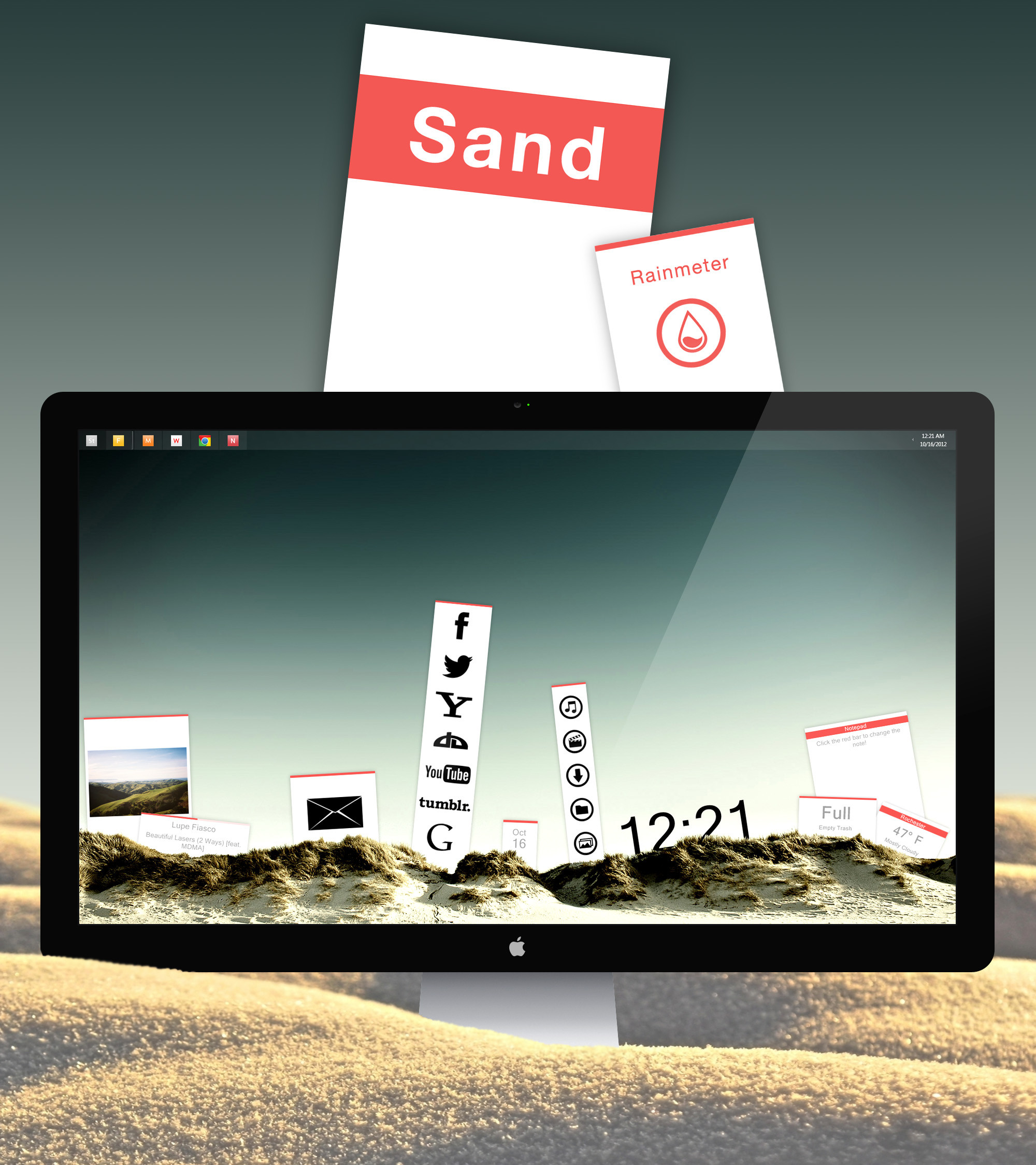
I don't know a way around that. I set the ZPosition to -1 so it would be at the bottom layer of the desktop but it seems that the positioning only applies to the Rainmeter application. I always hide my desktop icons because they are always covered by Rainmeter skins. If you were to use a Rainmeter skin which acts as a shortcut button you could use that instead of a desktop icon. I made another skin for Rainmeter called Sand and I used that method to deviate the use of desktop icons.
👍: 0 ⏩: 0

It doesn't follow the current time of day. I've already put my location code in. Nice though....
👍: 0 ⏩: 0

You can actually modify the images to be 1440x900, the aspect ratio is the same as the 1680x1050 version. I did this and it works well. I used Pixillion image converter to mass resize the images. Also, edit the .ini, set the W and H near the bottom to your resolution.
👍: 0 ⏩: 0
This skin is only available in 1920 x 1200 , 1680 x 1050, 1920 x 1080 , 1600 x 900 & 1366 x 768
👍: 0 ⏩: 0

hi. when i input the 8-digit code for the weather it does not work. it just shows the Fahrenheit sign with no numbers.
👍: 0 ⏩: 1
Make sure you are not inputting your zip code instead of the code provided by the website,
👍: 0 ⏩: 1
thanks for the reply. this is the 8 digit number i put in
WeatherCode=EIXX0250
and i also changed the f to a c after unit and postfix unit.
👍: 0 ⏩: 0

This download has 1600 x 900 included.
👍: 0 ⏩: 1

here's what happens to me, I moved the file within the skin and got this error
Help me!!
[link]
👍: 0 ⏩: 1
Make sure you have the newest version of rainmeter.
👍: 0 ⏩: 2
check the version and then let you know. Thanks for the time.
👍: 0 ⏩: 0
help me I can not install this wonderful widget, you tell me what should I do?
Thank you.
👍: 0 ⏩: 0
Ragazzi ho un problema non mi fa installare questa meravigliosa skin! Aiuto
👍: 0 ⏩: 0


Once again it's an amazing job and thanks a lot for sharing.
Once question: would it be possible to have the wallpaper in higher resolution?
On my configuration (1366x768) size of the wallpaper is only 87k...
Thanks a lot in advance and congratulations again.
Tonx
👍: 0 ⏩: 1
oups... answer was not so difficult to find actually... in the description :S
👍: 0 ⏩: 0

ca one can bug with the version 4 beta of Rainmeter, but otherwise, nice work
👍: 0 ⏩: 0
Bravo, finally something original and very clever ...
👍: 0 ⏩: 0


This looks really amazing, and as a concept, very original. What part of this requires Windows 7, however?
I am using Win XP, but have the latest Tainmeter installs.
👍: 0 ⏩: 1
When I packaged the skin I set the minimum requirements to windows 7 and rainmeter version 2.4.0.1623. I'll upload it again with Windows XP as the minimum requirement.
👍: 0 ⏩: 1
Great, thanks. I have actually had a similar idea, but was too overwhelmed by the work involved. Plus I am still learning Rainmeter, hehe

👍: 0 ⏩: 0

!!!...!!!...!!! Where go my words ?!? And what can I say ?[link]
👍: 0 ⏩: 0

I don't have Windows 8 so I can't test that myself. The minimum requirement is to have Windows 7 so it might work.
👍: 0 ⏩: 0


No puedo instalar!.....Cual version de windows soporta este pack? Thanks.
👍: 0 ⏩: 1
