HOME | DD
 computerdummy5 — Omnimo 4 Screenshot Take 5

Published: 2011-07-07 21:45:07 +0000 UTC; Views: 2872; Favourites: 5; Downloads: 54
Redirect to original
Description
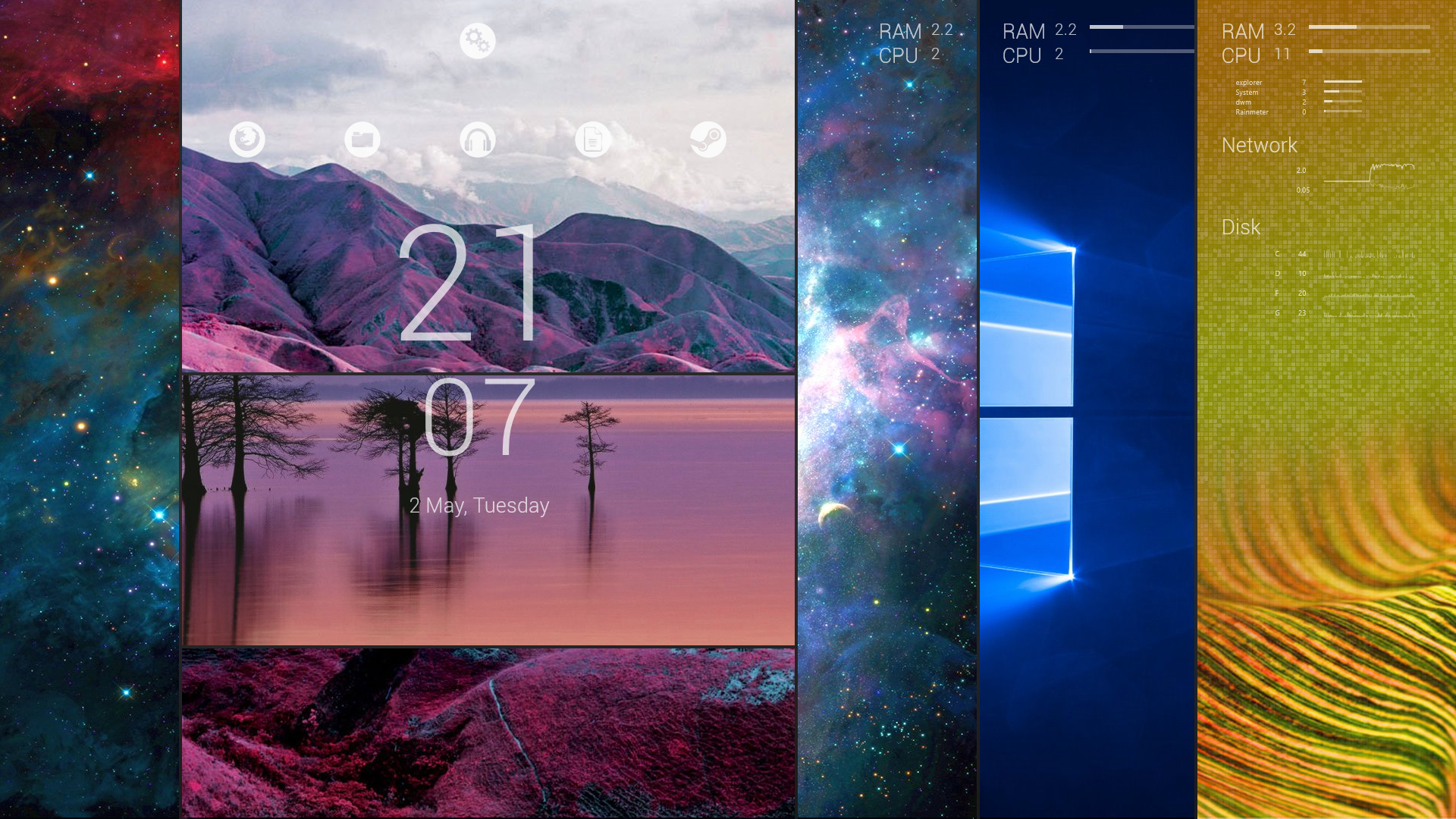
Latest shot of my desktop with fediaFedia"s Omnimo 4 rainmeter suite [link]Still needs some more "tweaking" but getting closer to what I want.
Related content








Comments: 22

Can you tell me where to find the uptime for it? I don't remember let alone finding it again
👍: 0 ⏩: 1

Been a while but I think it was from "Ipad 2" by Xyrfo. Look for it in the rainmeter section here at deviantart

👍: 0 ⏩: 1
Oh yeah I forgot all about that one. lol
👍: 0 ⏩: 0


how u make small icon like recycle bin,connection,cpu and ram

👍: 0 ⏩: 1
They are part of the "Omnimo" suite for rainmeter,just follow the link in the item description
👍: 0 ⏩: 0

Awesome...will try making my desktop...look somewht like dis..minimalistic!
👍: 0 ⏩: 1


works like a charm! thanks for the big help mate! really appreciate it!
👍: 0 ⏩: 1
Thats great-didn"t know if I was making it easier for you or making it more confusing but glad it helped

👍: 0 ⏩: 0
yes i have it but when I hover and click on it, nothing happens.

👍: 0 ⏩: 1
You have to load the "start" widget that is located in TextItems\Extra\Addons\Start you have to right click the rainmeter icon in the system tray and navigate to configs-WP7 to get to it. Once loaded you should have a very small windows flag that if left button clicked should open the start menu in windows 7. Now right click on the newly loaded item and select edit skin and remove the last 5 lines of code and copy and paste this
[MeterWeekDay]
Meter=String
FontColor=255,255,255,230
FontFace=Segoe WP Light
FontSize=48
StringAlign=LEFT
AntiAlias=1
Text=Start
X=15
refresh skin and drag to desired location. Hope this helps
👍: 0 ⏩: 0
hello mate, kind enough to send me the .ini file of your start menu? thanks in advance!

👍: 0 ⏩: 1
You already have it-just go to WP7\TextItems\#TopBar\Addons\Start
👍: 0 ⏩: 0

If you press start what happens?
Be original !..! My gallerry
👍: 0 ⏩: 1
It opens the windowws start menu
👍: 0 ⏩: 1
Oh ok, thanks !!
Be original !..! My gallerry
👍: 0 ⏩: 1
