HOME | DD
 computerdummy5 — Windows Metro rework Merged

Published: 2011-05-21 03:04:46 +0000 UTC; Views: 3211; Favourites: 7; Downloads: 475
Redirect to original
Description
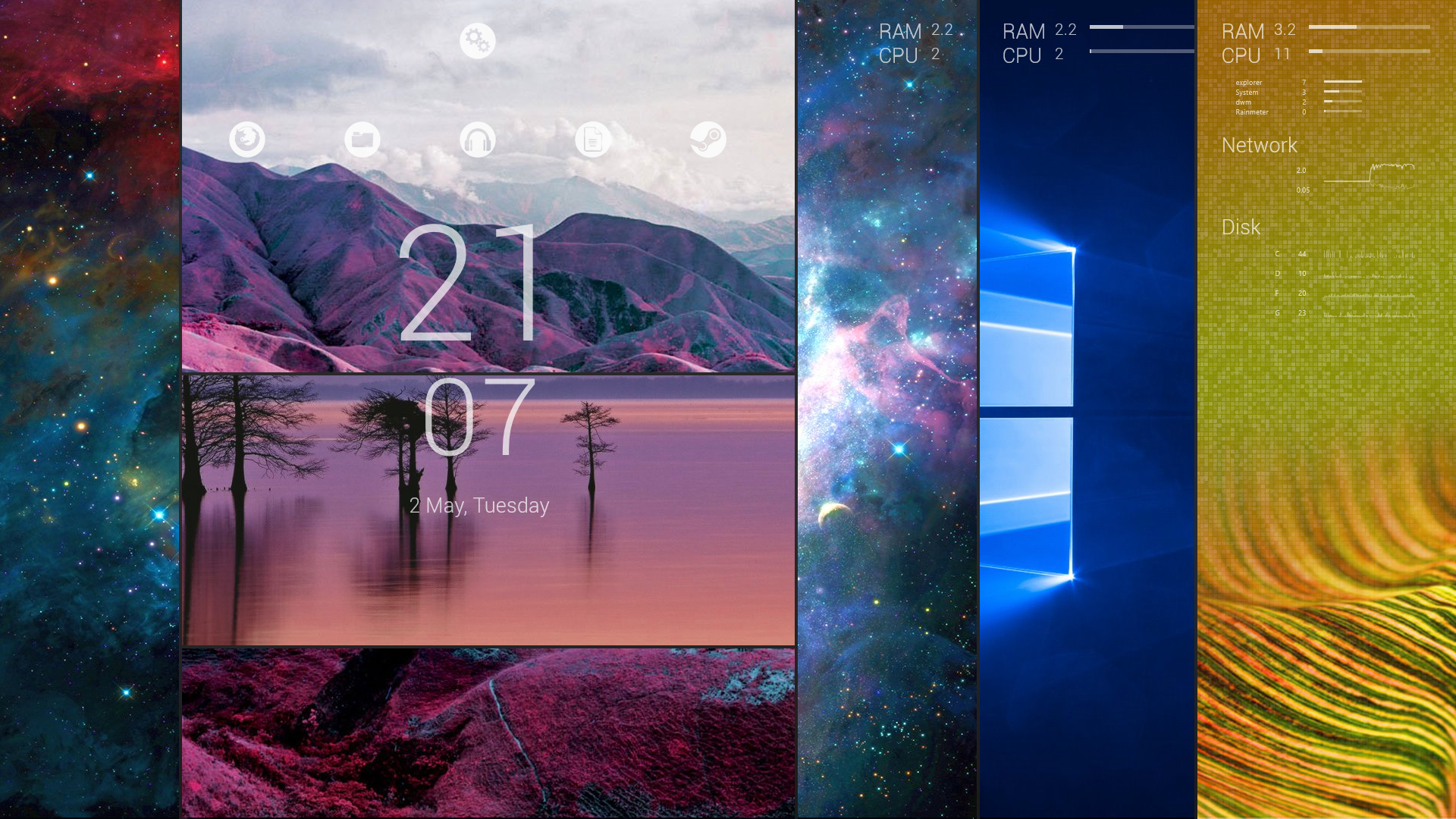
Continued progress on my Metro desktop with rainmeter elements from Omnimo,Enigma and Ipad clockRainmeter Omnimo 3.1 by fediafedia [link]
Wallpaper genuine Windows metro logo by rgontwerp [link]
Rainmeter Enigma by Kaelri
[link]
Rainmeter Ipad Clock by fediaFedia and Xyrfo
[link]
Related content






Comments: 16

Do you think you can share your rainmeter config? I'm too lazy to build one like yours ^^
btw, what your wallpaper size? cuz on the link, the WP is small, very small ahah. I need one like 1920x1080
👍: 0 ⏩: 1

I would have to get permission from the original authors to release any configs as the skins i have used belong to them 

👍: 0 ⏩: 1
bah, I always put the authors in description. I will put the right authors, like you did, plus your art link to show that your idea. Legit imo ^^
👍: 0 ⏩: 2
Hey is the theme config the right config? I"m not at all sure now

👍: 0 ⏩: 1
chojo@gmx.com
I think you can save your current mixed config with rainmeter. Just save it up and e-mail me it?
👍: 0 ⏩: 0
Give me an email address and i will send you my omnimo theme confg 
👍: 0 ⏩: 0


this is awesome... im currently using omnimo 3, and i was wondering if u could help me...
how can i change what appears when i press each text item toggle button
by default, its on inbox, but i want something else.... help?
👍: 0 ⏩: 1
You will have to right click the text item that you would like to change and select "edit skin". This will open up an ini file in notepad-from here you will have to find where the path to your "inbox" is and change it to the path of what you would like to open.
👍: 0 ⏩: 1
would you mind giving a tutorial? im a bit new...
👍: 0 ⏩: 1
Sure but you might get better help from here: [link]
👍: 0 ⏩: 1
dont worry, i asked fediafedia, he sed that it cant be done apparently, perhaps in the next version
👍: 0 ⏩: 1

