HOME | DD
 Councilor — Radiosity Tutorial

Published: 2007-07-04 11:10:11 +0000 UTC; Views: 8645; Favourites: 42; Downloads: 1019
Redirect to original
Description
Tutorial for Radiosity, made specially for 3ds MAX 7. 3ds MAX 5,6,8 or 9 should also be able to use this tutorial with no problems. Totally incompatible with 3ds MAX 4 or below.---------------------------------------------------------------------------
Previous entry:
The Tutorial uses PDF Format, you'll have to download it, and if you don't know, you'll need Adobe Acrobat reader to read it.
Changed:
Because of the problem with PDF format, I resubmitted the tutorial with all pages available in one image. Probably It'll be more convenient this way but the size become larger.
If you have any questions or trouble doing the tutorial, send me a note and I will do my best to answer your question.
This tutorial is exclusive for Deviant art, and it should be only available in my page. You can give link to this tutorial, you can add this tutorial to your favorites, but NO STEALING, that means you can't re-submit this tutorial in your own page under your username without permission. If you do that then you're doing illegal actions and I will report any illegal actions regarding to this tutorial immediately.
Related content




Comments: 40

HEY BRO CAN YOU PLEASE ENLARGE THE PICTURE I JUST CANT SEE IT
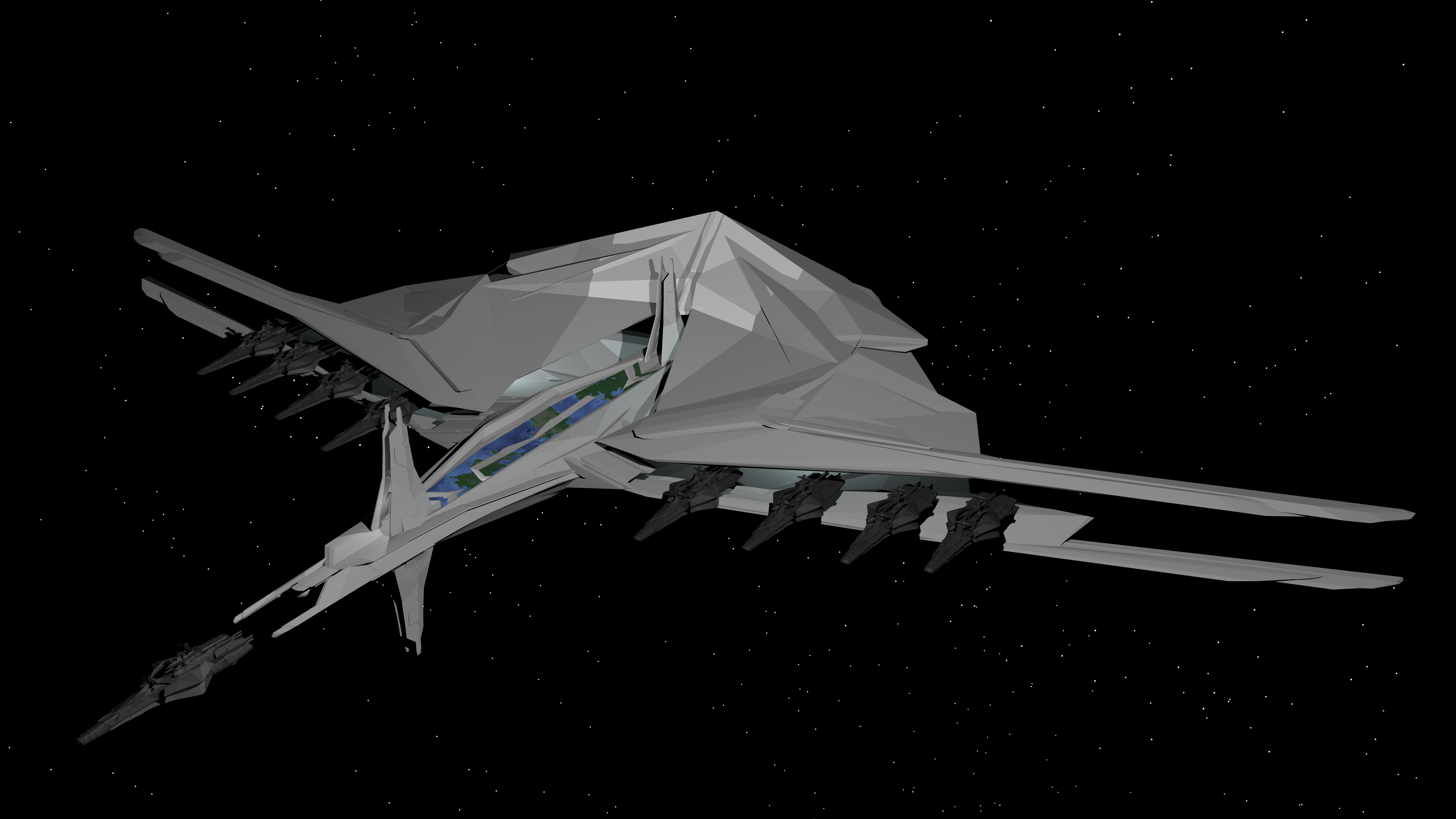
i think this picture have potential to contact with aliens in the space
👍: 0 ⏩: 1

Just click on the image. It should be as large as a landing pad for the aliens to land.
👍: 0 ⏩: 1
im still unable to do it as the way you did ..
is radiosity render better than VRay?
👍: 0 ⏩: 1
Faster, maybe. Quality-wise, you should stick to VRay.
👍: 0 ⏩: 1

kenapa pas dikasi material normal, dia jadi seperti kotak bolong bersekat? apa yg terjadi? mengapa memflip normal bisa membuatnya jadi begitu?
👍: 0 ⏩: 1
Material normal atau modifier normal? Setau gue gak ada yang namanya material normal, adanya shader normal bump, tapi beberapa material memang lebih baik diterapkan pada object yang memiliki ketebalan. Kalo modifier normal itu memang tujuannya untuk membalik sisi polygon.
Sekarang pertanyaan gue, object 3dsmax plane itu yang bersegmen 1x1, sisinya ada berapa?
👍: 0 ⏩: 1
modifier..! so sori.. gw bener2 pengen tau pengetahuan2 dasar yg begini nih.. sisi plane? cuma satu kan? makanya pas di flip normalnya langsung hanyut melenyap? kalo salah jangan kurangi nilai saya ya bos
👍: 0 ⏩: 1
Bener, sisi plane cuma satu, waktu di flip normal itu sisi plane bukan hilang tapi sisinya berbalik arah, misalkan yang tadinya sisi plane menghadap keluar jadi menghadap kedalam. Dalam dunia nyata nggak ada benda yang sisinya cuma satu, setipis apapun, walaupun itu kertas pasti memiliki dua sisi dan ketebalan.
Intinya ya filp normal itu secara teknis nggak memiliki arti yang luas-luas amat, dia cuma membalik arah sisi dari setiap polygon.
Tenang aja nilai itu cuma bisa berkurang kalo kamu melakukan kesalahan dalam mengerjakan tugas dan salah menjawap pertanyaan di saat ujian. Pertanyaan ini bukan tugas ataupun ujian, jadi santai aja
👍: 0 ⏩: 1
begitu ya.. cuma membalik sisi.. hmmm wah ntar masuk gw duduk deket dosen ah biar bisa nanya2 terus hoho.. moga2 tidak keberatan kalau saya kebanyakan nanya hahaha
👍: 0 ⏩: 1

Very cool. I'm trying to get my texturing skills up and this is just the kind of thing I need. Many thanks.
👍: 0 ⏩: 1

nice work
but any body tell me where i found abstract background max files 
Thanks in Advance
👍: 0 ⏩: 1
Thanks, but since I didn't go in abstracts I wouldn't know anything.
👍: 0 ⏩: 0

Very nice thanks alot I will try this soon, kinda big image ^^
👍: 0 ⏩: 1
Sorry for the big image, that was my first time writing a tutorial, and you're welcome
👍: 0 ⏩: 0

wow ur tuts are crazy @_@... ur such a skilled modeler @_@
👍: 0 ⏩: 1
Thanks 
👍: 0 ⏩: 1
wow u actually replied
3,043 Pageviews
pros dun talk to me
>
👍: 0 ⏩: 1
Replying is free (well beside from paying the ISP cost that is 
👍: 0 ⏩: 1


tutorny hebat skli .....
a msh pemula ,kpn2 kl ada kesulitan a minta diajari y baik kritik ato saranny?
👍: 0 ⏩: 1
Thanks. Kalo mo tanya jangan ragu-ragu bro, ntar sebisa mungkin gue jawab.
👍: 0 ⏩: 1
asyik......
nnt tgg aj ....
a pasti akn ajukan jutaan pertanyaan de hehehe.....ok,boz!!!
sip...lah
👍: 0 ⏩: 1
eh bozzz,a td mampir di FSmu add jg yach,
stlh mampir td a jd bernafsu pingin bertny bnyk ttg 3d loh,hehehe....
tp bwtnku msh blm slesai mungkin bsk slasa bru a submit ,
tgg........ y?
👍: 0 ⏩: 1
yah... kalo mau tanya tentang 3d di DA aja, jangan di FS yah.. soalnya gue jarang kesana
👍: 0 ⏩: 1

tooo big to be seen
wich render engine u used ?
regardzzz
👍: 0 ⏩: 1
Sorry for being too big, my suggestion, use photoshop or ACDsee to read it. First I used PDF format but I've heard reports that the PDF had some problems so I put that page altogether.
I used scanline render engine, no plugins required.
👍: 0 ⏩: 1
without plug-ins is better
I think pdf is much convinient 
regardzzz

👍: 0 ⏩: 1
True, but I think I still can't make proper PDF format for now, so forgive me for my lack of experience
👍: 0 ⏩: 0

Well, I don't use 3ds Max but it's a good tutorial for tutorials sake.
👍: 0 ⏩: 1
Thanks.
Well I take it as "tutorials are rare here", isn't it?
👍: 0 ⏩: 0
kok aneh ya... kalo gitu gue coba submit ulang deh, langsung 6 halaman aja kayaknya...
👍: 0 ⏩: 0

Walah, kayanya kalo ga submitan lu error, komputer gw yang error. Uda dicoba 4 kali. Tipa kali uda selesai not responding, trus cuma nongol halaman pertama aja dari 6 kan?... Padahal itu mah ga usah di download juga uda keliatan..T_T
👍: 0 ⏩: 1
Udah gue submit ulang tutorialnya. Kali ini pake satu JPG yang gede aja. Ternyata cara tradisional emang paling ampuh.
👍: 0 ⏩: 1
Yup, yang ini gw stuju banget. Uda dicoba, sekali cukup n langsung ok! Nice tutorial! You're good at teaching!
Gw bakal ga submit apa2 dulu semingguan ini, lagi bikin tugas besar, rumah mewah gitu. Denah tampak n potongannya ga matching, jadi ngrepotin banget. Ntar kasi komen lagi yah!
👍: 0 ⏩: 1
"Denah tampak n potongannya ga matching" hehehe masalah kayak gituan bener-bener bikin pala sakit sampe kayak mo meledak yah... mo dipaksa sama-samain bisa salah, nggak dipaksain juga udah salah... yah nasib lah, ntar pas kerja juga ada aja yang kayak gitu. Komentar sih pasti deh.
👍: 0 ⏩: 0