HOME | DD
 deviant-dandelion — 100x100 light textures

Published: 2006-07-16 19:25:37 +0000 UTC; Views: 24985; Favourites: 198; Downloads: 14678
Redirect to original
Description
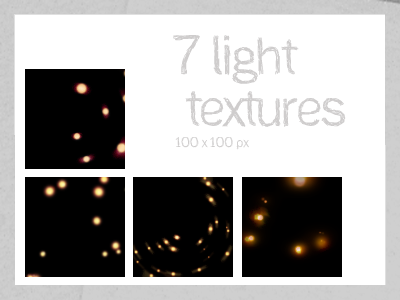
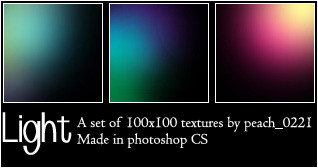
Just a (very) small batch of icon-sized light textures, I was experimenting
All were made in Paint Shop Pro X.
Related content









Comments: 32


These are lovely. I will credit you when I use them - thank you!
👍: 0 ⏩: 0


thanken you very much *goes to download button*
👍: 0 ⏩: 0


thanks! hope you enjoy them
👍: 0 ⏩: 0

Wow, these are fantastic. Hope you don't mind, but I'm downloading *snags* and I'm definitely crediting you. ^^, Gracias.
👍: 0 ⏩: 1
Thank you! Can't wait to see how you use them ^_^
👍: 0 ⏩: 0


Hee! Thank you for the fb!

👍: 0 ⏩: 0

Those are very pretty. ^_^
Are these compatible with PS7? I just want to make sure before I download. 

👍: 0 ⏩: 1
Thanks
These should be compatible with any image program as they're all jpg files. Alls you have to do is extract them from the zip file, open them in your imaging program, and voila!
Enjoy!

👍: 0 ⏩: 0

Thanks! *blushes*
👍: 0 ⏩: 1

Thank you, glad you like them
👍: 0 ⏩: 0

*poke poke* Awww... pretty and shiney.... how did you do it?
👍: 0 ⏩: 1
Hehe, thanks!
Made these in Paint Shop Pro X and the steps went something like this:
1. start with a black background
2. use round, soft brushes with bright colors and play around with shapes and designs, seeing what works best
3. go nuts with the blur tool (I stuck with motion blur and gaussian blur for the most part)
And that's pretty much it! Alternately, instead of a round brush, I used the circle making tool on some of them (this gives you sharper circles)
👍: 0 ⏩: 1
Oooh. Maybe I'll try it one day. =]
Very pretty.
👍: 0 ⏩: 0