HOME | DD
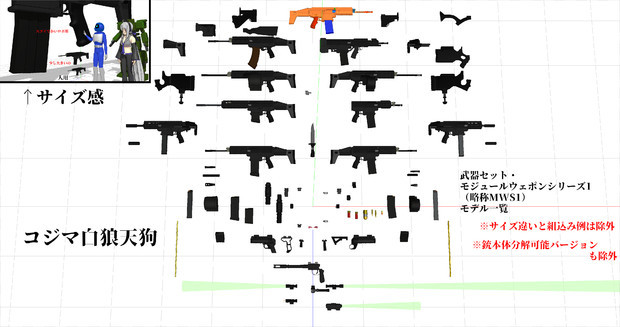
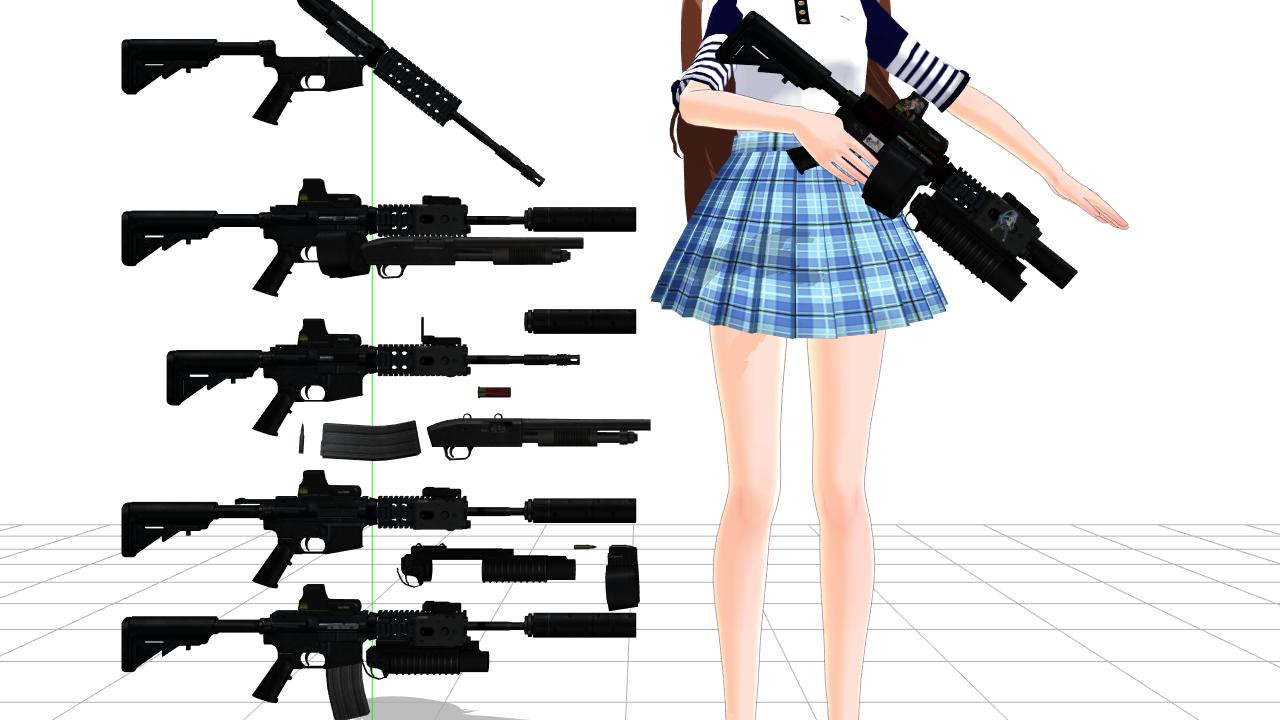
 devilkkw — [MANGA STUDIO] [COMIPO] HYP-Uni Weapons

#3d #anime #clod #manga #models #comipo #mangastudio5
Published: 2015-02-07 22:44:20 +0000 UTC; Views: 8742; Favourites: 76; Downloads: 0
Redirect to original
Description
© ClodModels credit to Their original autor's
Porting,Fixing and retextured by me.
Ready to use in mangastudio 5 and comipo!
Password for extraction: uniWep
Download Mangastudio: www.mediafire.com/file/qzzlr2h…
Download Comipo: www.mediafire.com/file/6w1zdg2…
SHARING IS PERMITTED ONLY WITH ORIGINAL LINK.
Related content






Comments: 16

👍: 0 ⏩: 0
👍: 0 ⏩: 0

What your tools for making this ?
Sorry my English is bad :v
👍: 0 ⏩: 0


extract compressed file in a folder you want.
for comipo use "import function" you found in "3d user data"
for mangastudio just drag extracted file in your spacework.
👍: 0 ⏩: 0

i already import it to user 3d data in comipo but it doesn't appear/not usable, other guns addons work.., please help? (sry 4 bad eng)
👍: 0 ⏩: 1


I can't import obj. files neither celsys character format c2fc for MS5, but I got it before. I have texture problems but I got it.
Can you help me?
👍: 0 ⏩: 1
What program are you using?
👍: 0 ⏩: 1
Manga Studio EX 5.0.5.
I can't click and scroll image jpg, png into the program .
I got it on MS EX 5.0.4 but I can't anymore.
I guess this problem is settings.
👍: 0 ⏩: 1
for image you need to use import function on the File menu.
this is the way:
start new project
go to FILE-->IMPORT-->IMAGE
slect your image then click OK
image now is showed in your layout,and you are able to move and resize.
if you want to add your image as material,when is selected go to EDIT menu, then click REGISTER AS MATERIAL and follow the step.
👍: 0 ⏩: 1
Ok, but the 3d material I can't import.
Fbx, obj, celsys format, nothing
👍: 0 ⏩: 0