HOME | DD
 digigamer — Infopad
by
digigamer — Infopad
by
Published: 2014-03-15 16:50:10 +0000 UTC; Views: 3367; Favourites: 13; Downloads: 810
Redirect to original
Description
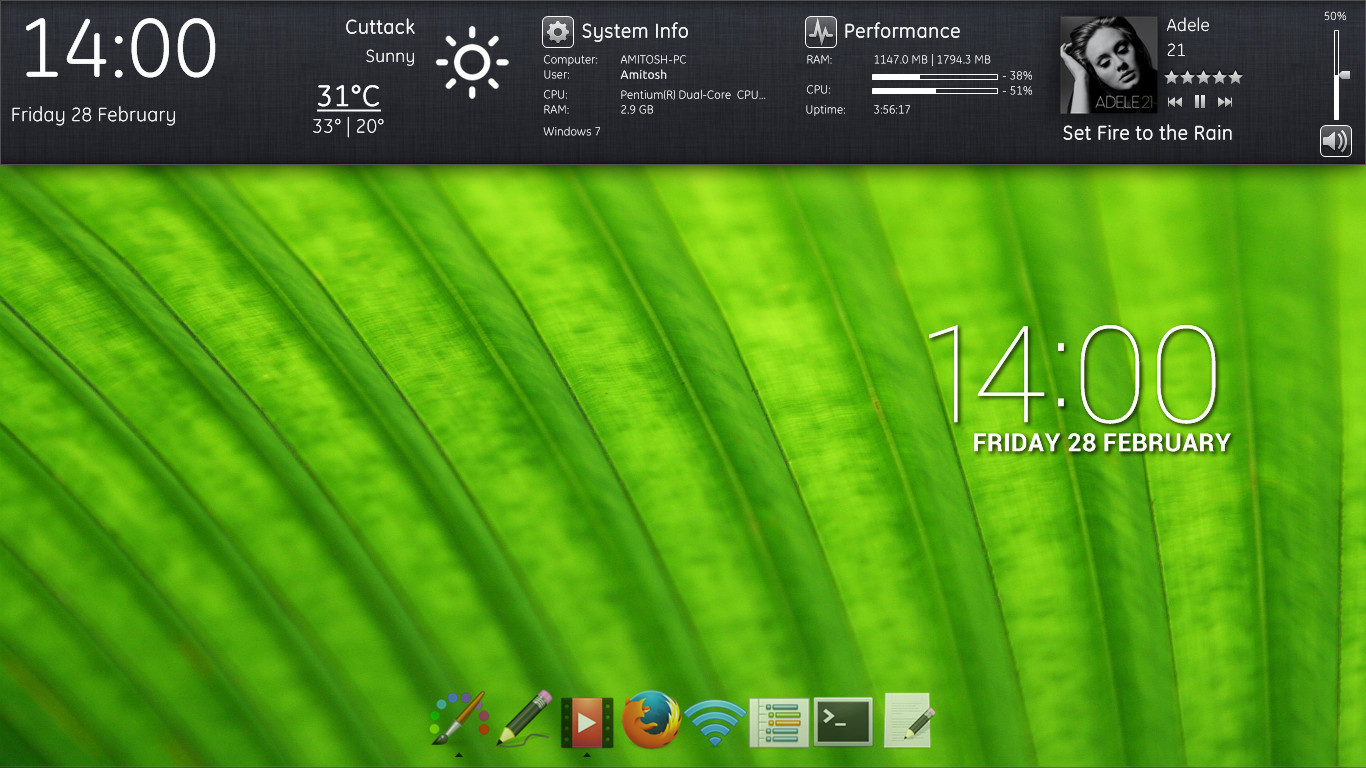
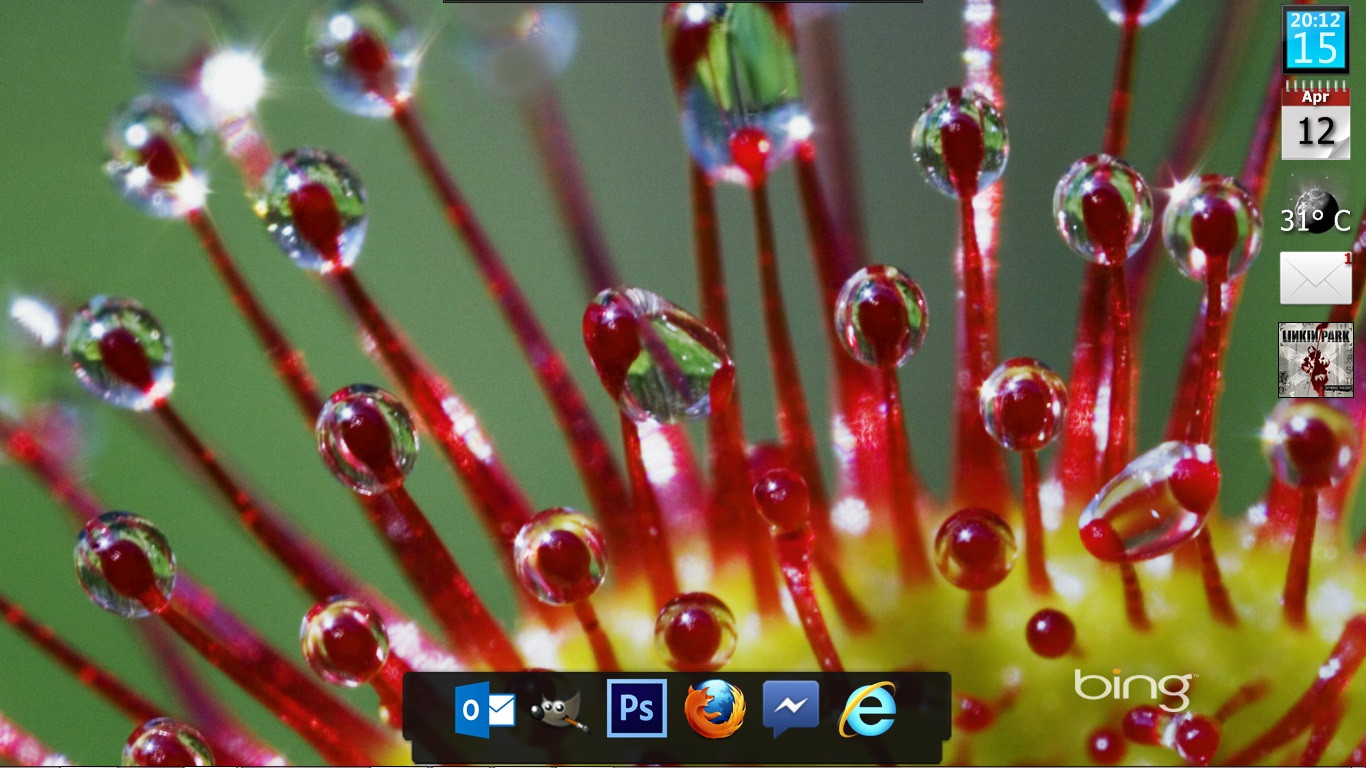
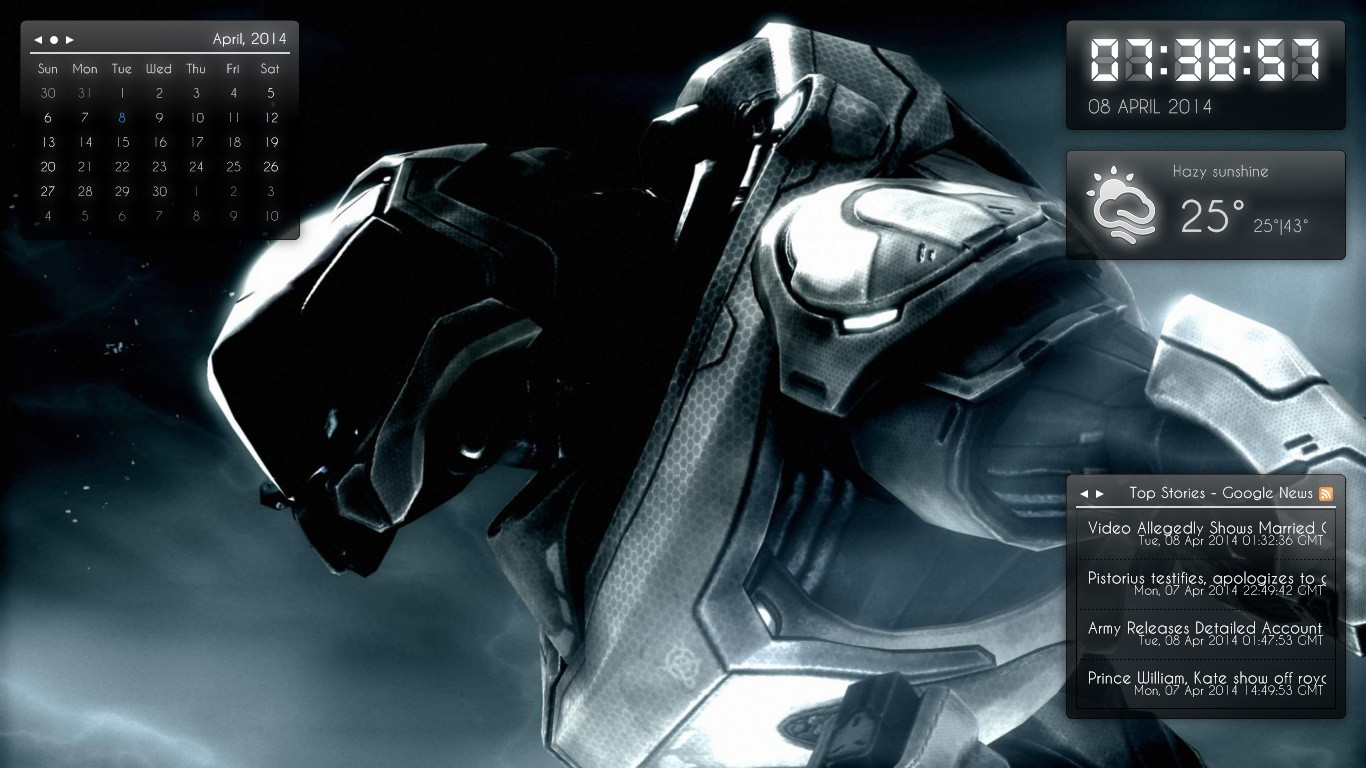
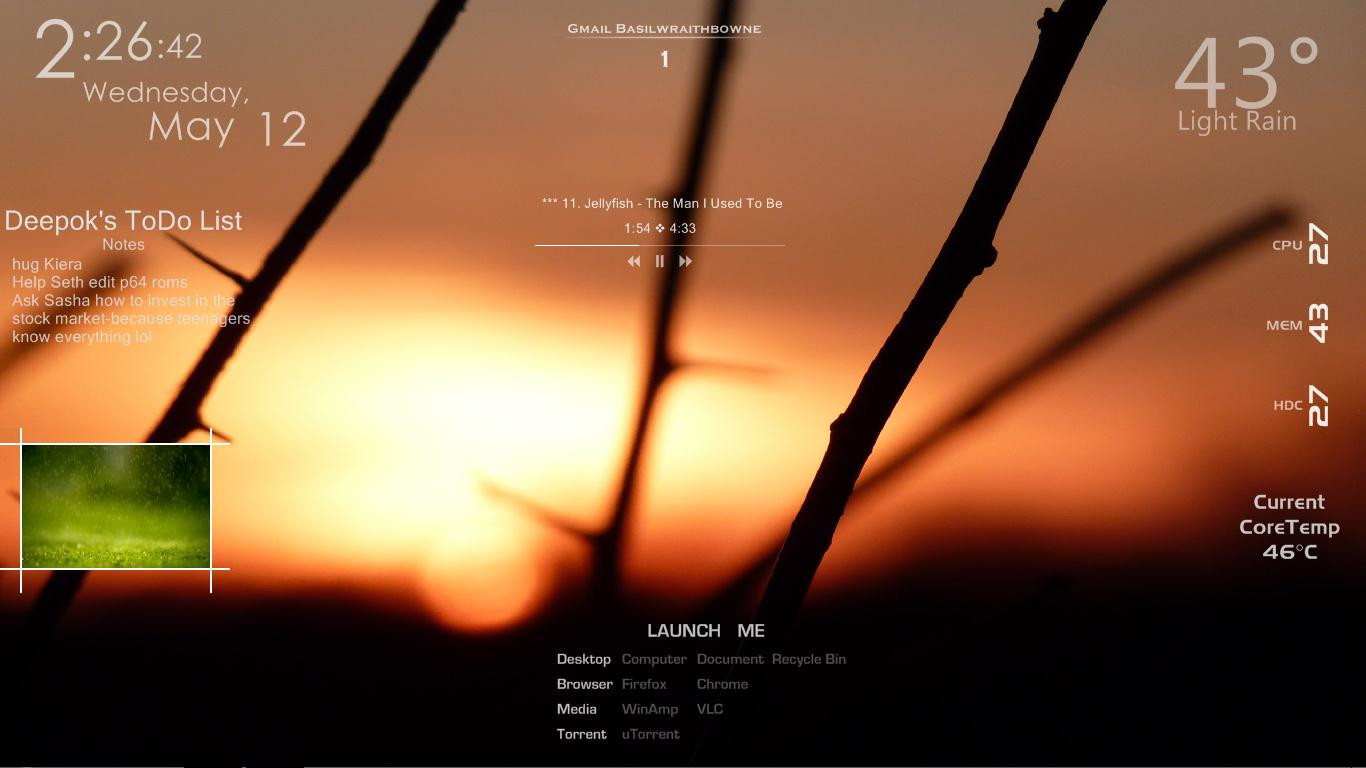
HUD like display that shows system info, date time, etc...Clock: fav.me/d63p8ar
Icons:fav.me/d5nh9xb
Related content











Comments: 6

I like the design concept.
It would be good if the widget matched the width of the target screen, it stops short just past half-way.
Although I don't see the volume slider on my screen. If I get a chance, I'll may try to figure out why. It does appear when I set the widget's zoom to 70% so it may be a positioning issue.
👍: 0 ⏩: 1

I'll check the code...
It should anyway... That's what I intended. But Can you tell me your screen size?
👍: 0 ⏩: 1
1920px across.
As your widget is 1366px wide, mathematically that's only 71%, but on the screen it looked less than that.
I'm not sure why the volume control element is not displaying. At 44px wide starting at 1306px, the volume is well inside your 1366px widget.
I see that you used:
WidgetPath.Width = ScreenWidth;
and
bg.Width = ScreenWidth;
to set to the screen width. I would have thought that bg.Width would have done it. But then, in something similar I did, I used a 'Slidepanel' component, and adjusted that via the 'Width' element.
So I am not sure at this point what is awry here.
👍: 0 ⏩: 1
Requireslittle more coding... XWidget's align doesn't work as expected.
👍: 0 ⏩: 0

