HOME | DD
 dpcdpc11 — Maverick Violet - PotPlayer Skin
by-nc-nd
dpcdpc11 — Maverick Violet - PotPlayer Skin
by-nc-nd
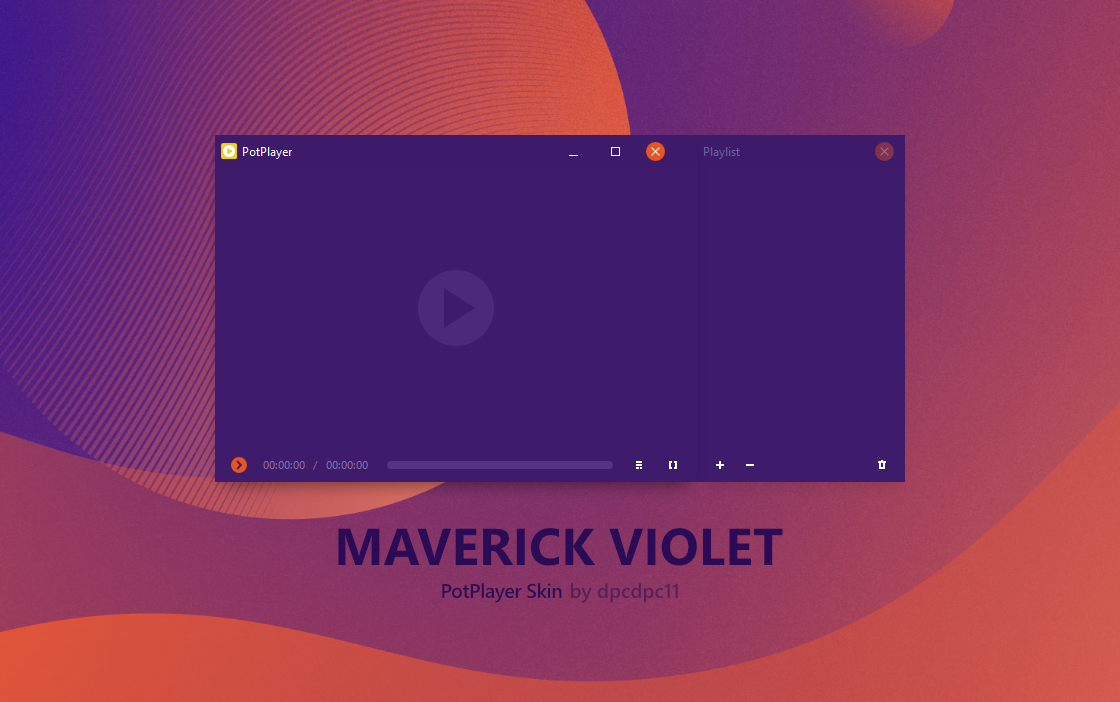
#mediaplayer #skin #violet #windows #potplayer #windows10 #potplayerskin #purple
Published: 2018-08-19 14:21:08 +0000 UTC; Views: 11661; Favourites: 40; Downloads: 900
Redirect to original
Description
UPDATE 2020.02: made the skin compatible with the latest version of PotPlayer which made the progress bar really small and unusable. Now with a few tweaks, everything works fine.A clean and minimalistic PotPlayer Skin to match my Maverick 10 Violet - Windows 10 Theme
HOW TO:
- copy the .dsf file inside the archive to your PotPlayer\Skins folder (which usually is c:\Program Files\Daum\PotPlayer\Skins)
- open PotPlayer, then right-click on the player window, then go to Skins and select the newly installed skin
SECRET COMMANDS:
- Right Click on the Play/Pause button: Stop Playback
- Right Click on the Current Time: Play Previous item
- Right Click on the Total Time: Play Next item
ENJOY!






