HOME | DD
 dvkndn — Color.COOL FINAL Version

Published: 2010-06-27 13:14:51 +0000 UTC; Views: 91386; Favourites: 206; Downloads: 28024
Redirect to original
Description
Updated 18.7.2010Like this? Oh.. I released COLOR.COOL VERSION 2! With all bugs fixed and NEW IMPRESSIVE INNOVATIONS! Let's view and download:
[link]
==========================================
WALLPAPER NOT INCLUDED 1.7.2010

Because today, the Author of this wallpaper write a note to reply me, that he NOT ALLOW me using his wallpaper in my skin

So sad.. But I respect him. I'll remove the wallpaper soon, so..
If you have an appropriate wallpaper, yours or someone's, please comment! ^^~
----------------------
UPDATED SERVICE PACK 1 28.6.2010
- Fix the black addressbar in IE
- Fix the VERY BIG AND WIDE menu in FF (not the same as normal, but now it smaller
)- Add glow and new font style and black color for the CLOCK!
- Startmenu now like the windows frame!
Just download and replace the old files to feel the changes!
----------------------
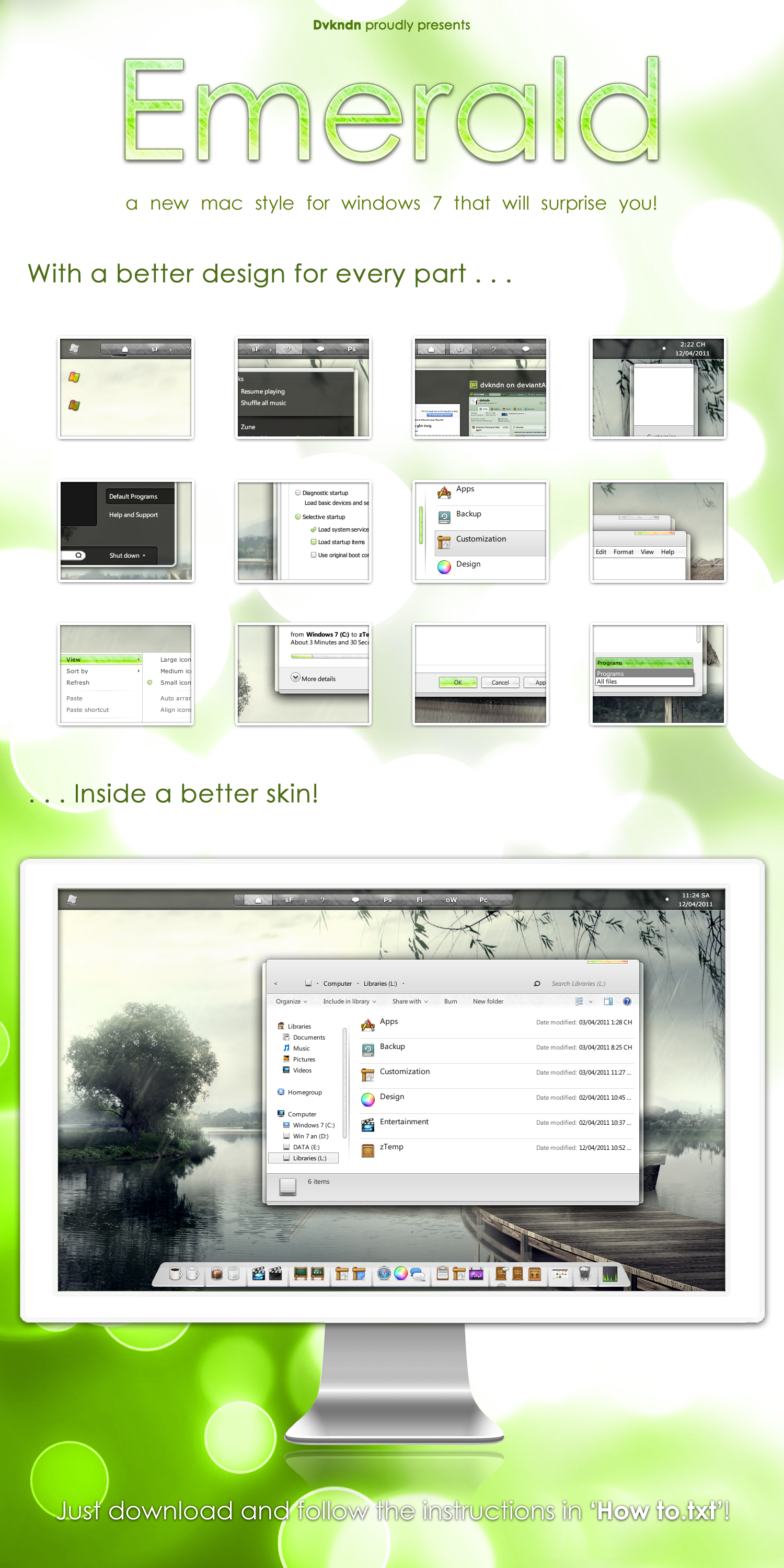
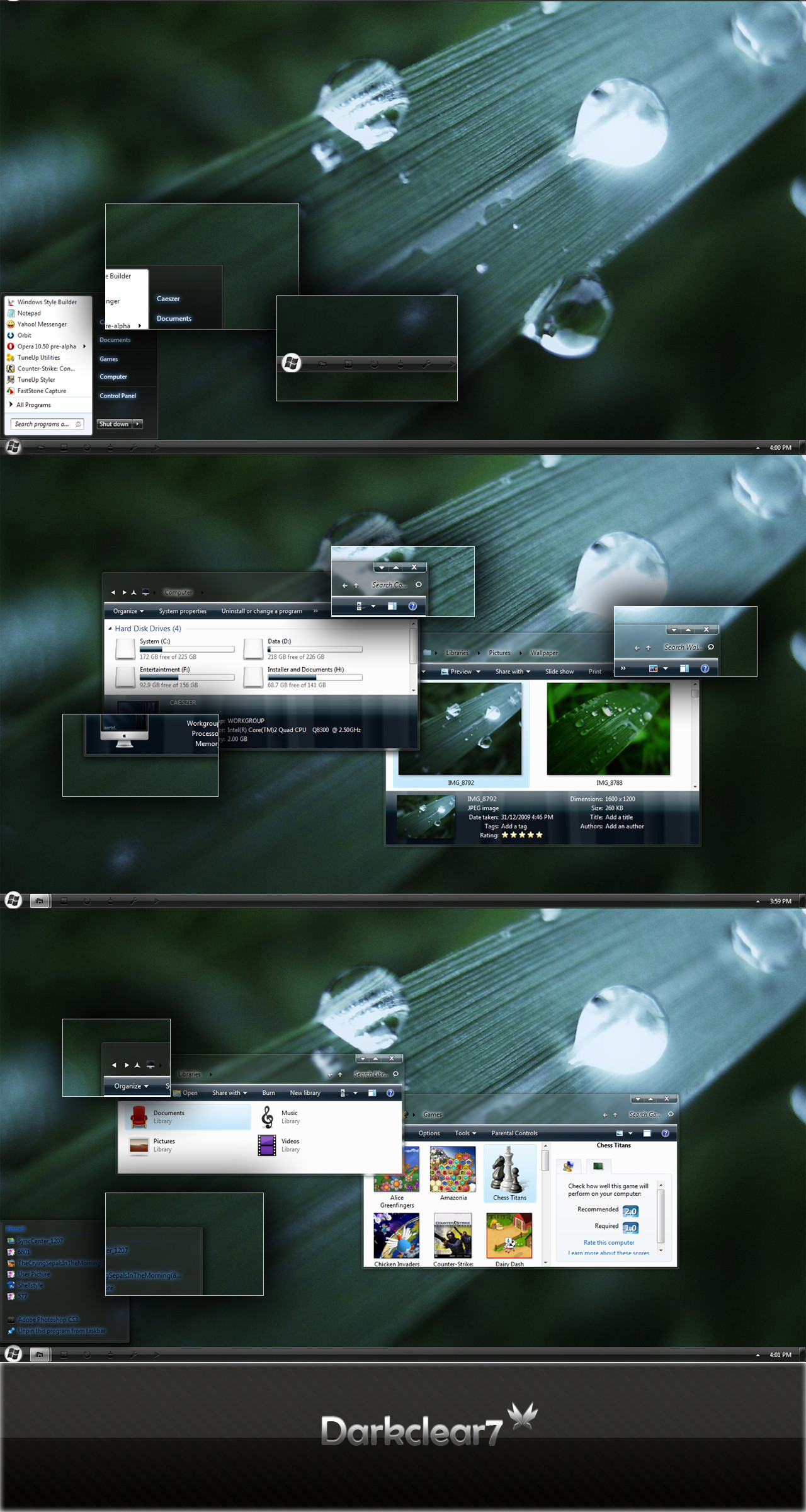
The Final version of the COOL SKIN ^^~
Read on the image for what's new!
All comments are welcome ^^~ and if you like this, add it to your favorites and be my watcher to be notified about my new cool skins like this!
I'm very happy to be friend with all of you! My Live ID is dvkndn@live.com and Yahoo!ID: dvkndn@yahoo.com.vn
-------------
Thanks for:
Wallpaper || icons || explorerframe.dll || explorer background || software to remove icon on titlebar
(lots of people help me ^^~ I love 'em :"> and I love you too if you like this!)
Related content






Comments: 191

Was the starbar and taskbar not changing ever solved? I cant seem to get over that
👍: 0 ⏩: 0


ừa 
👍: 0 ⏩: 1

ừm, nhưng nhìn vẫn thấy đẹp
👍: 0 ⏩: 0

Why it doesnt change my start button and bar? I have the same like in normal them

👍: 0 ⏩: 0


Like this: [link] In this shot there's centered explorer icons.
👍: 0 ⏩: 0
How did you managed to align to grid your icons in your explorer window?? And is it possible to center those icons??
👍: 0 ⏩: 1
Right Click ~> View ~> (uncheck) Auto arrange
👍: 0 ⏩: 1
Ok, that's not possible in windows 7, only in desktop there's auto arrange, not in windows 7 explorer
👍: 0 ⏩: 0

1. find my latest skin (color.wood), there are tuts inside
2. find the help on above comments, someone ask before
👍: 0 ⏩: 0

Awesome skin, cant seem to get the task bar replaced though
👍: 0 ⏩: 0

OUahouuuu, Very good, Great Theme for Win 7 !!
Thanks for us to create and share it !!
From Madagascar
👍: 0 ⏩: 1


i did what was supposed to install and apply the theme. And it does not work. The start button is nothing like the picture, so is not the windows or ANYTHING.
👍: 0 ⏩: 1
Oh.. I'm so sorry about that.
Did you install the Uxtheme patched? or maybe your computer not support aero.
And the start button not go with the VS, check the link on the description maybe help you
👍: 0 ⏩: 0

There is a help file in this pack
👍: 0 ⏩: 0

I like it very much, but Do U have file "explorerflame.dll" for x64? Thanks !
👍: 0 ⏩: 1
Oh.. You can find it in Color.COOL version 2 (checkout my gallery ^^~)
👍: 0 ⏩: 0

Oh, you should go to the final version (link on description)
👍: 0 ⏩: 1

Is there a fix to remove the white shadow around the clock. It makes it extremely hard to read when using Aero and a dark background, especially as the font is so small. Here's a screenshot: [link]
👍: 0 ⏩: 1
Hem.....
You could fix it in WSB, but if you just a normal user, you could find them in personalize ~> Window Color ~> Advance Settings
👍: 0 ⏩: 1
Find it on Google and Buy it 
👍: 0 ⏩: 0

Bộ icon cho folder ở hình đầu là gì vậy bạn? Sao 0 thấy có ở trong bộ icon mà bạn đưa?
👍: 0 ⏩: 1

👍: 0 ⏩: 1
I really want to run this theme on my machine, however I'm having trouble loading it properly. My files are all patched but for some reason when I go to select the theme, it only runs for a few minutes and then Aero becomes disabled (sometimes the screen goes completely black). It's telling me the theme is incompatible with Aero. How can I fix this?
👍: 0 ⏩: 1
Never mind. I forgot to replace the explorer .dll file. It looks beautiful on my widescreen LCD.
👍: 0 ⏩: 0

awesome!! 
Just a question one of my friends doesnt have "allign to grid" in the Win7 view options (excepts the desktop), i have these options but i dunno why..
Do u know if there is a way to enable them?
👍: 0 ⏩: 1

The 'align to grid' option also not avaiable if you group your files and folder
Gud luck!
👍: 0 ⏩: 0

Awesomeness.
Didn't know the final was realesed. xD
Didn't see it D:
Still freaking awesome though. You're viet too? xD
I also overlooked that DX
👍: 0 ⏩: 1
| Next =>