HOME | DD
 E-MC-2 — Win7 Run Box Color Change StyleHack

Published: 2012-09-05 16:46:55 +0000 UTC; Views: 931; Favourites: 2; Downloads: 111
Redirect to original
Description
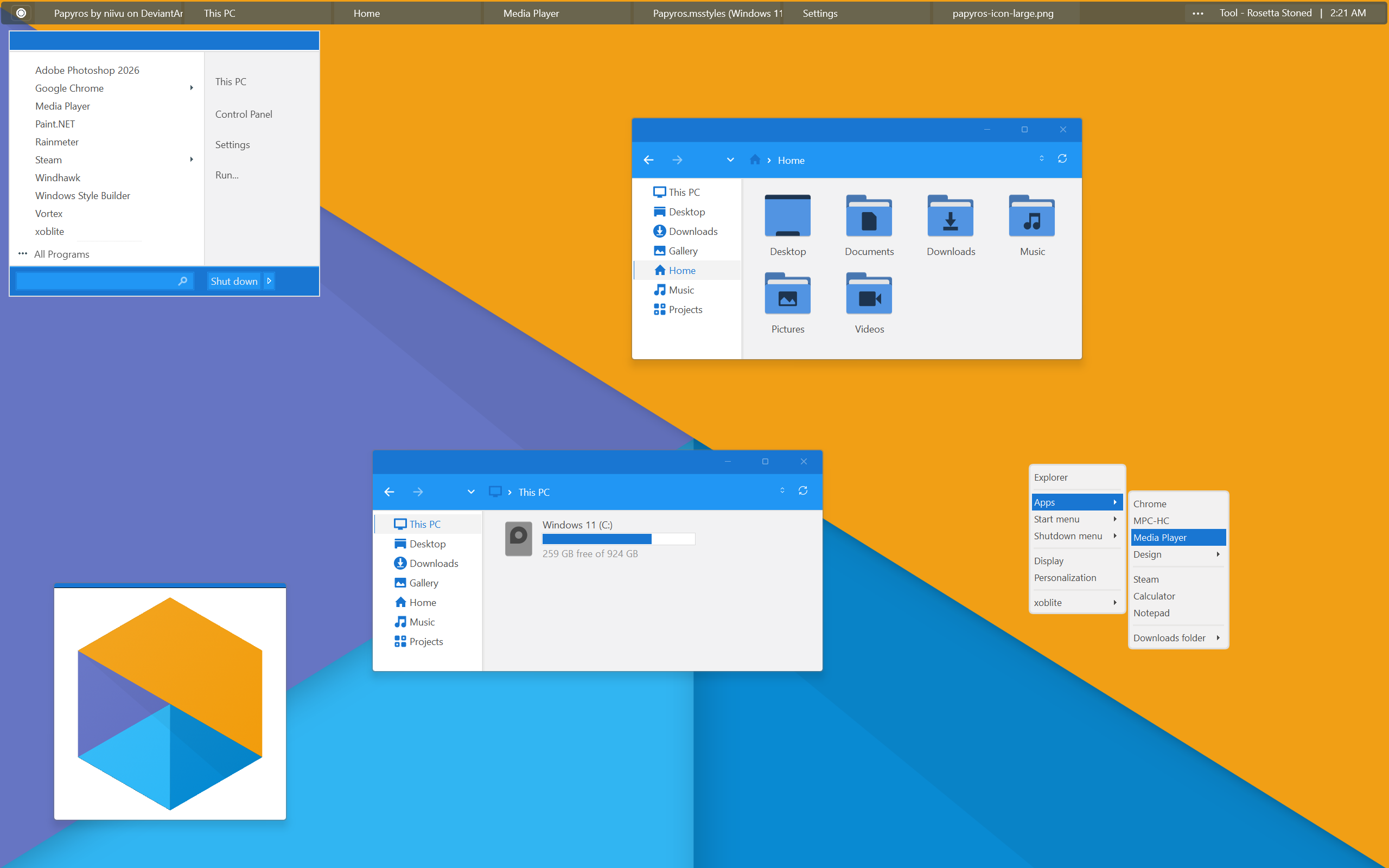
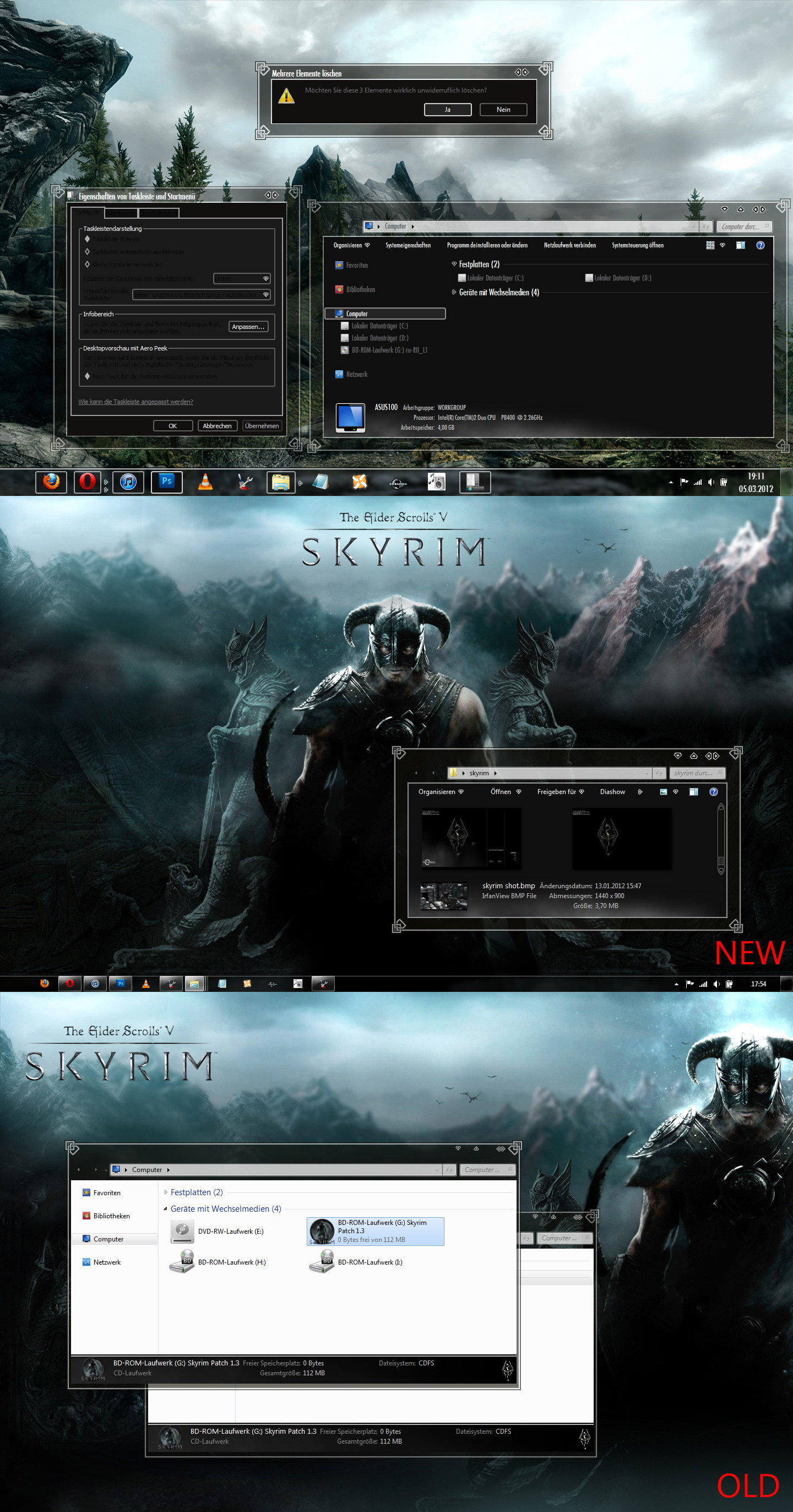
Run Box Color Change StyleHack .... Preview Is Just An Example4 Things To Check / Modify ... After Applying StyleHack
1)
Fonts, Colors & System Metrics > Fonts & System Metrics> BtnFace:Color
1) (Choose Color )
2) The Stylehack Adds A Graphic... Remember To Remove FillColor... From Remove Property
2) You have to delete FillColor:Color By Hand...
Explorer & Shell > Shell > TaskDialog > PrimaryPanel >
2) ( Remove Property..... FillColor:Color )
3
Explorer & Shell > Shell > TaskDialog > ContentPane
3) Change FillColor:Color To Whatever Color It Needs To Match...
Same Color As BtnFace Color From 1)
4)
Explorer & Shell > Shell > TaskDialog > FootNotePane
FillColor:Color