HOME | DD
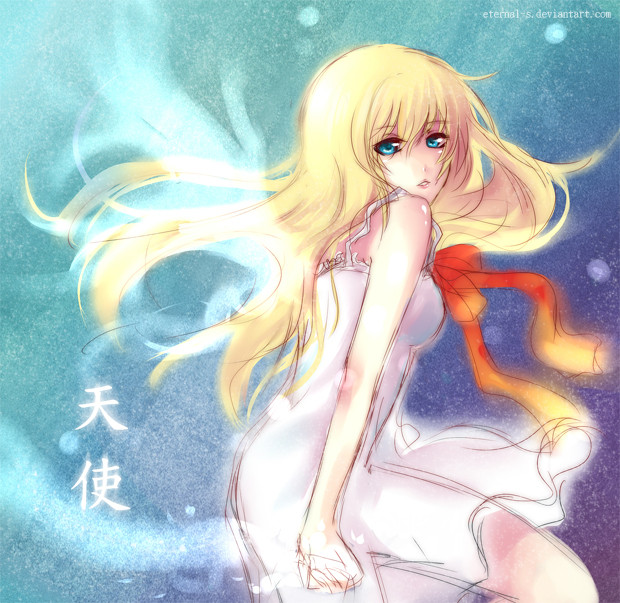
 Eternal-S — Colouring manga Tutorial

Published: 2009-08-21 20:48:25 +0000 UTC; Views: 84392; Favourites: 1867; Downloads: 2054
Redirect to original
Description
blaaBwaahahahahhaha here is my USELESS tutorial OTL it work with sai and photoshop too C=FIRST YOU CAN DOWNLOAD THE TRIAL VERSION OF SAI here > [link]
Oh Yeah , download it for bigger size C=
Well hum if you have any question just comment here and I will reply asap C=.
The finish art : [link]
Related content





Comments: 93

kagskdghiadufihakfhsjgsad!!
I LOVE YOU SO MUCH!!
👍: 0 ⏩: 0


This is such an awesome tutorial... it realy helps! ^w^
But... My Water 10 - Tool is just for blending, why can yuo use it as a color-tool and me not? <.< that's confusing, could you please help me?
👍: 0 ⏩: 0


I NEED to learn drawing both anime and manga I NEED IT
👍: 0 ⏩: 0

oh gosh oh gosh!!!!! I finally learn how to draw clouds~ tysm 
👍: 0 ⏩: 0

LOVE IT!!!! I think I'll try the tutorial, since my way of coloring is very sucky. 

👍: 0 ⏩: 0

thank you so much for the backround tips and other stuff really helped me <3
👍: 0 ⏩: 0


Great tutorial. I don't have photoshop so it's nice to see a tut for Sai. 
👍: 0 ⏩: 0

OMG this really helps me~!! I LOVE YOU~!!
(and im not les 
👍: 0 ⏩: 1


I got the Sai trial version(hoping to find a link to a free full version) and i can't find water 10 ? is that only on full version?
and also how do you get your lines so straight and neat for lineart?
i heard you should use quick strokes but i tried and there coming out the same D: am i still doing something wrong?
sorry im so bad at digital coloring, but your tutorial really did help, especially with the sky part~! lovely~!
👍: 0 ⏩: 0


👍: 0 ⏩: 0


This is really helpful, thanks so much! ^^ But...ah, what is "water with drop?" xD *idiot*
👍: 0 ⏩: 0


I am new too sai and am failing LOL xD ty for the help ^^
👍: 0 ⏩: 0

This has been very helpful! Of course my clouds arn't as good as yours but thanks to your tips they are way better than before!
👍: 0 ⏩: 0

thank you so much for the tutorial!! thank you!!!
👍: 0 ⏩: 0

Ahh such a good tutorial!
Used it here: [link]
THANK YOU! ^3^
👍: 0 ⏩: 0

how can i make the clouds look like urs but using photoshop cs 4?
👍: 0 ⏩: 0

Hey, I just wanted to say tank you for this, this fucking helped me doing my shit XD
I L U
👍: 0 ⏩: 0

I've got a question :3
what do you use to shade¿? I mean, what tool¿? do you go selecting all the colours to draw with the brush or do you use another tool¿?
👍: 0 ⏩: 0


Thanks to you, I finally figured out waht kinda background I'm going to use for my line art!! Thx! Great tutorial too!!
👍: 0 ⏩: 0

when u did the shading on the girl, did u use a really soft brush?
👍: 0 ⏩: 0

The bits about locking the opacity and the Gaussian blur were very helpful.
Thnak you! ^-^ <3
👍: 0 ⏩: 0

Luv this tutorial, it's great! And you draw Hatsune really pretty!
Keep doing!


👍: 0 ⏩: 0

OMG!!!! i learned something new!!!! YUKI LOVESSS UUU!! THX for the totally-awesome super-helpful-tutorial!!! i wanna show u a pic i made prettier with ur tutorial!! >,< XDDD
👍: 0 ⏩: 0

THANK YOU
This is going to be very helpful.
Just got to get Sai now xD
👍: 0 ⏩: 0

Thanks, this really helped me. I love the pen tool in SAI.
👍: 0 ⏩: 0

aww
for some reason when i got paint tool sai i didnt get the water or pen tool,,
why nott?

👍: 0 ⏩: 0

It's neat seeing how you cg clouds *_* I'll have to use this to pick up a few pointers! xD
👍: 0 ⏩: 0


Thank you so much~ this is very useful! <:
However, there is one thing that I'm confused about. ;_; How exactly do you add the base colour to your lineart? I tried MAGIC WAND TOOL, then bucket...however...I tend to use 0 pressure alot, so it won't select the portion I want to colour
Right now, I use select tool...bucket, then erase everything that's in the way. It's far too time consuming for me, I want to learn another way that's more effective and convenient.
Thanks~
👍: 0 ⏩: 1

ah I just color on a new layer with the pen tool ( using my tablet ) then erase the part which are outlines . ~ er...like you are coloring a drawing with pencil color XD
Once you are done with the base color , it will be more easier for the shadow since you color on the base color xD
👍: 0 ⏩: 0


What. Wait..
You have adobe photoshop elements 7?
I just started drawing on it and i have no idea what to dooo... ;__;
So.. Yea. >W>;;;
👍: 0 ⏩: 1
nope i use paint tool sai and photoshop cs 3
👍: 0 ⏩: 0

Hya~ I sketched my own picture of Miku the other day, and am coloring it right now using some of the tips in this tut. This is amazing~ * A*
👍: 0 ⏩: 0

woa that was actually really simple to read and reallly helpful 
👍: 0 ⏩: 0

Oh this is great, thanks! But what's the Water 10 Tool? I looked for it but I only have the Water Tool which looks different from the 10 Tool on the screencaps you took :S
👍: 0 ⏩: 1
ah? it's a tool with "10" in it >//<
👍: 0 ⏩: 1
| Next =>