HOME | DD
 FireworkProdz — Disaster Tumblr Theme

Published: 2013-01-30 02:20:10 +0000 UTC; Views: 2295; Favourites: 23; Downloads: 0
Redirect to original
Description
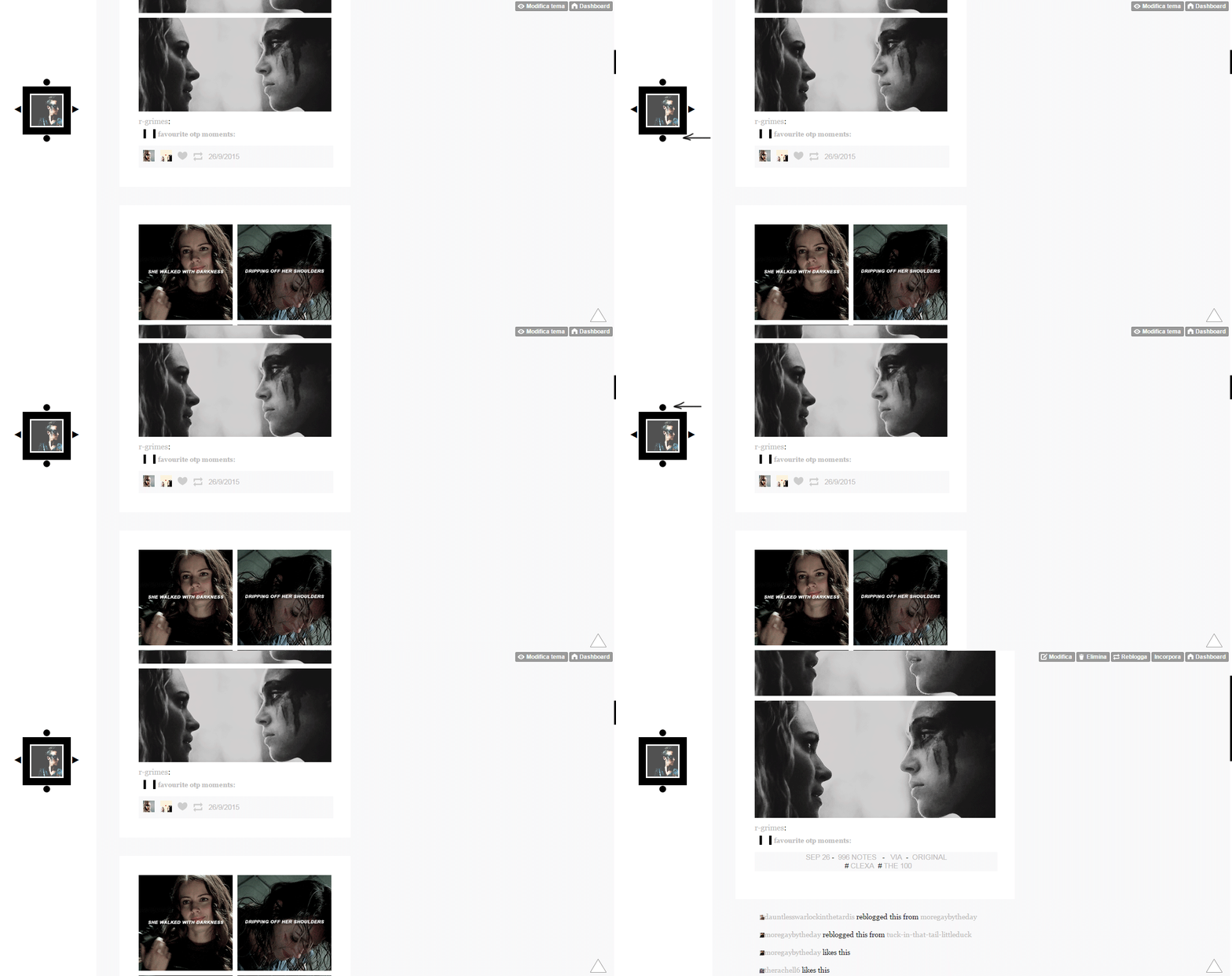
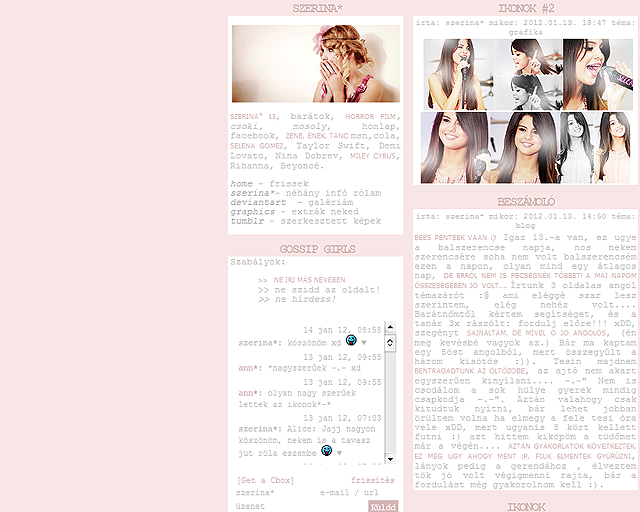
Complete MegapackCode || Preview
Payment is optional! And only in deviant points, I set the price on 20 points only but you can give me less or more than that, it's up to you. My themes ARE FREE to use, infact the link to get the code is still available (as you can see), so don't feel like you must give me points, do it only if you want to (as I said already, IT'S OPTIONAL)
- Customizable colors
- Customizable fonts
- Background & Sidebar images upload options
- Title can be showed or not
- Blogroll can be showed or not
- Blogroll is showed in a pop up window (clicking on the Blogroll link in the navigation)
- Players option (Billy Player & SCM Player only)
- Codes for the player can be added in the respective space
(if you use the Billy Player remember to uncheck the other player, the SCM player, and vice versa)
- Hit Counter & Users Online scripts options
(codes can be added in the respective space)
- Disabling right click option
- 6 extra link to add to the navigation
- Optional text (see in the preview what it is)
- Ask box shows in a pop up window
To make the pop up window for the ask box work you have to add the url of your blog where there's the space:
URL
In the customize theme page.
Related content










Comments: 10


How to add Music? 
👍: 0 ⏩: 1

You have to create a player on www.sheepproductions.com/billy… or on scmplayer.net/ the first one is the website to create the Billy Player and the second one is the website to create the SCM Player
If you create the player on the Billy Player website you put the code you'll get on that website in the bar next to the "Billy Player" option
If you create the player on the SCM Player website you put the code you'll get on that website in the bar next to the "SCM Player" option
For "bar" I mean the bar on your right on the customize page of your Tumblr blog, here: 1drv.ms/1g75vTO (sorry for the low quality but I didn't install a screen capture program yet, I just got my computer back, it was broke)
👍: 0 ⏩: 1
And thank you! I'm glad you like it

👍: 0 ⏩: 0


I love it! I used here [link]
Follow me? And I follow you c:
👍: 0 ⏩: 1
I'm glad you like it
And yeah, I followed your blog on Tumblr, I'm thearmyinside there [link]

👍: 0 ⏩: 1
I follows you♥
👍: 0 ⏩: 1
Thanks, and thanks for the favs and the watch too
👍: 0 ⏩: 0