HOME | DD
 hekee — Hi-Tech HUD (BLUE)

#hud #animations #blue #customization #futuristic #hitech #rainmeter #skins #windows
Published: 2015-06-02 19:32:11 +0000 UTC; Views: 97494; Favourites: 165; Downloads: 15833
Redirect to original
Description
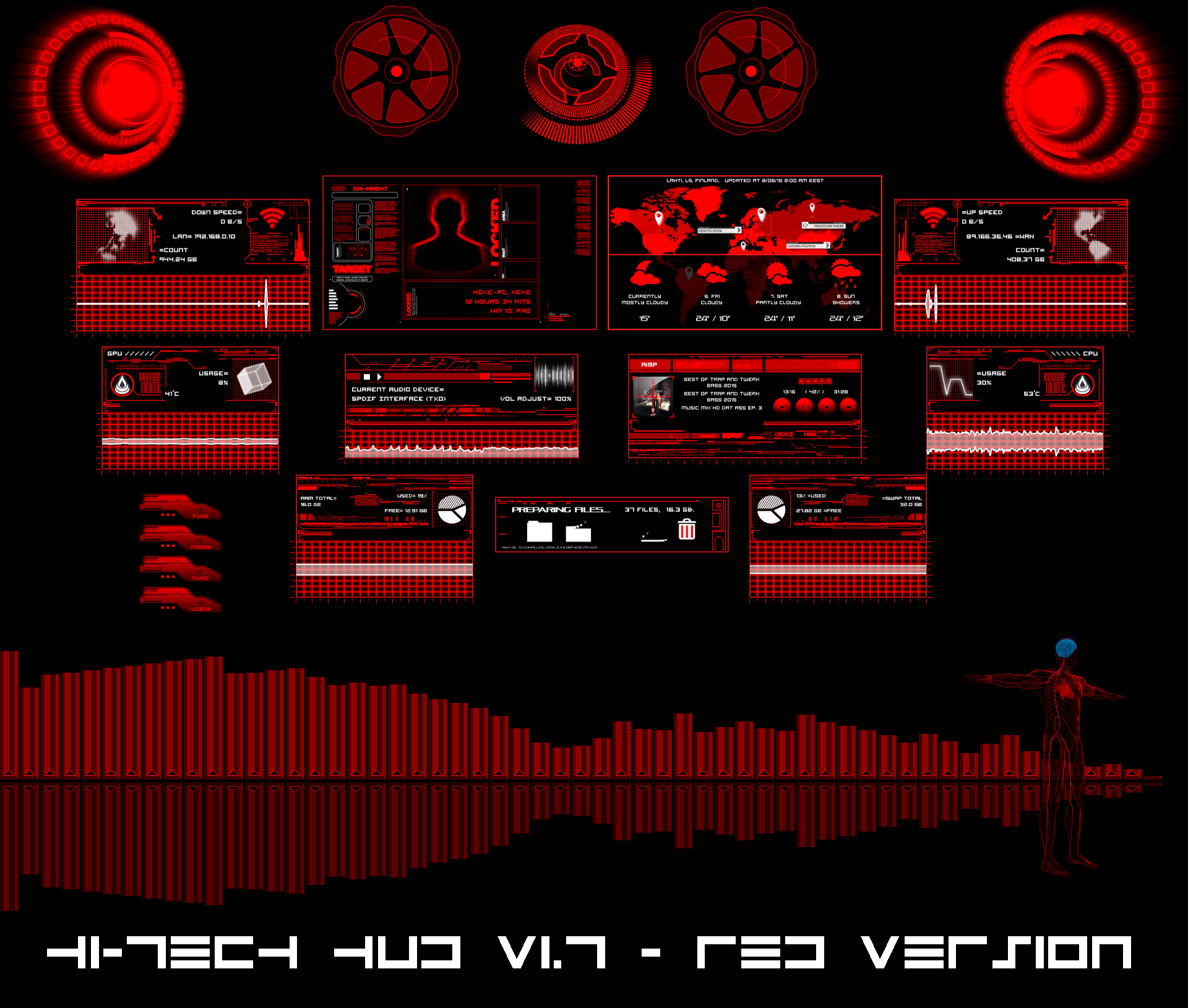
- Red Color
- Green Color
If you have any questions, I will gladly answer them.
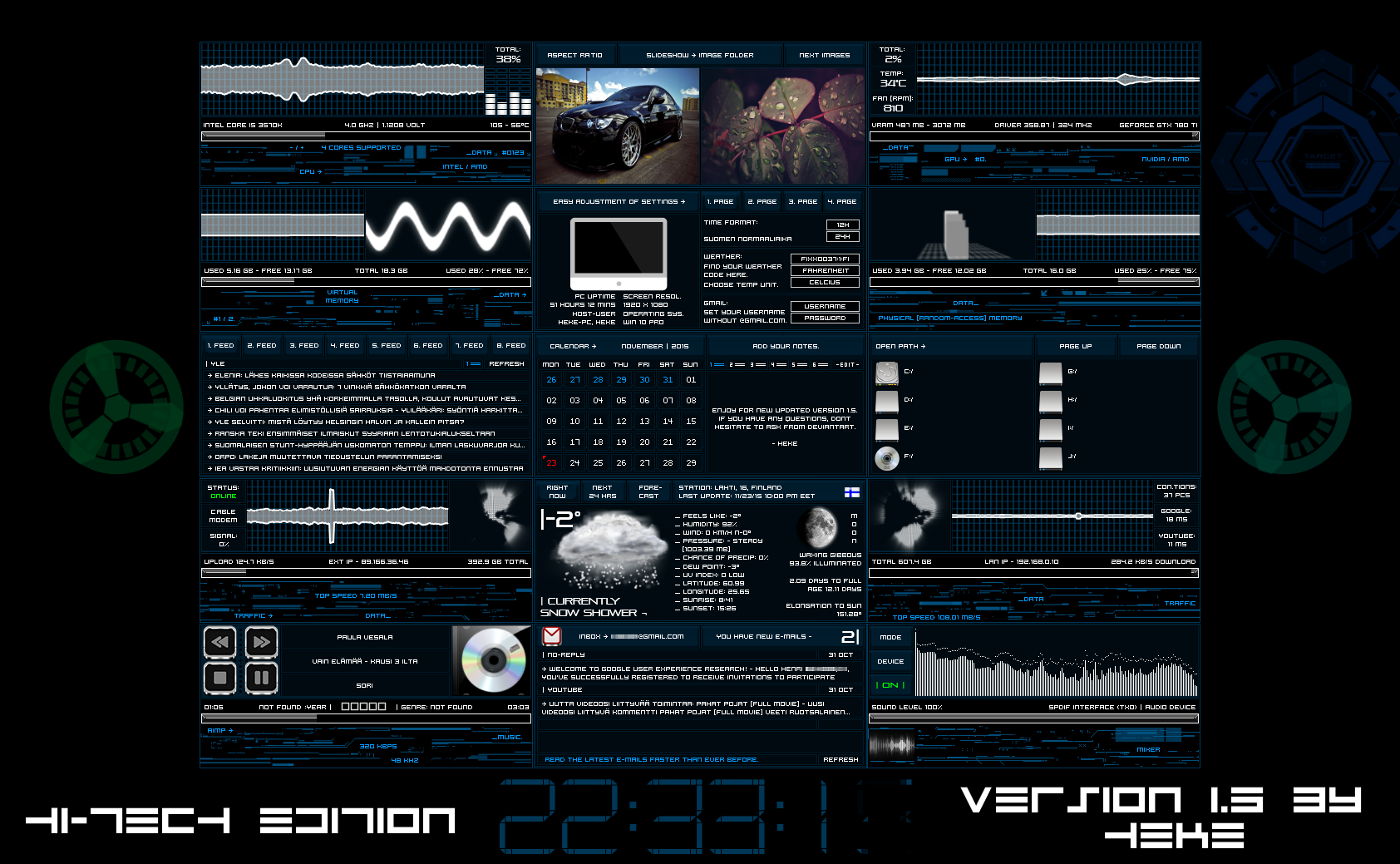
the suite contains the following kind:
¬ Bin
¬ Circular
¬ Cpu
¬ Download
¬ Fans (Right and Left)
¬ Folders (Music, Images, Files and Videos)
¬ Gpu
¬ Human
¬ Weather and Animated Map
¬ Player
¬ Ram
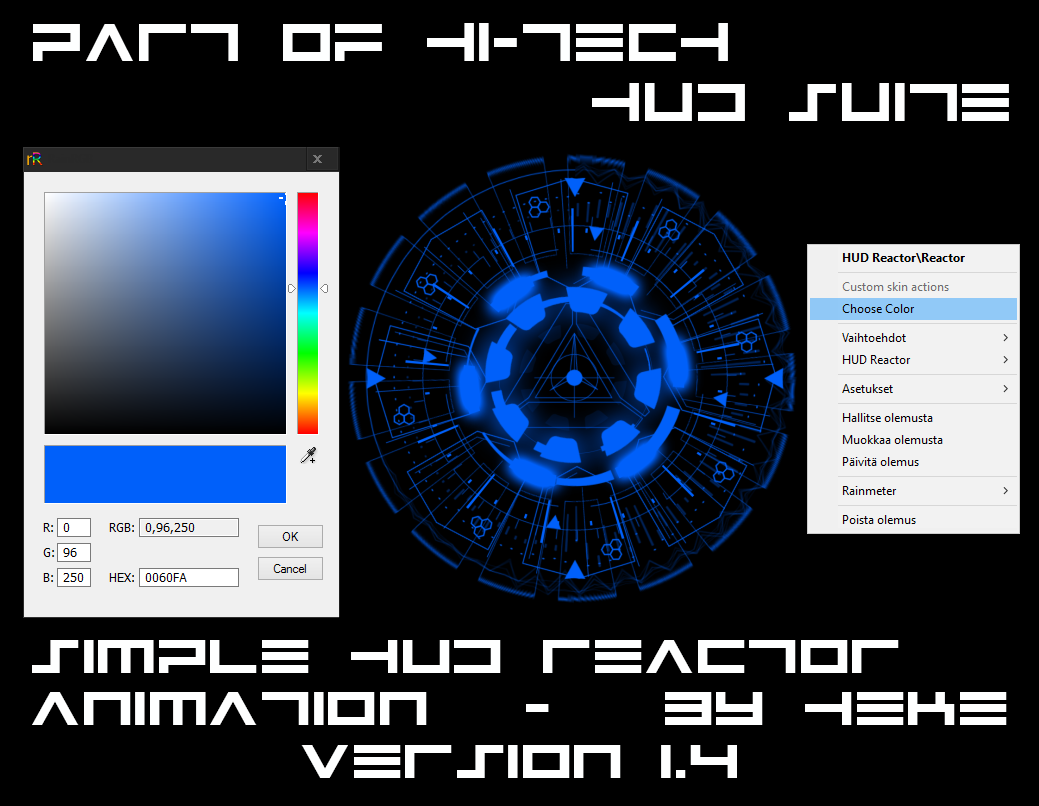
¬ Reactor
¬ Speakers (Right and Left)
¬ Swap
¬ Upload
¬ User
¬ Visualization (x1080 or larger and smaller for all resolutions)
¬ Volume
To make the GPU to properly work you'll need MSIAfterburner.dll by Stangowner's
and Unwinder's Msi Afterburner program. Also you need coretemp program for cpu.
As always install the fonts, set your player, upload/download max speed value and weather location.
Comments are welcome.
ChangeLog:
v1.7
-Added folders (music, images, files and videos) -skin.
-Changes were made to swap and ram -skins.
v1.5
-Added green version of Hi-Tech HUD -suite.
-Added red version of Hi-Tech HUD (Blue) -suite.
-Added visualization for x1080 or larger and normal size (for all resolutions), each version
center/in the lower/the upper box.
-Changes were made to player, gpu, fans and weather/animated map -skins.
v1.2
-Added Reactor .
v1.0
-First version.
Related content




Comments: 43

👍: 0 ⏩: 0

👍: 0 ⏩: 0

👍: 0 ⏩: 0

👍: 0 ⏩: 0


C:\Program Files\Rainmeter\Plugins
👍: 0 ⏩: 0

I had a problem with Spotify, Once I completed changing the music player it doesn't shows the Spotify is playing but when I press the Play or Stop button, my music stop as if its working fine but doesn't shows that I'm playing a song, any ideas to fix this?
👍: 0 ⏩: 1
The skin dont support spotify player, thats why... sorry.
👍: 0 ⏩: 1
Oh, would the Windows Media Player works? Thanks for letting me know.
👍: 0 ⏩: 1
Yes, It will work... I use Aimp player myself.
👍: 0 ⏩: 0

Is nice to see these sort of futuristic graphics.
👍: 0 ⏩: 1


what i have to do to use this skin? It's the first time i use the rainmeter
👍: 0 ⏩: 1
Install Rainmeter and after that download this upper right corner, then install hi-tech_hud_blue_by_hekee.rmskin.
These will get you started and I also recommend to read this .
👍: 0 ⏩: 0


Everything works except the GPU and CPU temperature. I've downloaded the necessary programs and plugins and installed them but it didn't change. Any suggestion on why this is?
👍: 0 ⏩: 1
Do you have the same problem with some other skins? Because I have no idea what's wrong. I just double checked and everything is working fine.
👍: 0 ⏩: 2
Nevermind, I just found a fix for AMD APU's for coretemp, now everything works fine.
👍: 0 ⏩: 0
Yes just checked and the problem is CoreTemp. For some reason it refuses to give the right temperature but my other application (HWmonitor) works fine. Coretemp keeps saying that my temperature is 0°C...
👍: 0 ⏩: 1
FYI
I'm running Windows 10 on a laptop with AMD A10 APU 2.31 GHz quadcore, and AMD RAdeon HD 7660G +HD 8600M Dual Graphics
👍: 0 ⏩: 1
You should try to ask for help HERE . They can probably help you with the problem or coretemp does not support some reason your hardware.
👍: 0 ⏩: 0

It looks really nice, but can you make a red version; as in changing the blue parts of the skins to like a bright red like the reactor skin?
Let me know if there's an easy way I can do it myself, if I can save you some time and effort.
Thanks,
Prime
👍: 0 ⏩: 1
Thank you!
There is no easy way and I don't make any promises, but I still look into it.
👍: 0 ⏩: 0

how do I make it so the temperature is in Fahrenheit?
👍: 0 ⏩: 1
From options.inc you need to change line "m&dayf=6" to "&dayf=6".
👍: 0 ⏩: 0


Awesome. One of the best skins Ive seen. Thanks for all your work.

👍: 0 ⏩: 1


When I tried to download it before,it would not.
I just tried it again and it did...excellent program...worth the wait.
👍: 0 ⏩: 0