HOME | DD
 HetaGarnet — Shimeji Evolution

Published: 2012-09-03 04:04:42 +0000 UTC; Views: 1769; Favourites: 18; Downloads: 8
Redirect to original
Description
If you read that whole thing, I love you.If you download my shimejis... Well, same thing goes. Heck, I love everyone.
Anyways, school is starting and I'm really bummed. I don't even get my school laptop yet so I can't draw on it during class. I'll have to draw on... paper....
The fact that tons of other people are already in school is seriously messing with my notifications too. On all sites. I feel like there's nothing to do when I'm not drawing.
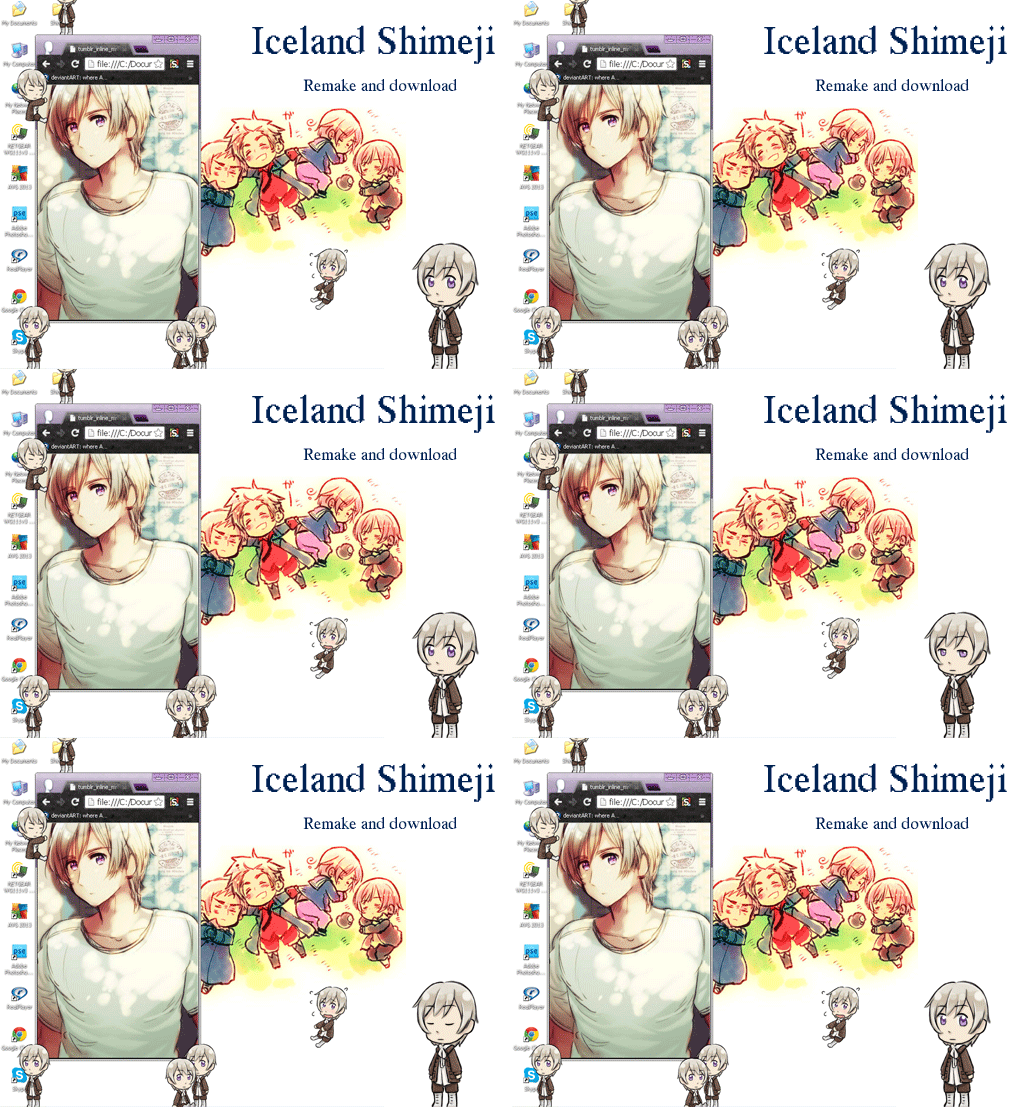
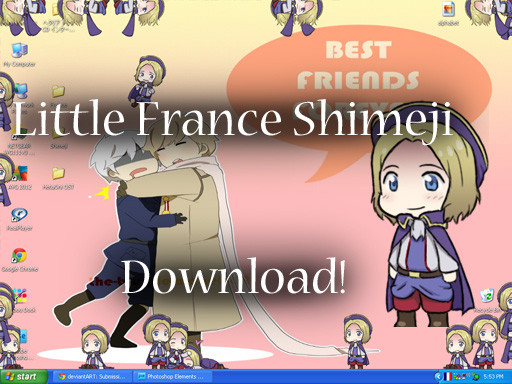
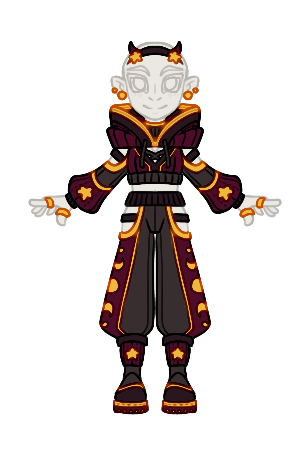
Looking at this big ol' thing and looking at my newer shimejis... My old ones are so far behind. Poor Ice is most of all. Alas... too many others I want to do first.
So... China is going well. Probably done in the next week or so. Oh! And I have the worst consistency ever. The very last base on that thing is for a new shimeji who is totally different from any of the ones on my possibilities list. I suck and fail, but I'm drawing what I want!
Edit: I forgot to add that Baby America was also the point where I started drawing and coloring at the same time.
Related content








Comments: 32

wow i never even though about using gradients! that would make my life sooo much EASIER! THANK YOU
👍: 0 ⏩: 1

I started out with everything gradient 
👍: 0 ⏩: 1
Which parts would you recommend never using a gradient on? (Or rather, which parts would look best with the gradients?)
👍: 0 ⏩: 1
I really couldn't tell you... I've gone from everything to nearly nothing... But I like keeping the gradient on the face because it's a little simpler for me than shading normally. Then for no gradient, I would say the clothes, because those can get the most detailed.
It's really all in your own opinion which looks better. There is no truly easier one.
👍: 0 ⏩: 1
Okay, thanks so much!
👍: 0 ⏩: 1

This is really great! Do you think you could do an actual tutorial with like progress screen shots and things? You did a really great job explaining things here that I think it would be good, only if you wanted to of course! But it's fun to see how your stuff has progressed especially since I love your shimejis XD. Keep on making them!
👍: 0 ⏩: 1
I thought about it, but there are other perfectly good ones out there... 
But now... I guess I do go about some things differently... You really think I should try that?
👍: 0 ⏩: 1
Well I love your style and all your shimejis are really cute, and I actually know of people who would definitely use your tutorial if you made one. It was just a suggestion though, it's up to you. And I know how much work tuts are too so I get how you wouldn't want to do one because of the time and effort XD. Thanks for the link though I'll give that a try!
👍: 0 ⏩: 1
Hm... Well I don't really mind if it's a lot of work. It's like the basic stuff I do in school for warm-up kind of things and I do like to share
👍: 0 ⏩: 1
Sounds good to me! Hope you have fun if you do XD
👍: 0 ⏩: 1
Yep! It's a way easier request than a whole shimeji too

👍: 0 ⏩: 1
Wow thanks 
👍: 0 ⏩: 1
I make them on photoshop. It's... photoshop elements 8.0, which came with my drawing tablet.
👍: 0 ⏩: 1
Hehe I have the same program! (yeah it came with mine too XD) I actually just started using it because I have Photoshop CS(1) with ImageReady but it's so slow that I needed to start using something else and I already had the program so no need to buy another! XD Elements for the win!
👍: 0 ⏩: 1
Sweet~! My school computer had CS 5 on it which I used for a little whole, but honestly... I'm starting to prefer elements! XD
👍: 0 ⏩: 1
Hehe I've used CS5 too, just for stamp making but it's weird :/ I prefer just using ImageReady for animating XD and I agree with you on using Elements there XD
👍: 0 ⏩: 1
I honestly don't know how to use anything but photoshop and even that I only know how to draw and edit pictures
👍: 0 ⏩: 1
I'm actually the same, it was just by fluke that I actually learned how to do the frame by frame animation thing and I can only make little gif things like the stamps or the icons, I actually only learned how to colour without having to colour manually and use gradients and stuff, honestly I don't think I'm doing it right anyway because it only works half the time ^.^'
👍: 0 ⏩: 1
lol darn... I'm pretty sure there's way better and more suited stuff for that kind of thing... Dunno what it is.
👍: 0 ⏩: 1
Meh I'm fine with ImageReady XD
👍: 0 ⏩: 1
I don't really know what that is... Whatever~
👍: 0 ⏩: 1
Its basically a toned down version of Photoshop XD
👍: 0 ⏩: 1
Ah ok. That makes sense... Like in what way?
👍: 0 ⏩: 1
Umm not sure of specifics but I don't think you have all the filters and layer options, its more meant for just editing than drawing or anything XD Adobe stopped making it after they started making Elements.
👍: 0 ⏩: 1
Aaaah I figured it was something like that. Interesting. I like what I've got better.
👍: 0 ⏩: 1
Basically XD. But it can animate stuff and Elements can't so that's why I use it and not Elements ^_^
👍: 0 ⏩: 1
Yeah, it's the dinosaur program to Elements basically XD
👍: 0 ⏩: 1
Funn~~ Don't think I'll be using it lol
👍: 0 ⏩: 1