HOME | DD
 KeybrdCowboy — Win7 Folder Buttons And Spacers For Quick Launch

Published: 2012-04-05 15:37:13 +0000 UTC; Views: 3633; Favourites: 4; Downloads: 265
Redirect to original
Description
 2 StyleHacks... Adds 2 Custom Buttons To Taskbar
Here is a link to an earlier version [link]

This Newer Version Looks Sharper And Is A Little Different
... The Chevron Is Transparent And 2 Custom Icon Taskbar Menu Folders Are Added During The Install
1 Matched Button... For Toolbar Apps 1 Matched Button... For Show Hidden Icons "Three Installs ( Black, White, Blue Buttons )" During The Install 2 Spacer Folders Are Added C:\user\Public\Misc\Blank1 C:\user\Public\Misc\Blank2 During The Install... A Custom Folder Is Added To The Taskbar ...See The Dark Blue Button ( Shown In Preview )
Instructions
Just Configure 2 New Toolbars And Use Them As Spacers See Spacer Preview Help Image.png ... To Get The Idea These Spacers Allow More Control ... Over The Location Of The Quick Launch Icons...
And Better Control... Over The Location... Of The Taskband Active Icons
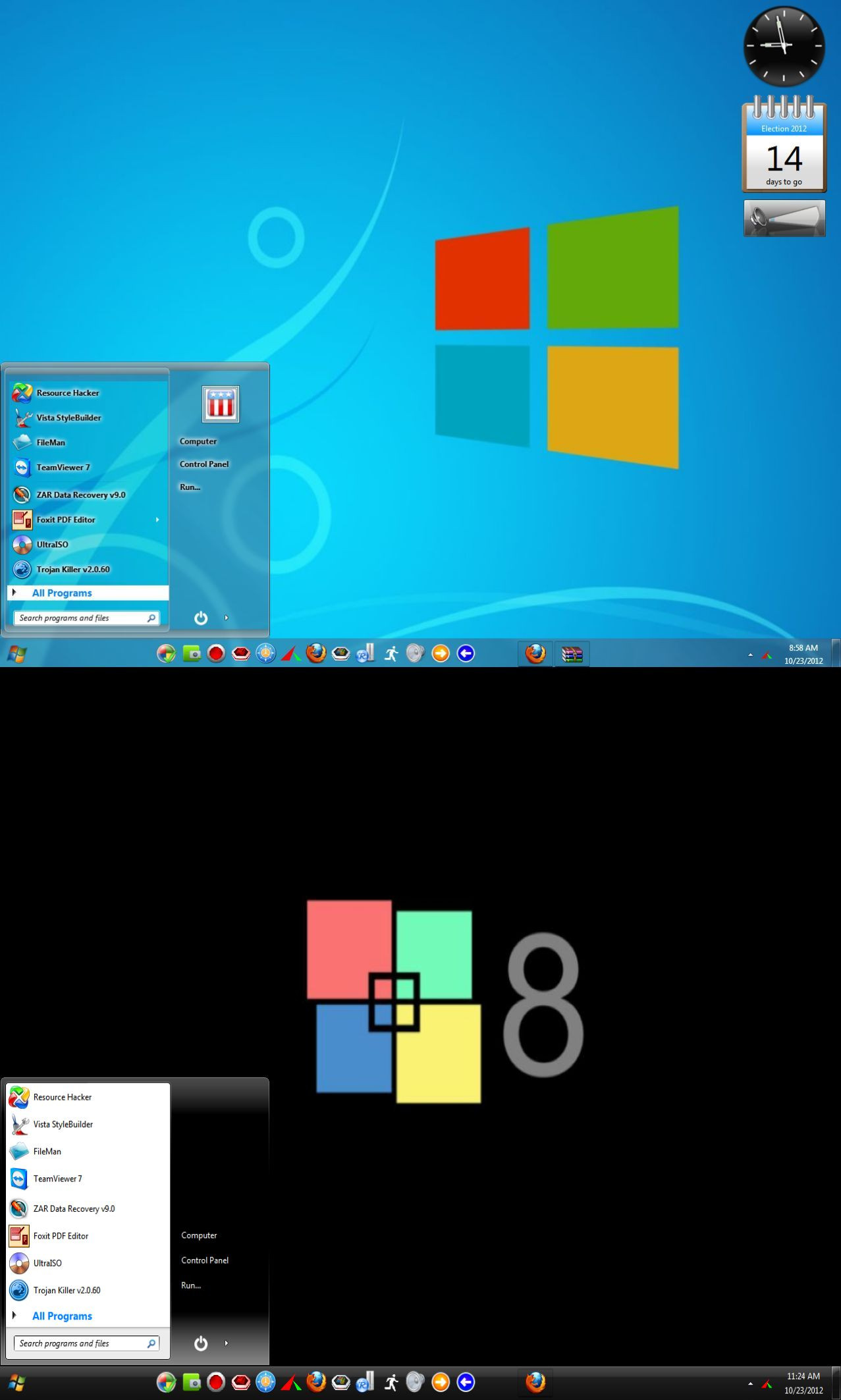
See The Picture Of How I Have The IconsFrom The Quick Launch TaskBar Starting
About 2 inches Over From The Start Orb
See The Picture Of How I Have The Taskband Active AppsIn The Middle... Or any place I want them.
Notice The Dark Blue Button That You Can Press To Access Apps.
Notice The Lighter Blue Apps Button How It MatchesThe Show Hidden Icons Button.
The Example Taskbar Shown Is From The Vengeance Theme
By Razors Edge AKA R0ck-n-R0lla1 [link]