HOME | DD
 lebreton — Transparency
by-nc-nd
lebreton — Transparency
by-nc-nd
Published: 2008-05-04 20:33:28 +0000 UTC; Views: 8448; Favourites: 6; Downloads: 1079
Redirect to original
Description
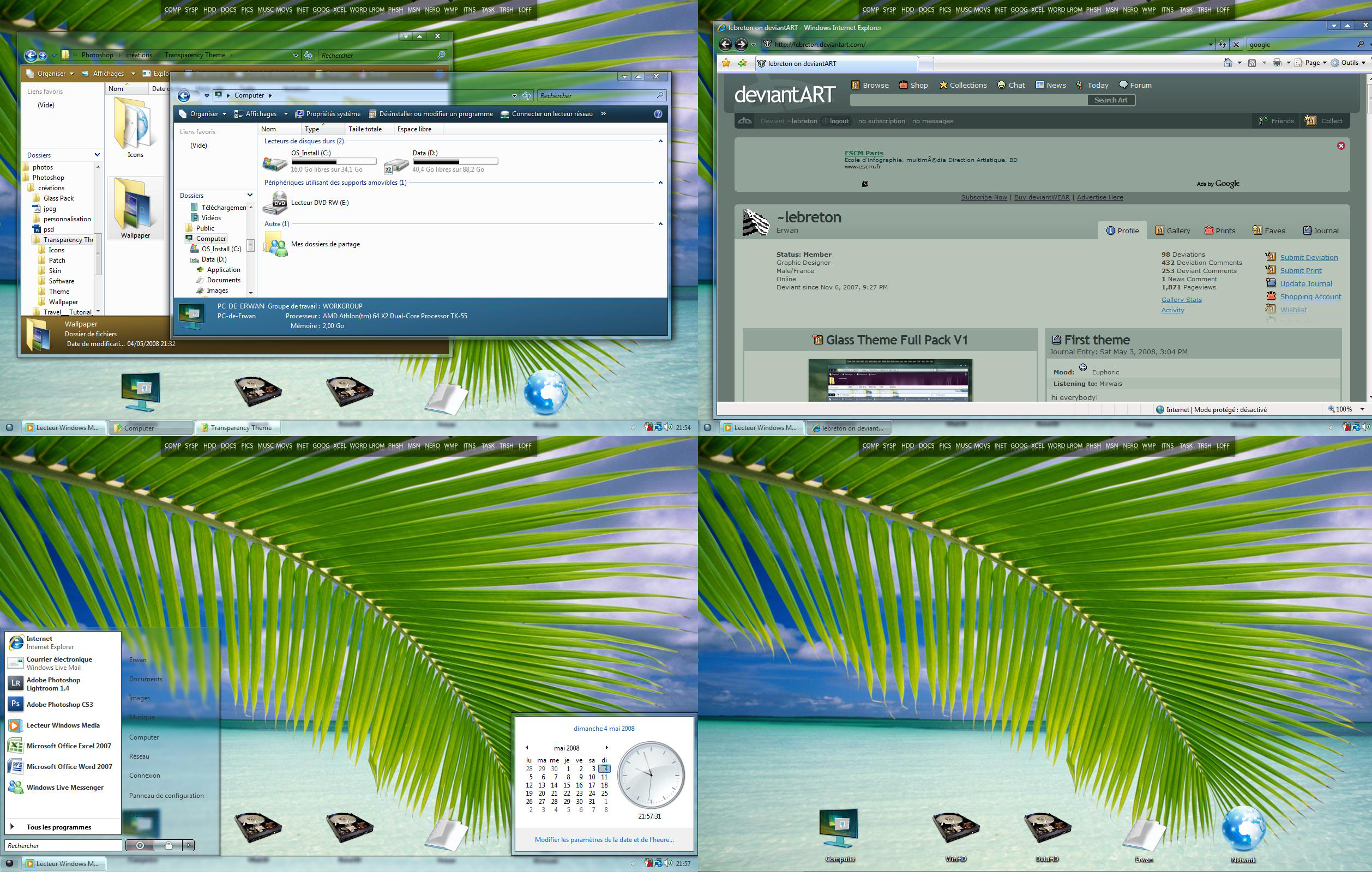
So here is my second theme or modification of theme
__________________________________________
| |
| IMPORTANT : USE THIS THEME WITH AERO ENABLE |
|__________________________________________|
TRANSPARENCY Theme by ~lebreton ©[link]
_______________________________ _______________________________
This pack has been achieved with different deviant and I thank them for them job : thanks to you guys.
I've made this pack to give another experience of Micosoft Windows Vista with Aero. That's why it names
Transparency : I've regrouped and modified some skin and one theme that was the most transparency possible.
So I hope you will like this pack.
HOW TO INSTALL THE PACK : (you can install what you want but all the pack is better ^^)
_________________________
Before use this theme, you have to patch tree files : shsvcs.dll, themeui.dll and uxtheme.dll
which are in %SystemRoot%\System32 folder.
The patched files are in the folder Patch\SP1 (or non-SP1) folder in this pack.
This is for the Vista's SP1 users :
__________________________
To use those files you have to disable the UAC and reboot.
Next go to System32 and search the file shsvcs.dll, right click on it and choose Properties.
In Security Tab, click on Advance>Owner Tab>Edit, then highlight your account name and click Ok.
Return to Security Tab and click on Edit button, then for each group or users check Total Control
and click on OK and close shsvcs.dll properties.
Next rename shsvcs.dll to shsvcs.old to save original file if there's a problem.
Copy the shsvcs.dll patched file and paste it in System32 folder.
Then do this modification for themeui.dll and uxtheme.dll
It's the same manip for browseui.dll and ieframe.dll
Apply the theme :
______________
Copy the folder Theme which is present in the pack.
Next go to C:\Windows\Resources\Themes\ and paste this folder.
Then you have to rename the folder in BlueMonkey : windows will not reconize the theme if you haven't
done this step.
So, on your desktop, right click=>Customisation=>Appearence=>Open old windows (blue link)=>choose the
with a gray background and Apply.
You can choose from to theme : in fact there's just the start button that change ^^ just rename BlueMonkey II
to BlueMonkey and you'll have the second start button ^^
Skin :
____
To add a skin, before you have to install different software : ObjectDock and LogonStudio Vista are in
the folder Software, doubleclick on the software that you want (install the both it's better I think)
After the software are install you have to copy and paste the skins :
-for ObjectDock copy the skin Folder in C:\Program Files\Stardock\ObjectDock\Backgrounds\Non-Tabbed
and icons for ObjectDock, copy the icon folder in C:\Program Files\Stardock\ObjectDock\Bundled Images
-for LogonStudio Vista you just have to double click on the skin, it will install automaticaly
Wallpaper :
_________
Choose between four wallpaper or yours.
Icons :
_____
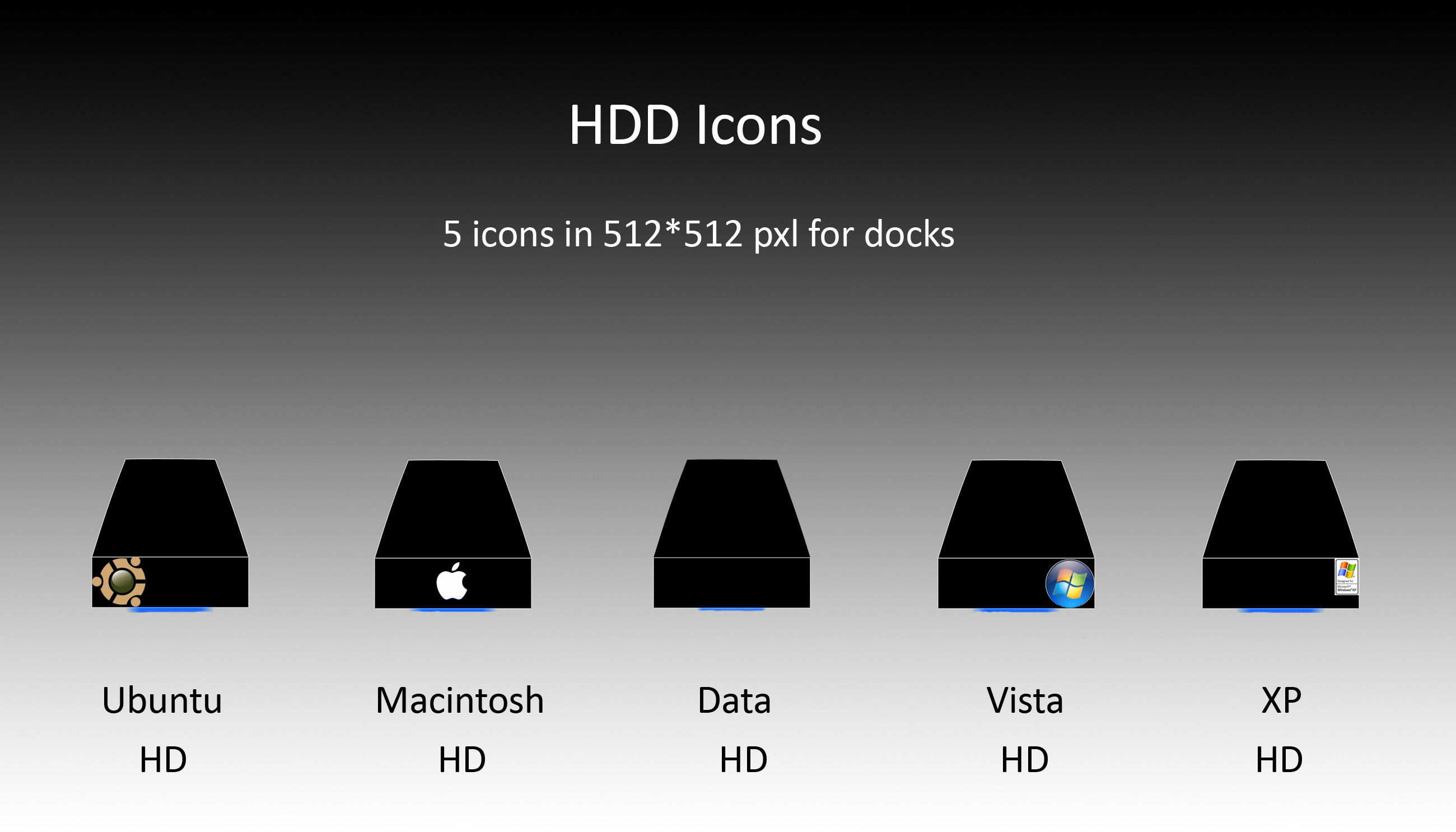
In the folder Icons you'll find four icons to customise your desktop.
So I hope all will work normaly
Special thanks to :
_______________
- who helped me to create the startbutton
- again for his ObjectDock skin : transblack
- for the wallpaper BlueMonkey
- for his shellstyle that I've modified
- for his Dock icon : Reflections
- for his theme : I just modify something in it like colors and shellstyle
- for his wallpaper : O²
- for his wallpaper : april sunset
-Stardock Corp for ObjectDock and LogonStudio Vista
-Crystalxp.net for icons.
I think I've forgot nobody but If you see your job please say it with a link to the deviation and I'll add you to the credits list
So enjoy it and please comment it, I accept all kind of advices and criticism^^
Related content









Comments: 24


thats real great best shellstyle there is right now...
👍: 0 ⏩: 1


here u go a screenshoot that we cant see the fonts in taskbar
[link]
👍: 0 ⏩: 1

yes that's it : you don't have an aero card and the font is here we see it on the button but it's in black and the theme hasn't been created for the basic of vista, I'll edit it in the comment artist thanks for reporting this "error"
👍: 0 ⏩: 1

that's Reflection by , it's in the pack
👍: 0 ⏩: 1


maybe when you fix the readability in the taskbar u can also add the icons to see in the right side of the start like the default ....
👍: 0 ⏩: 2
just because i use now your theme that i like a lot
👍: 0 ⏩: 0
I don't understand the second question
👍: 0 ⏩: 1
in default when you click the start button it open and you can see the icons but you decided to not show the icons , control pannel,my computer ,my pictures,,,,,,,,,,,,,and more so i thought maybe you can do a style with these icons to see and text readable in taskbar ....
👍: 0 ⏩: 1

same here, great theme, except for the readability problem in the taskbar. fix that and we've got a winner.

👍: 0 ⏩: 2
can you send me a screenshot of this problem cause I don't have it on my pc
👍: 0 ⏩: 0
the only problem i dont see the fonts in the taskbar ....
👍: 0 ⏩: 0