HOME | DD
 lefty-2000 — Three Meshes In A Row!

#blender #lionhead #scripting #themovies
Published: 2022-01-09 23:20:04 +0000 UTC; Views: 753; Favourites: 0; Downloads: 0
Redirect to original
Description
This update (1/9/2022) fixes the problem of multiple imports to the same scene which I discussed in my last update. The mystery was, why did the mesh import script work okay when I ran the script from a text window and not okay when I ran the installed module. What is the difference between running a script in a text window versus running it as a module from the python console? While lying in bed this morning, contemplating this great mystery and waiting for the sun to come up, it occurred to me that when you import a module and execute one of its functions, the global data is still there the next time you call the function. So I added some code to the mesh loading function to clear out the global lists and set them back to the empty state. This fixed that problem.
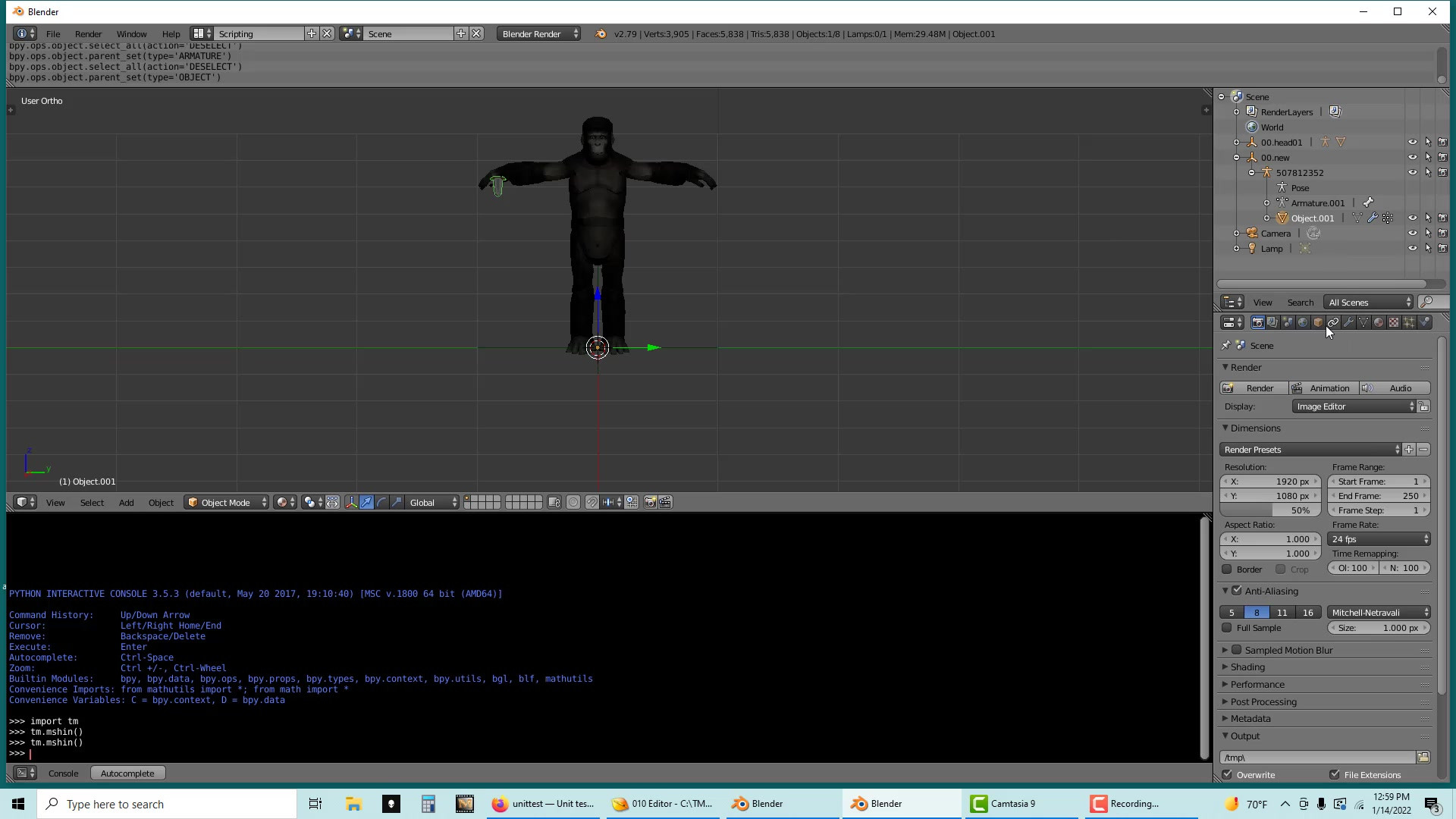
Thus encouraged, I made my first attempt to actually do a "mod" using blender 279. My first successful test went as follows:
1. I imported the woodenman msh and saved the blend. Then I closed blender, restarted it, and imported the gorilla.
2. I appended the mesh object from the blend containing the woodenman. This brought in the mesh as well as the armature.
3. I deleted the extra armature and appended the woodenman mesh object to the gorilla armature.
4. I Moved the woody mesh to the 00.head01 group for the gorilla.
5 Finally, I exported the mesh to the game folder and tested it in the game.
The modified gorilla loaded okay and you could see parts of woody poking through the gorilla hair.
Currently I am attempting to attach a prop to the gorilla, like a sword. I'll let you know how that goes.