HOME | DD
 magic-monkey — DVD Player

Published: 2005-12-22 18:46:15 +0000 UTC; Views: 1060; Favourites: 9; Downloads: 280
Redirect to original
Description
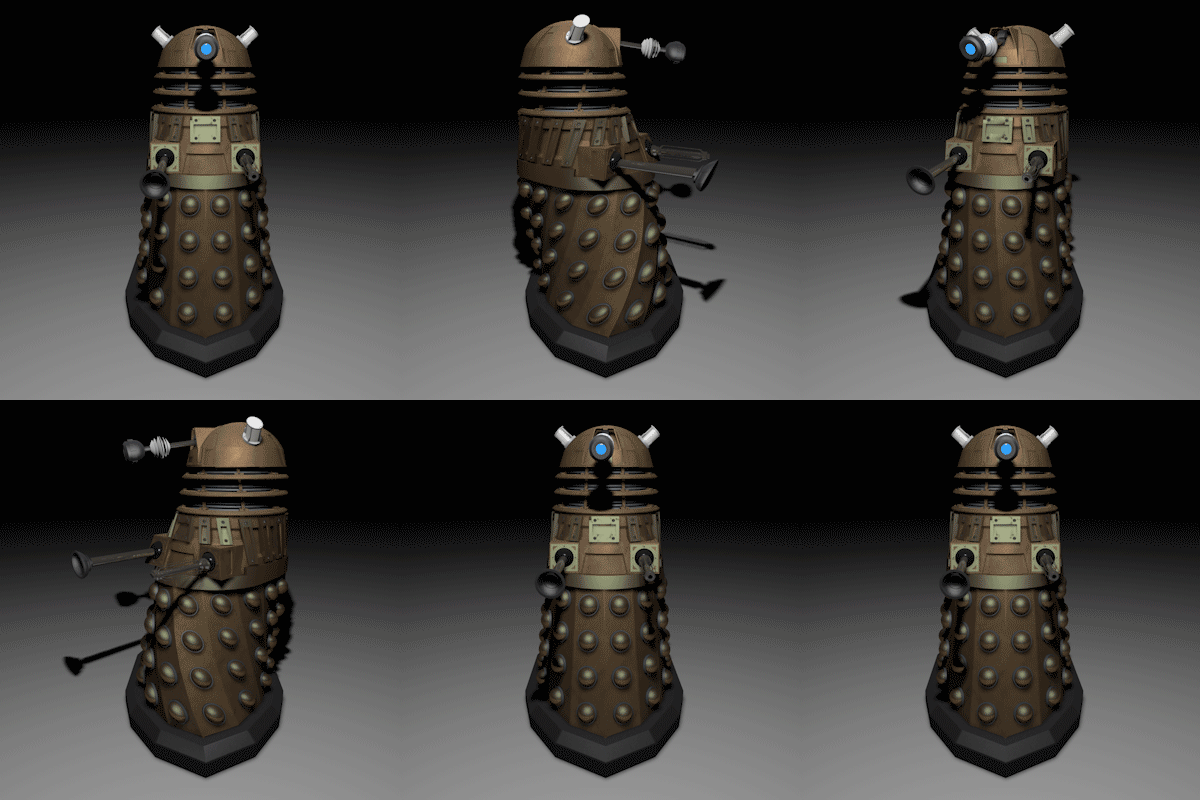
I did this trying to make it look as realistic as possible its not perfect but its ok for my first try at realism, And if anyone know how to render it with hdri with out it showing in the background I’d like to know how to do that.Related content




Comments: 32

in the modify menu there excluders for the lights, and reflect and to not show what u want to exclude.
👍: 0 ⏩: 0


Really good work. Now make the flooring just a bit more glossy. Its already looking very realistic. Have a nice day!
👍: 0 ⏩: 0

Well, you should just exclude it from the camera... it shouldnt be that hard. What prog are you using?
👍: 0 ⏩: 0

omg 
What did u used for the render? VRay? Maxwell?

👍: 0 ⏩: 0

hdri is bit low quality
but rest looks cool , maybe too dark a bit hehe
apixx
👍: 0 ⏩: 0


ey magic,usually im seeing some good jobs of u. congrats.
nice materials job here
👍: 0 ⏩: 0

nice dvd, you shouldve done a background blur so you couldnt see the hdri sphere but it looks great really realistic and well skinned. The skinning part for me is mostly the hardest part
👍: 0 ⏩: 0

You seem to have a lot of noise in your images due to the renderer. I'm sure this took ages to render, but surely theres some setting that lets you average out the photon samples to reduce the noise... I don't know though as I've never used C4D.
The model itself is great, lots of detail, and great texturing.
👍: 0 ⏩: 0

very nice, i'm busy with realistic things in cinema 4d too.
👍: 0 ⏩: 0

great job m8y, i've been sketching out a cinema system myself to model, should be done early next year, another way of getting rid of thwe background is outputting the image as a png format into photoshop, if the hdri is enviroment mapped only it wont show up in the png.., merry xmas m8y...
👍: 0 ⏩: 0

looks great man only 1 real thign ruins it on the realsim front.. the lack of wires a simple plug draped over the top screw wid ppls head also if u spend along time and effort makign a modle PLEASE PLEASE PLEASE for the love of god dont make a crap bg jsut modle liek a table in a simpel room and blur it with deaph of field it will add a hole new dimension to ur piece mate and get the sceptics juicess boiling lol great texture tho mate sutel and realistic gj ps hwo long did it take poly count ect?
👍: 0 ⏩: 0

i really like the digital clock, the rest is good too, in c4d all you do is just add a compositing tag and turn off scene in picture viewer. Keep it up

👍: 0 ⏩: 0


looks pretty good so far.. maybe change the camera angle so you dont see the hdri and if your up for having it lok as real as possible mayeb used blurred reflections they can add alot to a render also add some blurred reflections to the floor.. but gj
👍: 0 ⏩: 0

it looks pretty cool
but you should use a hi-res hdri
👍: 0 ⏩: 0


wow!! that looks great!!! ^_^
How long did it take to make that? and render?
👍: 0 ⏩: 0


oops just read the comments and someones already said it

👍: 0 ⏩: 0
add a compositing tag to the sky and change the settings so it doesnt show up. i think thats how you do it....
👍: 0 ⏩: 0

Well done

👍: 0 ⏩: 0

Awesome! Looks real to me :3
Giggled at the fact that the lights are on without a cable XD!!! But still, amazing work!

👍: 0 ⏩: 0

I do, what you do is, when you make the HDRI in the "sky' opbject you need to right click the sky object and look under C4D Tags something that says "Compositing".
Select that and you will get a vase looking tag, click that and go into the attribute window at the bottom right and look for seen by camera, then uncheck that and render. that should do it.
👍: 0 ⏩: 1

Thanks for that I'm re-rendering it now.
👍: 0 ⏩: 1
You're very welcome!!
👍: 0 ⏩: 0

Holy Fudge! Thats freaking amazing, this look realistic as possible! AMAZING!!
👍: 0 ⏩: 0

Wow, its real, you just kid us, not long ago you was a dog - now your the 'doc'!
👍: 0 ⏩: 0
