HOME | DD
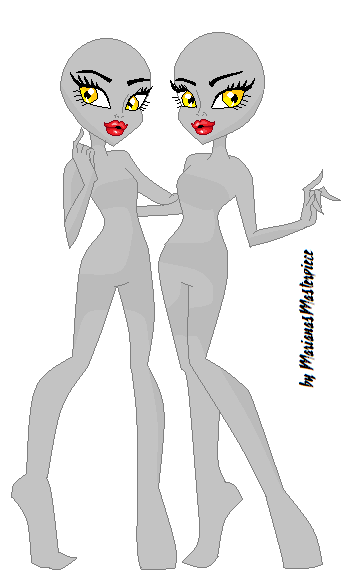
 MarianasMasterpiece — Monster High Tutorial Glossy Lips

Published: 2011-12-02 09:00:23 +0000 UTC; Views: 11450; Favourites: 119; Downloads: 469
Redirect to original
Description
Another Monster High MS Paint Tutorial, And this one is AnimatedMonster High OC Tutorial: [link]
A few Things you should Know:
 Make sure you have a reasonable knowlege of Paint and what tools do what and how it works, It will make the tutorial way easier. Be Sure to know a few things about Shadows and Highlights as well as Shades. It will help alot. Make sure you link back so I can see it Any questions just post below. The base is by
 Hand Tutorial [link]
Rosie Posie (c)
Related content








Comments: 48

Great tutorial! I'm going to use the shade colors!
👍: 0 ⏩: 1

Thanks. I'm glad your using it.
👍: 0 ⏩: 1
You're Welcome :3
👍: 0 ⏩: 0

Sure go for it.
👍: 0 ⏩: 1


Eu não uso o paint '--' so uso o paint tool Sai
👍: 0 ⏩: 1
I have a basic tutorial for Paint tool SAI but not one like this. I might make one.
👍: 0 ⏩: 1
Honey can do, will help a lot!
👍: 0 ⏩: 1
Ok, I'll upload it soon.
👍: 0 ⏩: 0


yeah how did you do that?
👍: 0 ⏩: 1
Just made frames and played them back. Like how your icon works.
👍: 0 ⏩: 1

That's really helpful! Thanks!
Wrote on my iPad
👍: 0 ⏩: 1
Your Welcome
👍: 0 ⏩: 0


thats cute
👍: 0 ⏩: 0

Frame by Frame Animation
👍: 0 ⏩: 2
Thats so cool! [link]
👍: 0 ⏩: 1
...Um. You draw the steps of her eye closing then play them all together really fast.
👍: 0 ⏩: 1
what i do is i draw them out scan them with my printer, make them look neater and then i put them into my video maker an save it as a jpg file
👍: 0 ⏩: 1
Yeah you can do it that way, I'm just lazy and do it all on the computer xDD
👍: 0 ⏩: 1

awesome help! I use it: [link]
BTw awesome blinking eye
👍: 0 ⏩: 1

Lol, Thanks
👍: 0 ⏩: 1


I don't use bases though, I find this really helpful for my photoshop skills 
👍: 0 ⏩: 1
Pretty much all you need is Layers
👍: 0 ⏩: 0
May you please make one that is made on photoshop 
👍: 0 ⏩: 1

can you do more on MSPaint.. because seriously... am so confused on the skin colors bc am stuppppiddd!
👍: 0 ⏩: 1
Sure, Heres some of my other Tutorials here --> [link]
👍: 0 ⏩: 0

I make dark and light colors but it never looked real lol
👍: 0 ⏩: 1
Try adding more different shades so it gradually fades to darker or lighter colours
👍: 0 ⏩: 0