HOME | DD
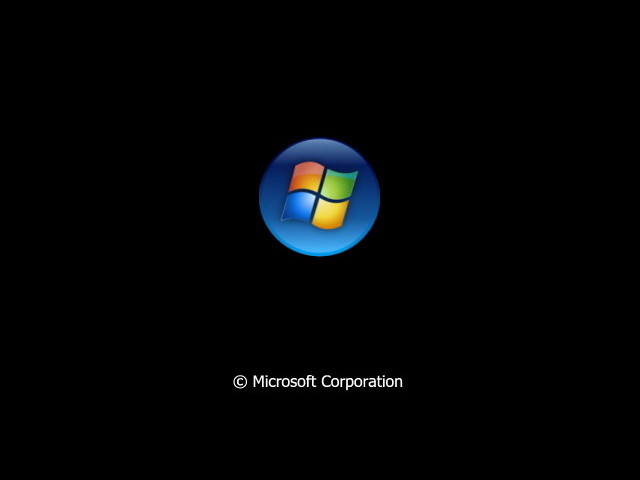
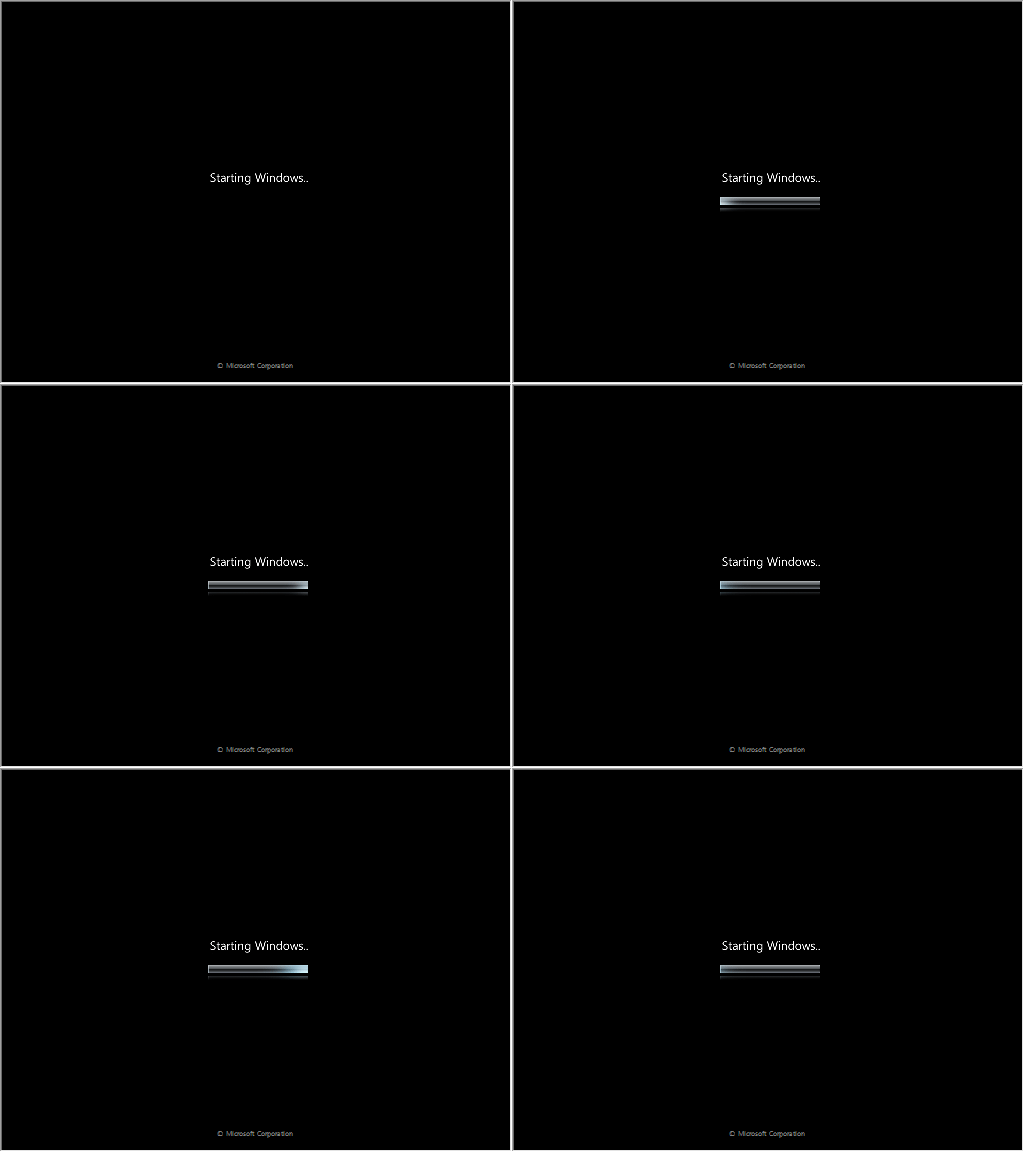
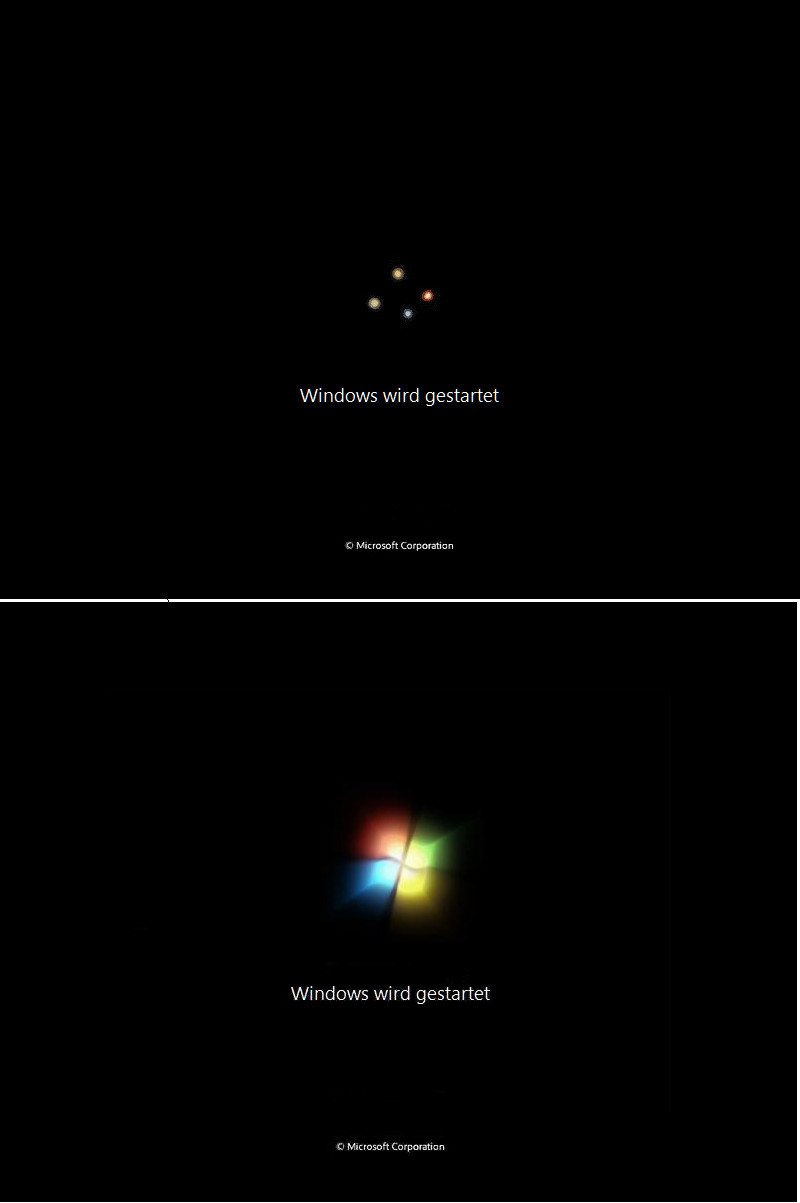
 mariomj71099 — Windows 7 BootSkin for XP

Published: 2010-02-28 12:26:25 +0000 UTC; Views: 6194; Favourites: 3; Downloads: 688
Redirect to original
Description
Installation:1. Double Click Windows 7.rar then double click Windows 7 .bootskin
2. BootSkin will be automatically launched and click Windows 7 then Apply
3. Restart your computer/notebook to check changes
IMPORTANT NOTE!: If you have another Windows 7 Skin by others installed. Goto skins folder and rename the existing skin folder to another Folder name and install mine.
Related content









Comments: 5


👍: 0 ⏩: 1

Glad you liked it! Even if I got the Idea first you can still create your own! If you're gonna create one, you can use my files used in this boot.
👍: 0 ⏩: 1


👍: 0 ⏩: 1
Yeah! About the progress bar... it might not be high quality because in Windows 7, it boots up in high quality but in XP and Vista they don't boot up high quality and last thing... if it have bugs just tell me by replying to this message.
👍: 0 ⏩: 0