HOME | DD
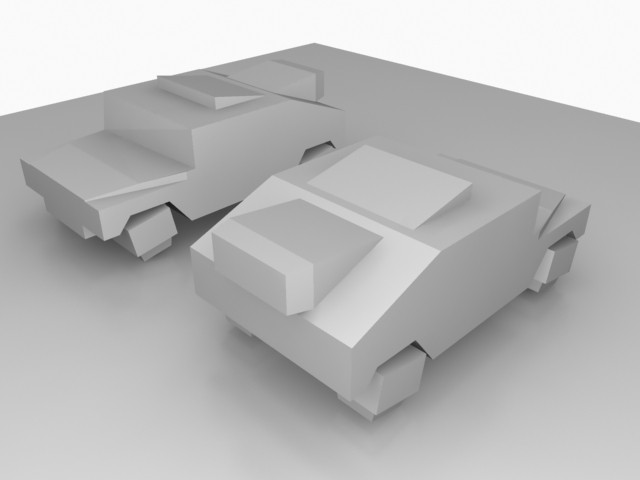
 master3d — Blu-ray case grey large render

Published: 2008-11-07 07:27:54 +0000 UTC; Views: 1338; Favourites: 3; Downloads: 97
Redirect to original
Description
I was working on a small animation and I wanted to share one render with you. Think it turned out pretty good
rendered with lighttracer
download for larger render
See the video: [link]
Related content




Comments: 9

really nice mate, i just made a cheap simple dvd cover yesterday, this is very wicked looking, very very nice, +fav definately!
👍: 0 ⏩: 1

thnx

👍: 0 ⏩: 1
um, but i think we use different programs though. I use cinema 4d, and i think you use 3ds max because you said you used light tracer to make yoru render and last i've heard, thats a part of Max's default scanline engine.
👍: 0 ⏩: 1
its not much harder in max though, if you know where the tools are, for my 2nd and 3rd video, I use a tool that is called Insert in max, which if you know how to use chamfer, Use that instead of Insert. And for the 4th part of the video, the max tool is called Creases in meshsmooth. It can be used by going into your meshsmooth modifier, in the dropdown you should be able to shoose between Vertex and Edges, choose edges, select the edges you want to crease from the newly created pillow object(pillow because meshsmooth will most of the time turn your low poly mesh into a really round object), then scroll down the meshsmooth options to crease(have to be use NURMS algorithm for it to be highlighted) and just make the crease 1.0 and see if it changes the mesh a bit. I'll make a video on it later, I'm not a max user so I'm going to have a lot of questions in the video as well so I'm hoping you can answer them for me ok?
👍: 0 ⏩: 1
sure
👍: 0 ⏩: 1
ok its up, but keep in mind its very very noob like, since i don't even know the interface all that well and i do mess up a lot. but i hope you can help me out too, there are a lot of things i don't understand.
👍: 0 ⏩: 0

Nice attention to detail ^^
But make your filesize not 13mb ... JPG Q12 is great for uploading on the web, 13mb files are not
Hope that doesnt come over the wrong way, it just stops alot of people from clicking on fullview, it takes forever to load
👍: 0 ⏩: 1
haha yeah you're totally right

thnx for the comment ^^
👍: 0 ⏩: 0