HOME | DD
 Mimru — Some pixel steps

Published: 2012-09-09 20:56:30 +0000 UTC; Views: 42282; Favourites: 2055; Downloads: 422
Redirect to original
Description
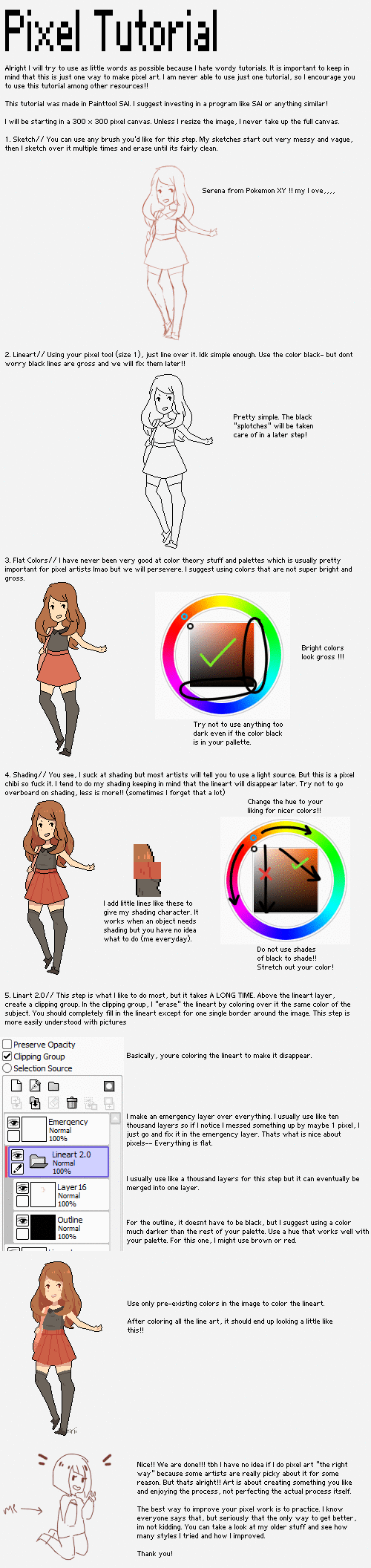
I'm not good in explaining so, I decide to put some steps of my pixel
I hope this will be useful <3
If you have any question feel free to ask me ^v^
Wynstelle belongs to *Daevaluque
My other pixel
Please, don't trace, copy, steal, modify, re-upload or use my works without my permission, thanks
Related content


















Comments: 102


Thank you so much for the tutorial. It's absolutely useful )////v/////(
May I ask something? The size of the canvas 0 u 0
👍: 0 ⏩: 0


Ahhh so much dedication OvO so much attention!
Even with the enormous time I spend on a piece I would probaly never finish a pixel one as grand as this TuT
👍: 0 ⏩: 0


Wow, so simple and beautiful. You just made it bursting with life~
👍: 0 ⏩: 1

Thank youuuuuuu ;w;!!
👍: 0 ⏩: 1


May I ask you approximately how many colours you used in this pixel? Thank you
👍: 0 ⏩: 1
I don't remember ;u; because It's an old pixel, I'm sorryyyy ; A ;!!<3333
👍: 0 ⏩: 0


You don't even know how much I love you for this, omg. I always wonder how better pixel artists do their thing. XD
👍: 0 ⏩: 1

I love you pixel icons, one of your tutorials helped me alot 

👍: 0 ⏩: 1
Thank youuu >u<
In Photoshop when you create a new canvas file, choose "Transparent background" instead of "white background" >u<
If you use another program I don't know how to make transparent bg sorry ;u;
👍: 0 ⏩: 1

How long do you make all of this!?
Your so Nice
👍: 0 ⏩: 1
Thanks ;u;!!<333
This took me around 10-11 hours >u👍: 0 ⏩: 0

Hi^^ could I know ALL steps to do an icon in pixel art? I've never tried to do something...it's the first time I'm interested...
👍: 0 ⏩: 1
>u< Hi!I don't show all steps because I had already so many art theft ;u; <3
But around DA there are so many tutorials >u< like [link] [link] [link] I hope these will be helpful!>u<
👍: 0 ⏩: 0

pixel art tutorial!! fav already! that's kind of lovely :3
👍: 0 ⏩: 1

Could you explain me how to change the lineart lineart in black in another color please
👍: 0 ⏩: 1
Hi yes sure > u < <33
Color on the black lineart with another colors you need > u < and it's done!
Then, cancel with the eraser tool the pixels you don't need ^^
👍: 0 ⏩: 1

I am wondering, since I am new to this, what size of canvas do you use on ps for these larger chibis and images. I was so inspired by your other icon tutorials I attempted my own icon. Your artwork is truly inspiring and it is obvious you put a ton of effort into each piece. OwO <3~
👍: 0 ⏩: 1
Thank youuu ; u ;!!<3333
I'm ashamed for the late..I hope you can forgive me ;u;
The canvas size is 50x50 pixels > u < for the icons
and for the chibis are 120x150 approximately <3333
👍: 0 ⏩: 0
I have a little silly question, But for larger pixel images like this one what size do you set your canvas for in Photoshop? OwO That would be super helpful. <3
👍: 0 ⏩: 1
No worries > u < <3333
Ask me as many questions you wish ^v^ <33 I'm here to help if I can <33333
For this the size is 160x200 pixels ^^!!<3333
👍: 0 ⏩: 0

I have a question:
You started out with a black outline, but then it got all beautiful and soft.
How?
👍: 0 ⏩: 1
Thank you ; u ; <3333
I change the colors pixel by pixel with the colors I wish > u I hope it helps ;u; <333 I sucks in explaining ;u; <33333
👍: 0 ⏩: 1


wah * V *
how long would something like this usually take to finish?
👍: 0 ⏩: 1
Usually 3-4 hours but for this about 10 hours @_@!!<333
👍: 0 ⏩: 0

good instructions. it would be wounderful if you give list of tools used.
👍: 0 ⏩: 1
Thanks a lot >vI use only "pencil" tool in Photoshop for my pixels!^^
👍: 0 ⏩: 0

It is really nice to see how you pixel~
Keep up the wonderful work <3
👍: 0 ⏩: 1
| Next =>