HOME | DD
 N1mrod — Vista Costumization Tutorial
Published: 2008-02-02 06:11:27 +0000 UTC; Views: 13533; Favourites: 30; Downloads: 928
Redirect to original
Description
Vista Customization Tutorialgave me the idea to make this Tutorial.
So a Big Thank you to him.
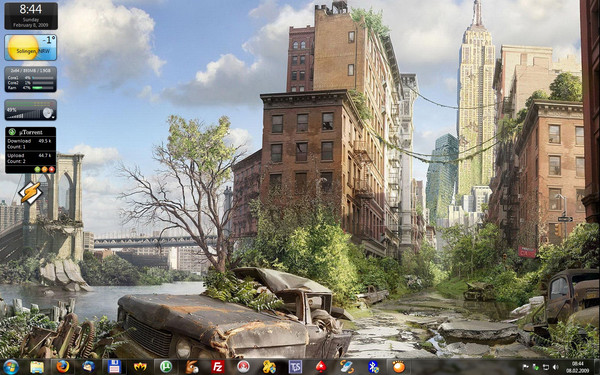
In this Tutorial i will show you what you can do to Customize your Vista (Desktop).
-----------------------------------------------------------------------------
 Style/Theme.
Many People uses WindowBlinds but i guess at Vista there isno need to.
I used it with XP and the only reason i needed it to was, to get XP Aero Style.
Second WindowBlinds is only one more programm that uses RAM and make your StartUp slower.
So i only use the MSStyles.
But to get them working you need to change three dll files.
Some people know about the problem with the UXTheme.dll.
It dont allows to use Third party Themes.
UXTheme Patch:1. Login as a user with Administrative privileges -or- have Administrative
credentials ready (check under the keyboard for a slip of paper).
2. Navigate to %systemroot%\System32
3. Right-click uxtheme.dll and click properties.
4. Take ownership of the file and close dialogs.
5. Repeat steps 3 and 4 for themeui.dll and shsvcs.dll
6. Right-click uxtheme.dll and click properties.
7. Give yourself (or group) Full Control permissions and close dialogs.
8. Repeat steps 6 and 7 for themeui.dll and shsvcs.dll.
9. Rename uxtheme.dll to uxtheme.old.
10. Rename themeui.dll to themeui.old.
11. Rename shsvcs.dll to shsvcs.old.
12. Copy patched files into %systemroot%\System32
13. Reboot (yes, this is really required)
Okay thats it.
There are some Auto Patcher and i tested them all.
My Vista Crashed Everytime.
So please do it by you self and you dont have a Problem.
So after patching we need to choose our Favourite Style.
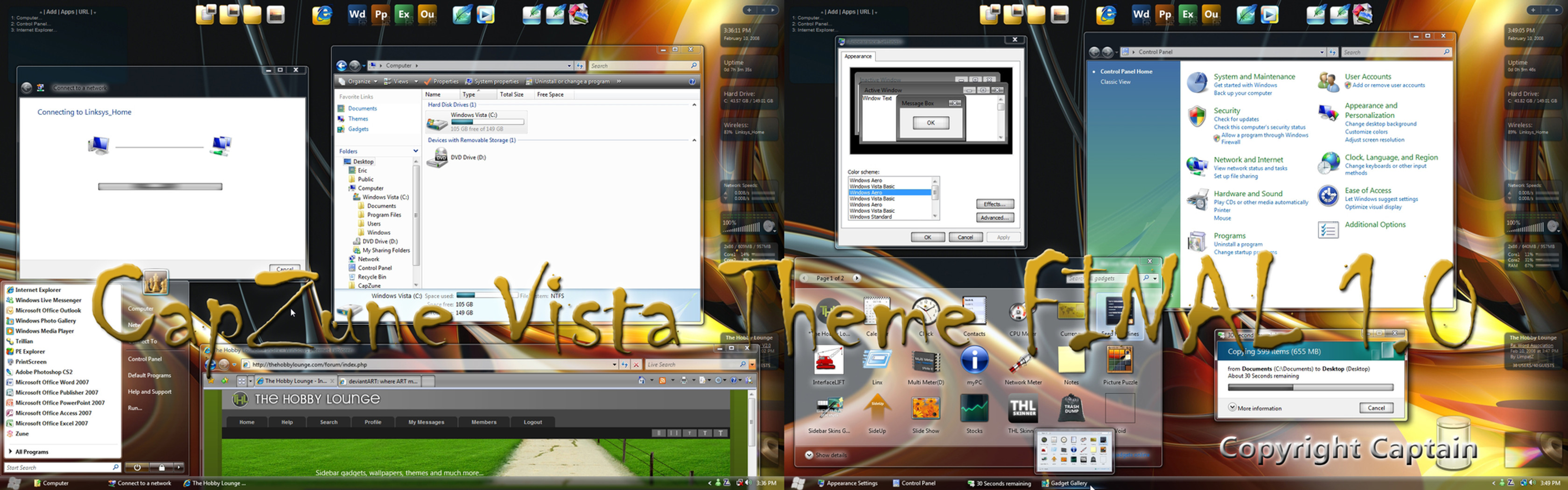
Two of my favorite Artists at skining for Vista are and
Other VERY good artists are:
So take a look.
You can get other good Styles at CrystalXP: [link]
 myvistathemes.com: [link] vista-themes.net: [link]
 If you found a good Style Copy it to C:\Resources\Themes
Now you can apply it by right click on the Desktop and go to Properties and than to Designs.
There you can Choose you fav Theme.
Or you dobble click the *.theme
-----------------------------------------------------------------------------
Sidebar & GadgetsYou can get some new Gadgets at Windows Live.
But that Gadgets dont match with each other.
And that is something i dont like.
Everything have to match with each other
did some realy good Gadget Packs.
But there is one very good site for Gadgets: [link]
One of this Artists is
Every Gadget of him is Skinable and there is one gadget that change the skin for every other Gadget from him.
Also he did a Gadget to change the Skin for the Sidebar.
If you use and like the Media Player Gadget, but dont like the Bright skins take a look at ´s Black Media Player Gadget.
One Gadget i searched for a long time, was the uTorrent gadget. [link]
With that Gadget you can control your uTorrent from a different Computer too.
And another is the Skinable Winamp Remote Gadget. [link]
-----------------------------------------------------------------------------
Windows Vista Ultimate Extra: DreameScene.DreamScene is like a Dream
 come true.
DreamScene makes it possible to use MPG or WMV files as Wallpaper.
There are not muche DreamScene Backgrounds at the moment because not much people uses Vista Ultimate.
vistahd: [link]
I dont know if its out for other Vista Versions.
But if not there is a programm that makes it possible to use animated backgrounds with other Vista Versions.
Its Named DeskScapes and it uses Dream files.
Dream files are convertet MPG or WMV Video files.
To Covert Video files to Dream files you can use DreamMaker.
You can get everything you need here: Wincustomize: [link]
-----------------------------------------------------------------------------
Other Customization Links for Vista
Thoosje.com: [link] -----------------------------------------------------------------------------
Comments are Welcome.
If you like it
 it
itIf you have some good Sites, Artists or Customization stuff for Vista, that is not in this Tutorial, please send me a PM and i will add them.
Everyone can use this Tutorial at Boards or something.
But please tell me where you use it and Link to my DA account.
Related content









Comments: 12


Just so I can get this straight. This tutorial will enable me to have vista like themes on my XP computer or am I wrong on that?
👍: 0 ⏩: 1

No thats eneble you to change Vistas look.
👍: 0 ⏩: 0

what are the patched files? Are they just copies of the three files you listed above?
👍: 0 ⏩: 1
I dont know.
Thats why i change them by myselfe.
👍: 0 ⏩: 0


Thanks for the compliment but there are a lot of artists better than me:UKintel,Michel8170,psycoB,vathanx,rounder,patrickgs........
👍: 0 ⏩: 1

very good tutorial
i fav windows vista and i will test
^^
^^
👍: 0 ⏩: 1

Very good! I hope you will update it and add more stuff in the future, just like I and my tut.
👍: 0 ⏩: 1
Yeah for sure.
I am looking for new Stuff, Sites and Artists everyday.
👍: 0 ⏩: 0