HOME | DD
 PeterRollar — SBar Win7 Win8 XP skins

Published: 2009-12-21 20:19:28 +0000 UTC; Views: 33993; Favourites: 32; Downloads: 6880
Redirect to original
Description
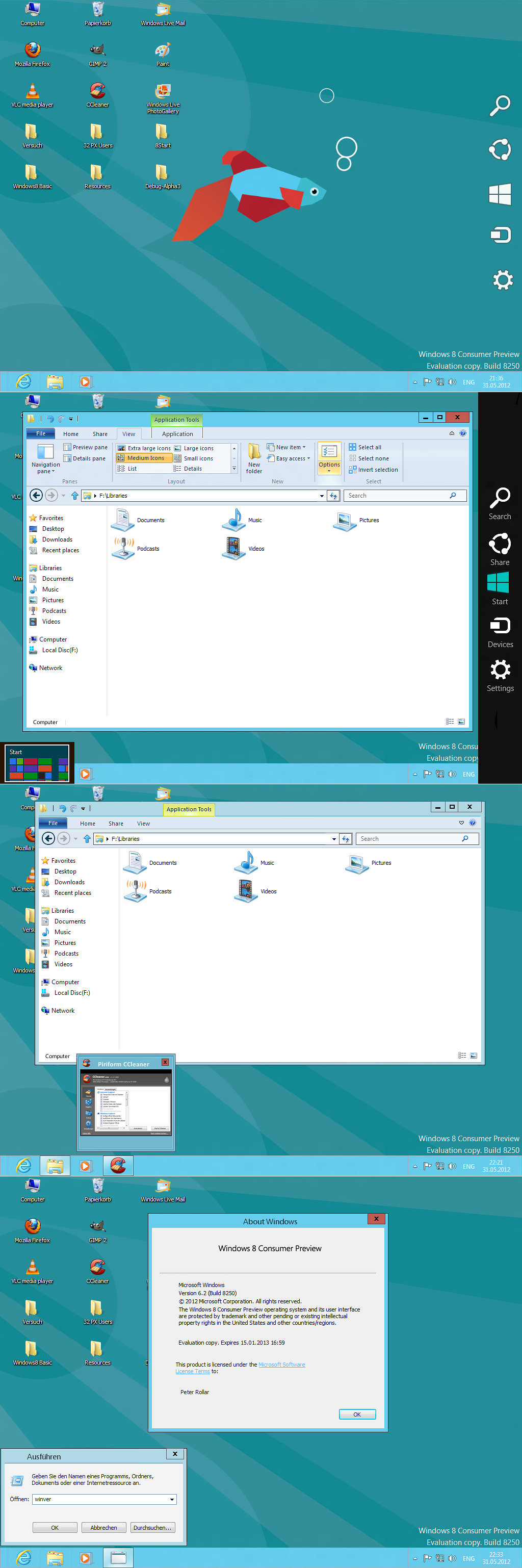
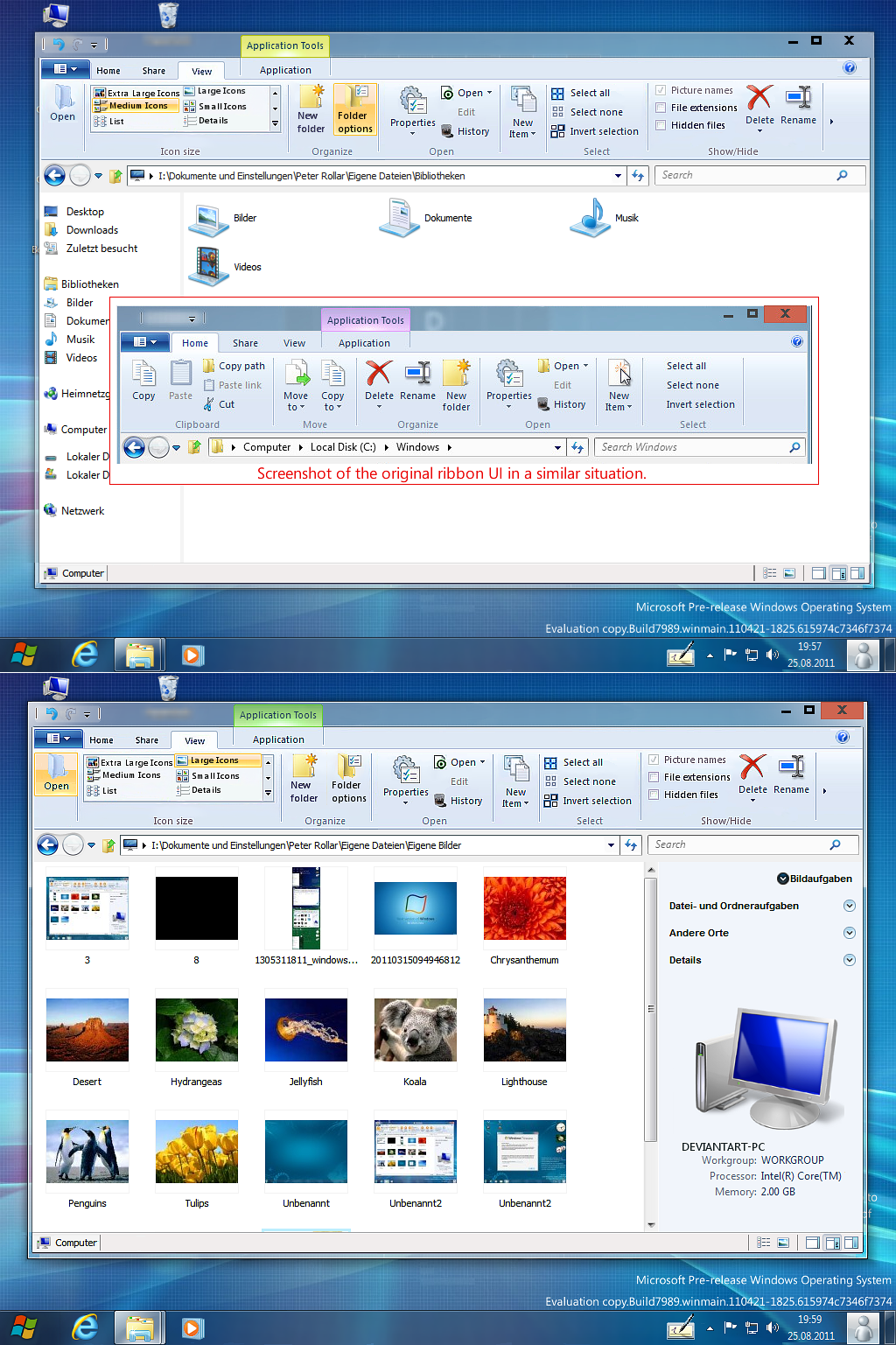
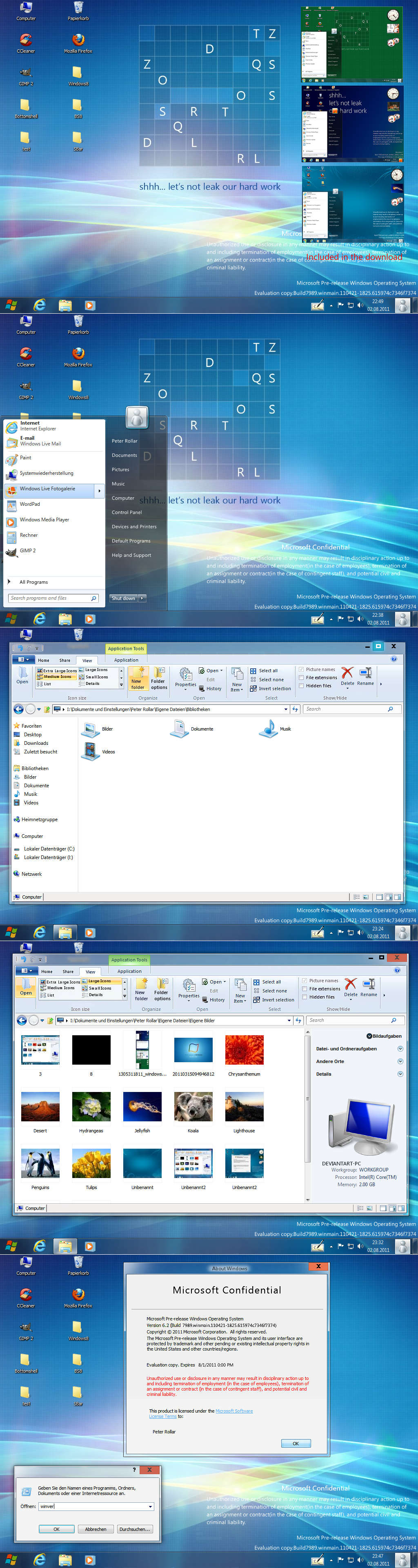
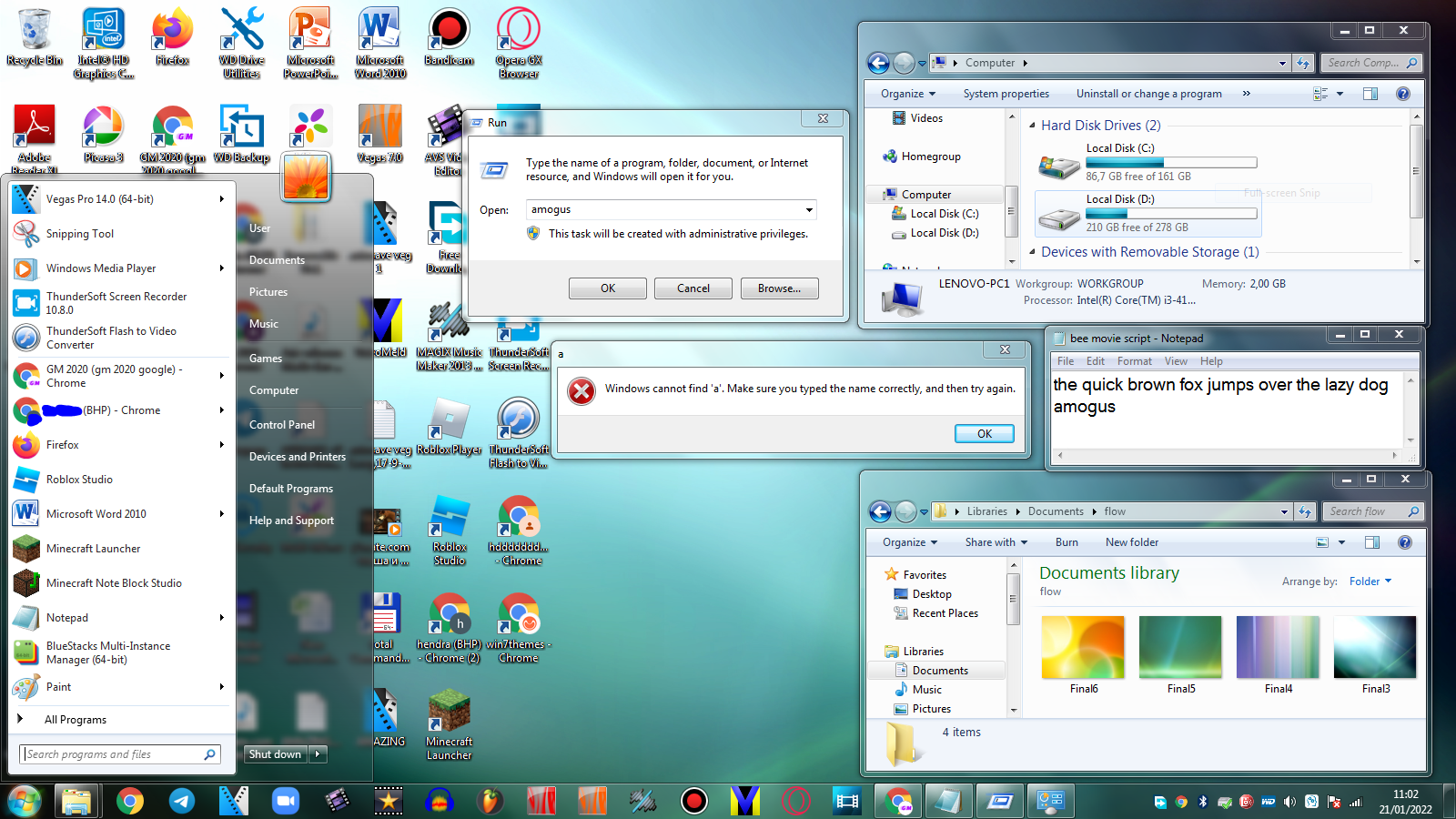
Screenshots taken from my XP SP3 except the one one the bottom, which is from Windows7This is not a complete new skin for SBar. It is a edit of the original skin made by DimitarCC.
SBar can be found here:
[link]
Changes:
Set the titlebar colour to white.
Changed fonts and dimension of fonts.
Position of titlebar adjusted.
Set backgroundcolour to grey, to make it better readable on any background.
Shortened the shadow, that it will not overlap the taskbar.
Rounded the corners of the buttons ( Maybe a little to much. Not sure. Please comment).
Show desktop button enlarged one pixel to 15x40, because there is sometimes a conflict with themes with fake show desktop buttons.
Made for SBar 1.041. This version works best for me.
If you use another version wait 2 or 3 days, i will add them.
Check back if you are interested.
If you like the look, give it a try.
 I finally found the motivation to update this skin for a more realistic look. The skins are made for Version 1.041 and 1.061.Simply copy the skins in the skins folder of SBar and select your choice in the options menu by rightclicking the systray icon.
To get the keyboard icon in your taskbar choose one of the Windows8 skins.It doesn't call up the keyboard, it is a second (working) ShowDesktop button. XP cannot display more than 16 pix icons in the systray, so there's no other way.
This works on XP, Vista and Win7.
For use with Win7 unselect "Hide taskbar".
Related content








Comments: 95


OMG!!
thankYou sooo much for the FAV
and no i didn't use the shellstyle on guest account e'm using something like this [link]

👍: 0 ⏩: 1

What i meant was if you tried the guest account. Simply activate it and look if the shellstyle appears while using it.
👍: 0 ⏩: 1


Truly you have given permission to the journal of the Internet to download the file to make Windows 7 to Windows8?
If so then if I do not like I can return to the previous version or do I have to live with the new version?
👍: 0 ⏩: 1
These are only skins. They don't change anything of your SBar installation. Simply copy the skins in the skinfolder of your SBar.Click the systrayicon in your taskbar and you can select which skin you want to use.If you don't like it you can return to your old skin the same way in seconds.
Which journal are you talking about? I don't know anything about something like that.

👍: 0 ⏩: 1
The journal names is "Internet magazine" in italy.
Sorry for my grammaters because I have used the google translator..
👍: 0 ⏩: 1
Okay. Thank you for the info.
👍: 0 ⏩: 0


👍: 0 ⏩: 1
Dankeschön Tobias.
👍: 0 ⏩: 0

Tought you would not make more Win7 styled things... Anyway, it's a good job
👍: 0 ⏩: 1
Every time i submitted a screenshot one DA member told me that he disliked my skin.So i tried to make it better.
Thanx for your comment my friend.
👍: 0 ⏩: 1
I understand, and you are very welcome
👍: 0 ⏩: 0


how do you get the desktop icons and the hover thing helphelp
👍: 0 ⏩: 0
how do you get the hover over the icon i dont get please help
👍: 0 ⏩: 1
Follow the lonk in my signature and you will find everything you asked for, and more.
👍: 0 ⏩: 1
oh vicon this program sucks you should come up with something better
👍: 0 ⏩: 1
There's no program which can simulate the hovericon effect really good.
👍: 0 ⏩: 1
may we can work to make one
👍: 0 ⏩: 1
Don't think this is so easy. Noone managed it til now. Needs a lot of programming skills to do it.
👍: 0 ⏩: 1
i know
im not fully train man im 13 but i know alot
👍: 0 ⏩: 1
I managed to do something similar meanwhile. You can see it here:[link]
I think Mixen Dixon's way to do this can't be improved. He started from a wrong base.So if you have programming skills maybe you find a better way.
👍: 0 ⏩: 1
nice i love it but it needs somthing
👍: 0 ⏩: 1

I notice spider with this great image, would you mind if you give me a way to get this??
👍: 0 ⏩: 1


can u help me
the pinned icons look too large and the taskbar looks craapy
is there any settings to b done after installing
my taskbar isnt even close to the screenshot plz help.........
👍: 0 ⏩: 1
Maybe you use a 48pix theme.This makes your taskbar and taskbaricons much to big, if the iconsize of taskbar is set to"Big".Choose a 32 pix theme instead.
You can reach the SBar options by rightclicking the systrayicon.Set thumbnailsize to 185.
If this doesn't solve your problem, please show a screenshot.
👍: 0 ⏩: 1
no 32 pix theme also has same prob
i set the thumnail size to 185 too
no luck
👍: 0 ⏩: 1
Can you submit a screenshot on your page?
👍: 0 ⏩: 1
peter i got the bar workin perfectly but the only problem is i cant use 48px icons on desktop
if i choose large icons on desktop then the bar icons spill out of d taskbar.....
anyways thanks for getting back to me
👍: 0 ⏩: 1
Sorry there's no other way to handle this on XP.There's only one program which do this.It's from Stardock, named WindowsFX. But it is not free.
👍: 0 ⏩: 0

I Like it , Anyways i what kinda screen resolution do you have? the preview looks kinda small.
👍: 0 ⏩: 1
The resolution is 800x600, so if you have high resolution, it's pretty small on your screen.
👍: 0 ⏩: 1
Well i got like 1336x786
So Idk if its high resolution its a laptop.
But on topic its really awsome and i love it man
👍: 0 ⏩: 0

This is some of the best work! I simply install by replacing the original skins with these right? And whats the difference between aero, aero7 and aero16? And also, I can't seem to swtich skins... it always go back to aero7 when i reset... thx in advance.
👍: 0 ⏩: 1
Yes simply replace the original skins with this ones.Click on the systrayicon of SBar and go to options. Set the preview size to 185 pix. Done.
The difference between aero and aero7 is not that big, more a question of personal taste.To change a skin, you have to make your changes, apply , save and exit SBar.Than restart SBar from the place where you stored it. You can't change the skin while SBar is running.Changes will be visible after restart of SBar.Aero16 is for thin taskbar (like Vista).Haven't done anything on this skin, because i don't use it.
👍: 0 ⏩: 1
Thank you for the quick response! Its like I like it now
👍: 0 ⏩: 1
I have another question. I just remarked the "show desktop" thing at the far right isnt fully shown, like half of it. Why is that?
👍: 0 ⏩: 1
This is a bug of SBar which happens on some machines. Be sure you have installed NET.framework 3.5 with the newest servicepack.
You can move the show desktop thing in the SBar options. It's something with x and y position. Can't look at the moment because i'm on 7.If this will not work for you, i will give you another solution.
👍: 0 ⏩: 1
Okay, I will download these component immediately. And yes, the option is there but its not for the show desktop thing. And one last request, do you have any valid link for the 1.4 version dl? Because I've tried from every site including the main one and either they're broken or I simply get a zip with some mbd file in it or something like that.
Again, thanks in advance.
👍: 0 ⏩: 1
| Next =>