HOME | DD
 pixeltoast — Simplistic Clock
by-nc-nd
pixeltoast — Simplistic Clock
by-nc-nd
Published: 2011-08-18 22:58:13 +0000 UTC; Views: 240315; Favourites: 738; Downloads: 79398
Redirect to original
Description
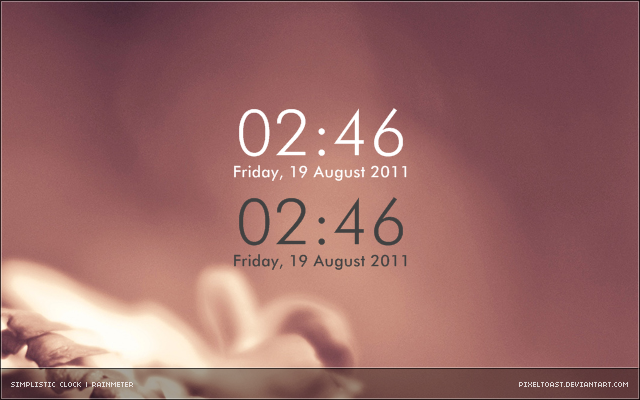
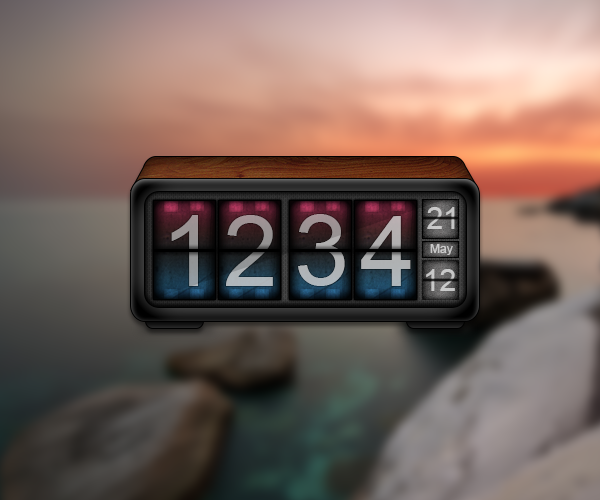
Simplistic Clock for RainmeterEnjoy!
Related content






Comments: 77

👍: 0 ⏩: 0

👍: 1 ⏩: 0

👍: 0 ⏩: 0

👍: 0 ⏩: 0

👍: 10 ⏩: 0

👍: 0 ⏩: 0

👍: 0 ⏩: 0

👍: 0 ⏩: 0

How do we change it to regular 12 hour clock instead of military time? I just downloade Rainmeter and trying to figure it out, I actually just want the clock and not the other info, but can't seem to find one and they are all inmilitary time so far.
👍: 1 ⏩: 0


Hi, how can i change the language? It is possible?
👍: 0 ⏩: 0


👍: 0 ⏩: 0


Awwrite! I figured it out!
Format=%a, %d %b %y
Derp?!! *head slap* ! :-D
👍: 0 ⏩: 0
Nice, very clean...elegant. I'd like to abbreviate the date to:
Wed, 20 Feb 2013
Can I do that here? If yeah, how?
[MeasureDate]
Measure=Time
Format=%A, %d %B %Y
Thanks, great work!
👍: 0 ⏩: 0


Open up the manage Rainmeter window, click on either light.ini or dark.ini, depending on which one you're using, and click edit to open the file in a notepad editor.
Find these lines:
[MeasureTime]
Measure=Time
Format=%H:%M
Change the last line to:
Format=%I:%M
Save the file and click refresh on the Rainmeter management window.
👍: 2 ⏩: 2

The light.ini and dark.ini are under the Simplistic Clock folder in the active skins column on the left.
👍: 0 ⏩: 0

Would be perfect with the ordinal suffix after the date number.
👍: 0 ⏩: 0


I don't know an awful lot about Rainmeter, but would it be possible for it to have a 1px border, of the opposite color of the text, just so that it's not impossible to see white text on a white border, and vise versa?
👍: 0 ⏩: 0


TY A LOT I WAS SEARCHING FOR A SIMPLISTIC CLOCK !!
👍: 0 ⏩: 1


Realy nice one thank you for that awesome clock.
But I have one question: Is it possible to scale it up? I think it's a little bit small for me. I've tried to adjust the font size but it look weird now.
👍: 0 ⏩: 0




Looks really clean, great job! (Love the png readme by the way)
👍: 0 ⏩: 0

Nice, I like that it shows date below the clock and font looks good as well.
--
Simpsons Digital art club | Test new Carbon beta 0.1 rainmeter theme
👍: 0 ⏩: 1
| Next =>