HOME | DD
 PrincessBloodyMary — SFM Tutorial #4 Simple Reskin

Published: 2013-06-10 14:05:51 +0000 UTC; Views: 5956; Favourites: 82; Downloads: 32
Redirect to original
Description
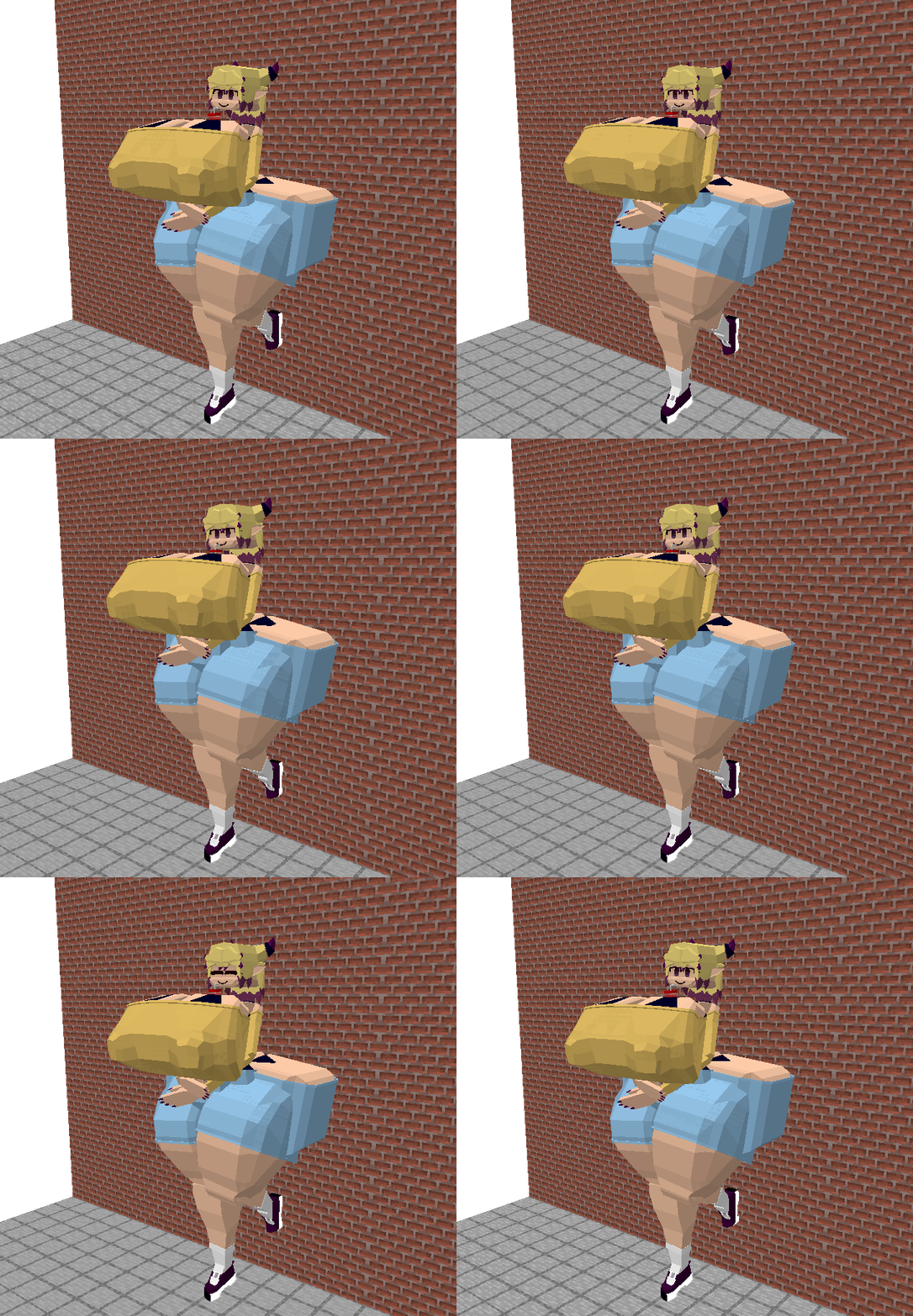
Requested by , I hope this doesn't look too silly.You will need Photoshop (mine is CS5.1) and VTFEdit (mine is the latest version) for this.
This is not a method I came up with by the way; if anyone knows any easier way, I'm listening

Related content




Comments: 22

how to do a head basetexture thing with a tf_movie model ?
👍: 0 ⏩: 0


Oh no, it works with any model!
👍: 0 ⏩: 1

oh okay thats great!
I really want to change the color on a helmet xD
👍: 0 ⏩: 0

Hello I'm change it on Photoshop skins are in ".JPG" then I tried to change on "VTFEdit" had done but it not work how to do? Thank you
👍: 0 ⏩: 0

Gonna need this to make Velda and Svenn correctly on SFM.
Thanks for the tip.
👍: 0 ⏩: 0

I have a question before I attempt this. I understand it's much more livelier if you just copy the files to prevent losing the original, but any chance is there an way to make the file renamed and be seen as a separate model? I don't want to change here and there often and would like to see if there's a short cut doing this way.
Hope to see your response.
👍: 0 ⏩: 1
Yes, you can. Just copy the file and rename it as something else, edit it however you want. Them go to the .vmt version of it and change the name in the "basetexture" part to the renamed version. Let me know if you have other questions!
👍: 0 ⏩: 0

I should ask this before I try it, but do you know if I can substitute GIMP for Photoshop? I can easily do the same things here, but I just wanna know before I attempt this ^^
👍: 0 ⏩: 1
I've never used GIMP, but since you say you can do the same things there, it shouldn't be a problem! Just copy the original files in some other folder if you don't want to risk losing them
👍: 0 ⏩: 1
Alright, thank you so much! Hopefully I can make it work

👍: 0 ⏩: 1
Any time, and good luck!
👍: 0 ⏩: 0

Very nice tutorial! Does this also work with changing things on the models other than clothing? Like adding scars or marks on their skin?
👍: 0 ⏩: 1
Thank you! And yes, it does!
👍: 0 ⏩: 0


You're welcome, I hope it's good enough!
👍: 0 ⏩: 1