HOME | DD
 RyMantys — Lineart tutorial on Photoshop

Published: 2008-11-24 12:03:19 +0000 UTC; Views: 6652; Favourites: 124; Downloads: 224
Redirect to original
Description
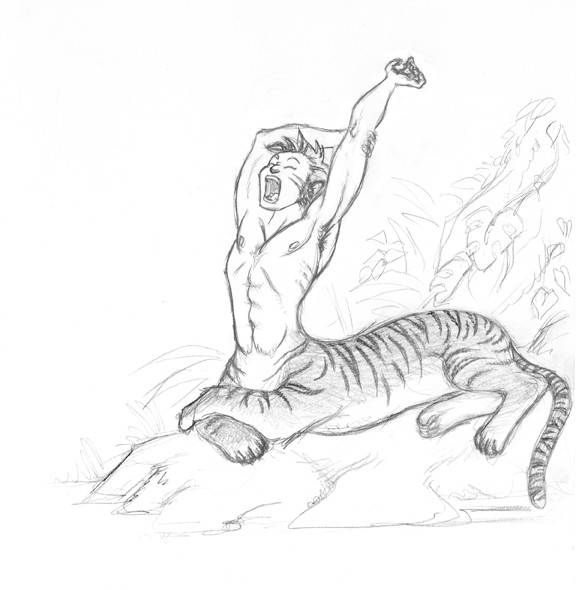
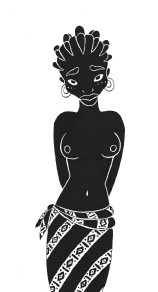
This is my first tutorial, as thanks for all the things I learned through the DA tutorials, I thought I'd give something back ^_^Any comments, critiques and advices are welcome!
Here is the "finished" product [link]
Related content






Comments: 19


this tutorial is really similar to my way of making lineart and coloring them.. just that i never thought of using the magic wand and expanding the area so there's no space between them.. i instead used the poligonal lasso and selected the area and painted it in a new layer.. thx very much for the tip!.. it will save me SOOOO MUCH time xD.. check my gallery to see some of my arts! ^^
👍: 0 ⏩: 1

little tips can make a big difference sometime ^^ though it's not a very quick method, I'm glad I could be of help.
I saw your gallery, it's mainly photographs. You don't draw often?
👍: 0 ⏩: 1
actually yes i do its just that it's when the inspiration comes to me xD.. and well i love drawing like since i was a kid.. but i never ever actually like dedicated enough time to it.. it's now that i'm looking for tutorials and stuff to improve. And well i simply don't know what to draw xD.. what i do love to draw are eyes but i haven't submit more yet.. one of these days i'll submit one a made a few days ago so be sure to check it 
👍: 0 ⏩: 0

i always get confused useing the pen tool on photoshop ive tryed messing around with it but i never seem to get a nice clean line like you have XDD
👍: 0 ⏩: 1
It just takes a little practice fiddling with the handles. You'll get there eventually ^_^
👍: 0 ⏩: 1
propley another year or 2 XXD ive had photoshop cs2 for ages but not got the hang of all the tools lol
👍: 0 ⏩: 0

Thanks for the tutorials. I never knew about the expansion thing. BTW, your translations into English are very good.

👍: 0 ⏩: 1

and here the gnonmon teachninque of matte paintinge .
[link]
👍: 0 ⏩: 0
you can find here a cool stuff of digital tutors.
[link]
👍: 0 ⏩: 0
It's a pleasure. I'm glad it was some help.
👍: 0 ⏩: 0

Notice that because of Photoshop, we usually type "colour" the american way

👍: 0 ⏩: 1
You notice the strangest things ^^
I don't do it because of photoshop, but because of american writers. Plus color is easier to write and to pronounce.
There you go
👍: 0 ⏩: 0

nice tuto! if you're done with the artwork, put a link to it here so we can check it out
👍: 0 ⏩: 1
er... good suggestion, didn't think of it...
Thanks
👍: 0 ⏩: 0