HOME | DD
 ShadowSnperFlames — Icon Request

Published: 2013-12-15 22:24:21 +0000 UTC; Views: 150; Favourites: 2; Downloads: 0
Redirect to original
Description
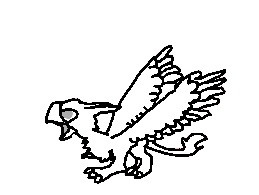
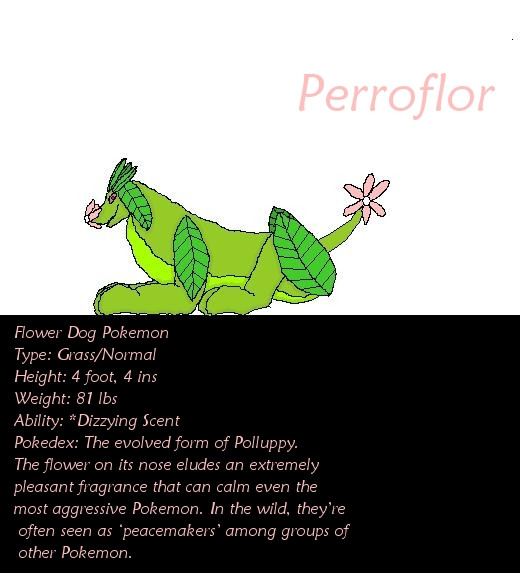
Its more of a Fan Icon but It's only for the person its for.Related content











Comments: 23

Not that, my picture! I also got it uploaded!!! I just need to know what gender My Icon is.
👍: 0 ⏩: 1

Oh, its male I geuss you can chose

👍: 0 ⏩: 1
? I don't get it... I tried to, but, I did not understand
👍: 0 ⏩: 1
Ok then, Right click on you're mouse ( the right button) then click " save picture as" the a screen will pop up as the end of the name try writing " .PNG " to make it work then go to your page and bring the mouse over you're current Icon then a little pencil thing will show up then click that the another screen will pop up then go to where you saved it ( Usally my picures or my documents ) then click it the it'll show up then, press save.
👍: 0 ⏩: 1
Ok, I did X3 See?!

👍: 0 ⏩: 0

Save it the go to you page the dragg the mouse over your current icon the a little pecil thing will come up click it.
👍: 0 ⏩: 1
How to save it???
👍: 0 ⏩: 1
Right click on the mouse and press save picture as.
👍: 0 ⏩: 1
So here is your request
👍: 0 ⏩: 1

MmHmmm I geuss you have a Fan
👍: 0 ⏩: 1