HOME | DD
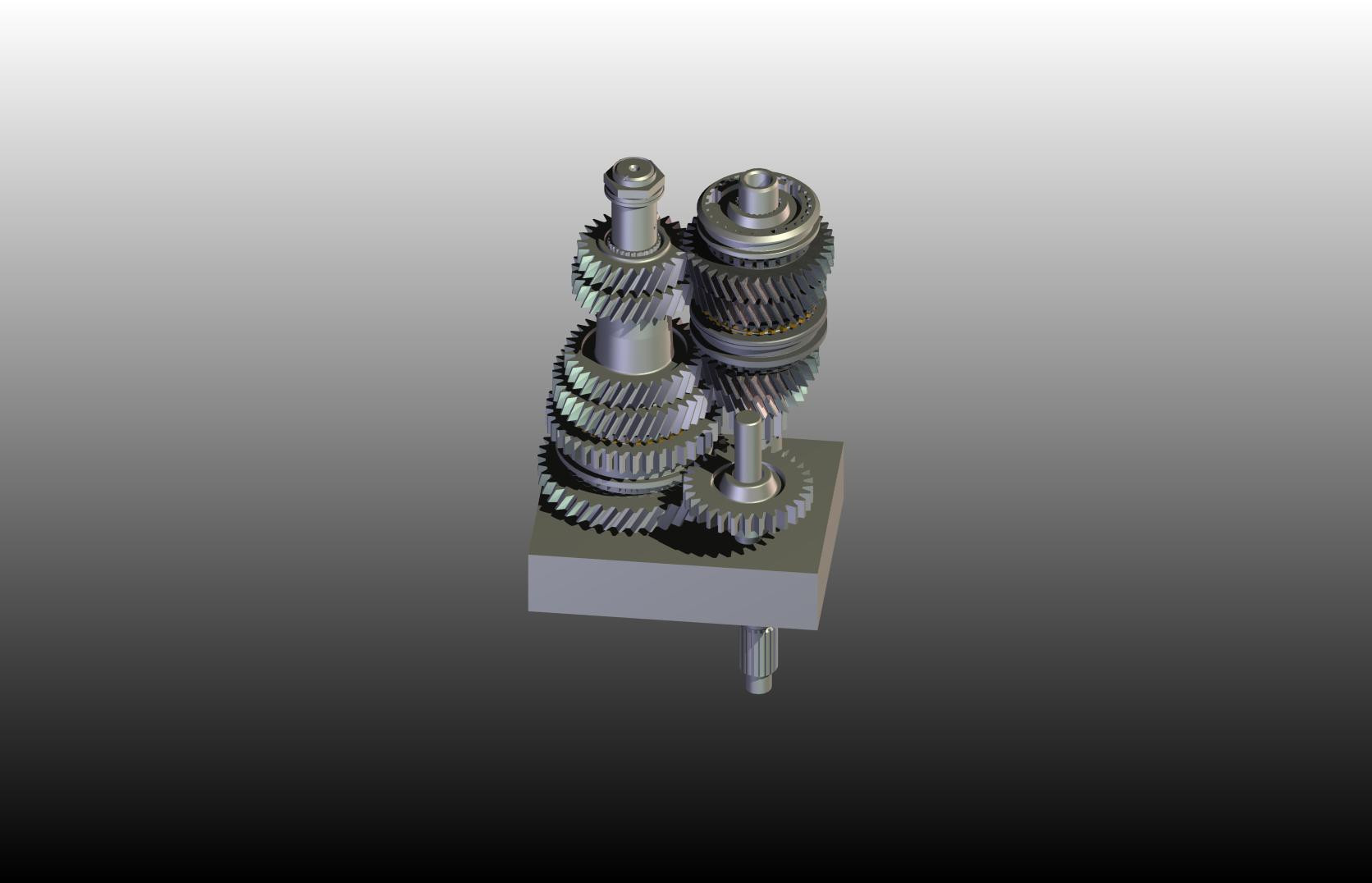
 SimulatedExistance — Transmission
Published: 2006-06-01 19:33:42 +0000 UTC; Views: 142; Favourites: 0; Downloads: 13
Redirect to original
Description
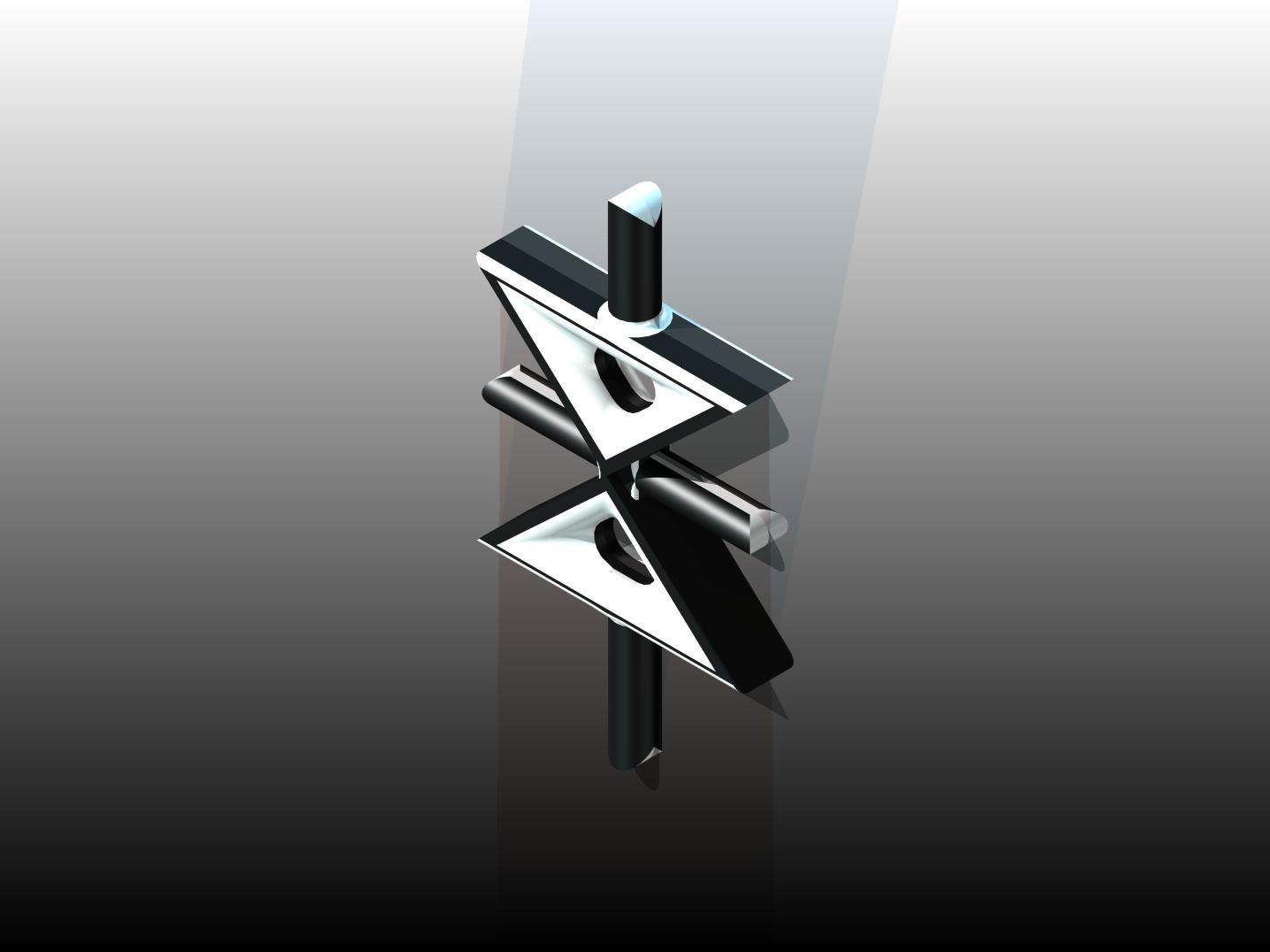
I wasn't sure whether or not to put it under vehicles or not, so I stuck it under machinery. As the name explains its a transmission, another project in my engineering class I did. Each gear is a seperate part, so the file size is fairly large.The files are compressed in .rar format, which means youll need Winrar. You can find it at [link] Inside the .rar are some rendered views, an eDrawing file, and the part file for Inventor. If you try to open the eDrawing file it'll ask you to download the viewer, click yes and you can view the file in 3D and shit. Otherwise if you have Inventor the part file is int here. Drawn in Autodesk Inventor Series 10.
Winrar is free software, it is not illegal to download it and it does not infringe any copyright laws.
NOTE TO DIAL-UP USERS: I highly suggest you do not try to download this file, it is extremely big.
Related content





Comments: 14


i dont need Winrar to view it either in preview or full view. Perhaps DA is capable of converting it for ya. Hmm, the full view colours are sharp, and the picture is very precise. Nice work. Only think is, my eyelids feel heavy 

👍: 0 ⏩: 1

Not to view it on here, but if you would download the file, then yes you would need Winrar.
👍: 0 ⏩: 1
nope, i just downloaded the file, and i can view it without Winrar. by default, windows use "windows pictures and fax viewer" when i double-click on the pic. That feature comes with Win XP Pro. The saved file is in .jpg Is Winrar = Window Pictures and Fax Viewer???
👍: 0 ⏩: 1
No I don't mean the picture. When you click on "download to desktop" right below the picture, it asks you to download all the files, not just the preview picture.
👍: 0 ⏩: 1
oh yeah, now i know. but why would i bother the hassle of downloading all the files if i can just a right click on the pic itself and still able to download to my desktop thereafter? the only difference i guess is the file extension. Other than this, is there any other differences.... say transmission.rar is an animated version or wat?

👍: 0 ⏩: 1
The difference is the .rar file has the actual 3d file, meanin if you had the program I use you can open it up with that. It also has an eDrawing file, which allows you to view the part in 3d, like rotate it and stuff without the need of the program I made it in if you don't have it.
👍: 0 ⏩: 1
Did you understand anything I just said?
👍: 0 ⏩: 1
well... alittle, something like... i will be able to choose the viewing angle and the way it animate (but not able to edit it though) if i am in the programme itself, otherwise, it's mere stationary object to the eye, am i right?
👍: 0 ⏩: 1
Right, but if you have the program you can actually edit it and everything, the same way I made it. But with the one you downloaded you can move it i any direction you wish, but can't change it.
👍: 0 ⏩: 1
okie, got it now
👍: 0 ⏩: 1