HOME | DD
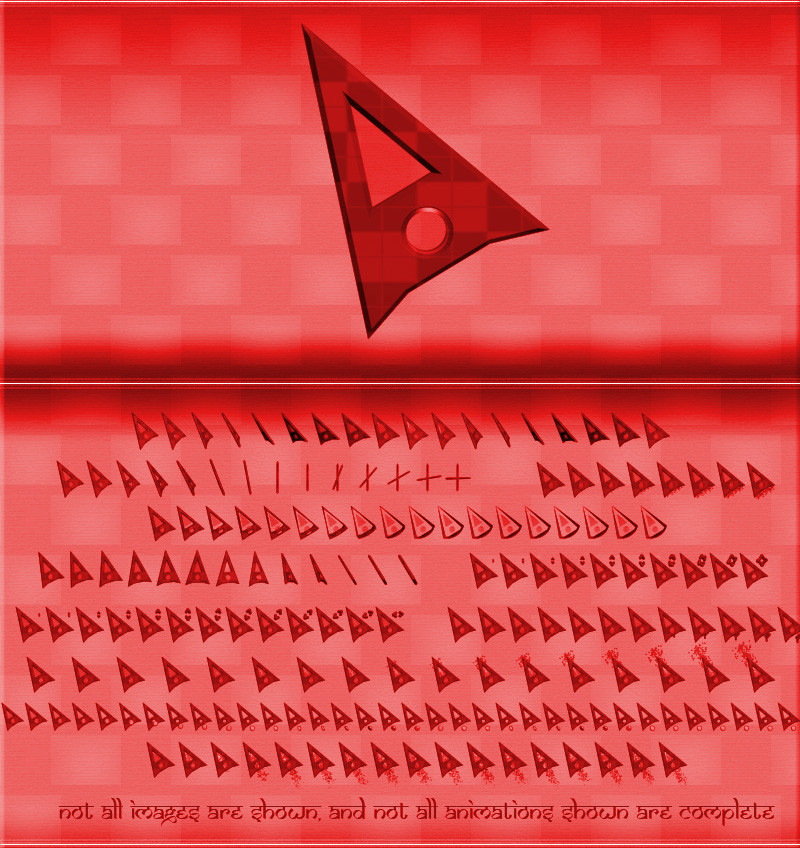
 SlideEchizen — Red Slide Cursor

Published: 2006-04-21 17:09:06 +0000 UTC; Views: 11004; Favourites: 16; Downloads: 3988
Redirect to original
Description
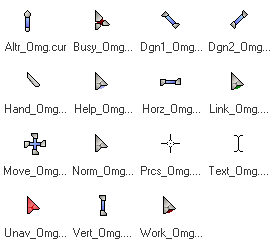
This is my second cursor. It's really easy to make cursors, but at the same time is kind of difficult, because of the program where you make them, it's worse than paint. lolThis one is really simple, but I like it. Enjoy it!
Try also:
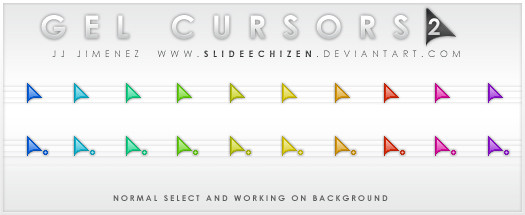
-Gel Cursors [link]
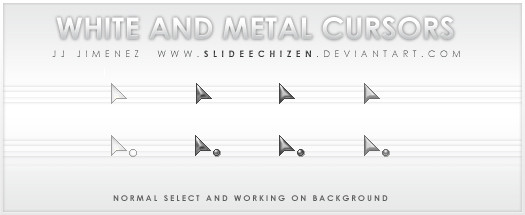
-White & Metal Cursors [link]
I hope you like it.
Related content








Comments: 7

Great-looking cursor.
Also, download RealWorld Cursor Editor to edit whatever cursor. You can also make cursors yourself. It's easy and free.
👍: 0 ⏩: 0

uhh.... why is the focus point of the cursor the bottom left corner? or did I F*** it up somehow?
👍: 0 ⏩: 0


You can always change it. lol
👍: 0 ⏩: 0

Hi...I would like to download your cursor but I've never done this before, so I was wondering if it wouldn't be any trouble...could you tell me how. I know to click on the download Icon. but then a screen comes up that says "Which program would you like to use to open It." And it has a list of stuff I know nothing about. If you could tell me what to do I would really apreciate it. Thank you.
👍: 0 ⏩: 1

Hi! All you have to do is this 
-Click on the download Icon (a screen will appear)
-The screen says Open with: and Save to Disk, Click "Save to Disk" and then click OK
-Then go to the control Panel
-Click on appearance and themes
-Look for where it says "Mouse Pointers" and click on it.
-A screen will come up. Click on the "Pointer" Tab.
-Finally click on the browse button to look for the cursor
You can try also this 

👍: 0 ⏩: 0