HOME | DD
 ThatAnnoyingRabbit — Cassie Reed's Custom Brush Mini Set
Published: 2014-06-18 16:38:19 +0000 UTC; Views: 8059; Favourites: 55; Downloads: 1681
Redirect to original
Description
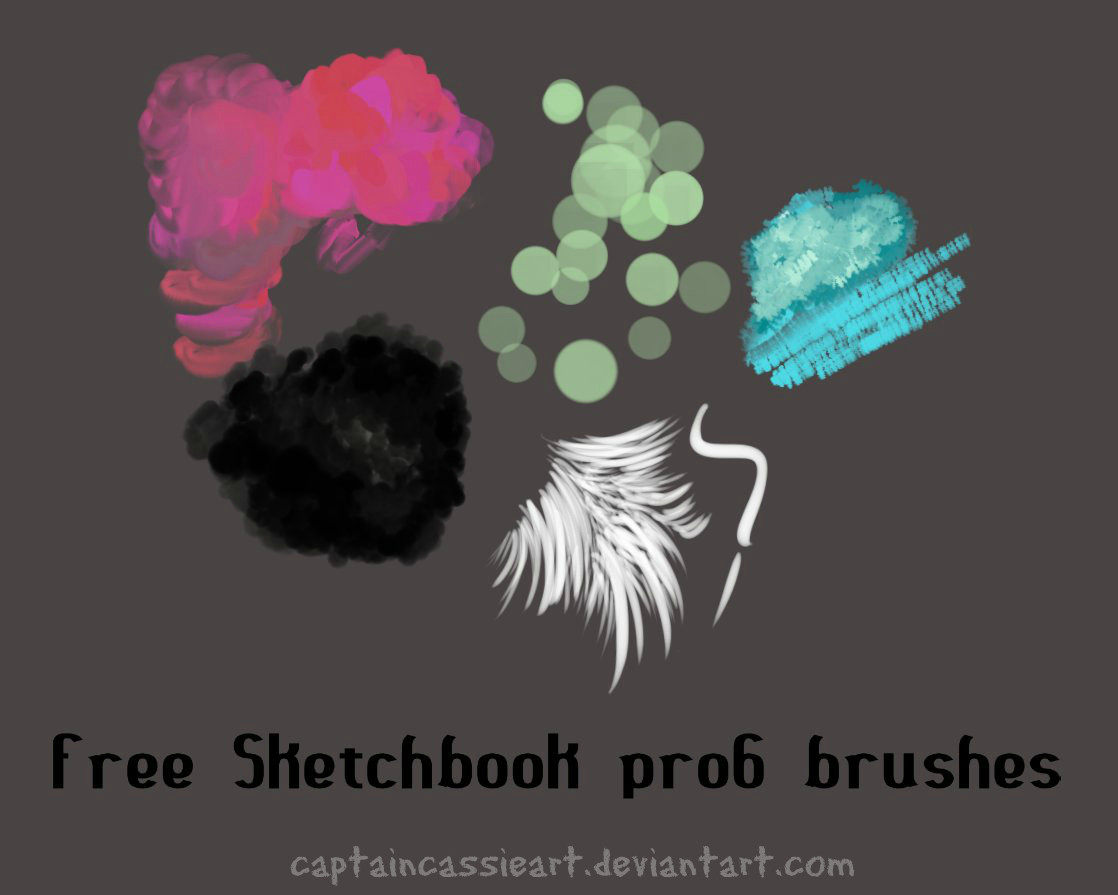
Just a few brushes I made today while fiddling around in sketchbook pro6.They are free to use

These are for Sketchbookpro, so they will not work in photoshop.
Hope you like them!
Related content









Comments: 23

👍: 0 ⏩: 0

👍: 0 ⏩: 0

👍: 0 ⏩: 0


i'm not really sure. I never tested them outside sketchbook, so it may. But it may not.
👍: 0 ⏩: 0


I downloaded them, but when I try opening them from sketchbook pro, it says ; Custom brush import failure. Either the brush already exists in the palette or the file is not a valid brush file.
👍: 0 ⏩: 0


I use sketchbook pro but it is on iPad, is there anyway to use the brushes there?
👍: 0 ⏩: 1
I'm not sure, to my knowledge they can only be imported by computer.
👍: 0 ⏩: 0

You are most welcome! 

👍: 0 ⏩: 0

It won't let me download them, i did as you said and i opened the file but all of it was gray and it wouldn't let me continue .n.
👍: 0 ⏩: 1
You don't open the file up, once its downloaded you go back into sketchbook pro and import them from your brush library by searching the file name in downloads from the pop up box it gives you. then you click open, and then it will import.
If you need to know where in the brush library you need to click go to 8:20 in this video. www.youtube.com/watch?v=ZDUWsp…
👍: 0 ⏩: 0

Just hit the download button, it will go into your downloads folder. then in sketchbook pro go into the brush library. once your there click on one of the brush sets, a little circle in the corner of the brush set will appear, hold it down and drag. there will be an option to import and export brush sets. you will want to hit import. if you are unsure how to get there go into 8:20 in this video, it shows you www.youtube.com/watch?v=ZDUWsp…
From there a box will pop up, go into downloads from that pop up box and find the download for this brush set. then there you go! the new brush set will now be in your brush library
👍: 0 ⏩: 1


I like them
I can't use them in photoshop. I'm sad

👍: 0 ⏩: 1
Sorry lol
but i do have photoshop so when i learn how to use the tools ill make some custom brushes for that as well
👍: 0 ⏩: 1
I AM VERY HAPPY NOW!

👍: 0 ⏩: 1