HOME | DD
 Trackdancer — MMD Accessory - large free standing LCD Unit
by-nc-nd
Trackdancer — MMD Accessory - large free standing LCD Unit
by-nc-nd

Published: 2012-03-24 08:34:05 +0000 UTC; Views: 20072; Favourites: 381; Downloads: 4997
Redirect to original
Description
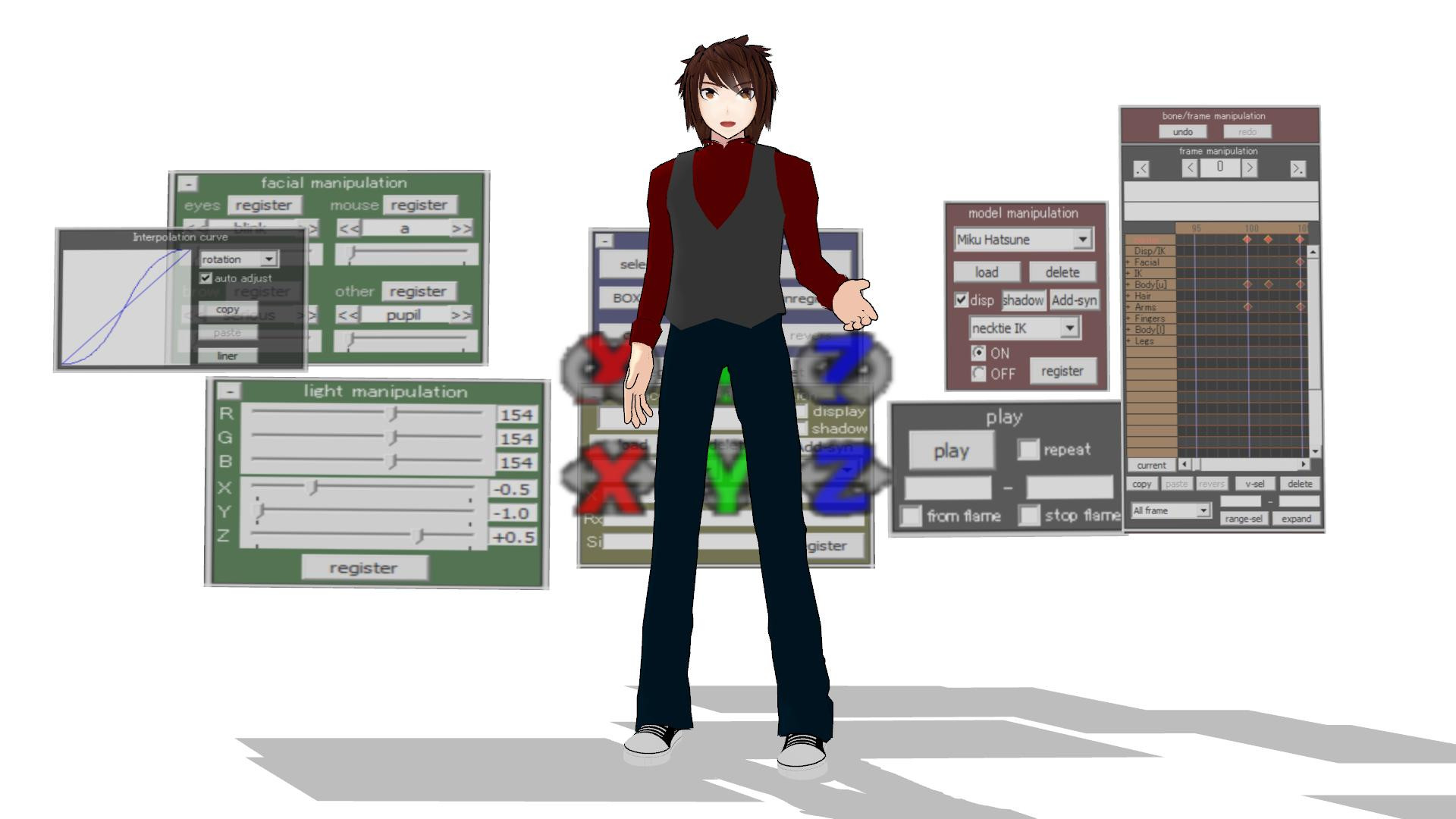
A LCD style working screen capture accessory for MMDRelated content







Comments: 85

👍: 0 ⏩: 0

👍: 0 ⏩: 1

👍: 0 ⏩: 1
👍: 0 ⏩: 0

👍: 0 ⏩: 1
👍: 0 ⏩: 0

👍: 0 ⏩: 1
👍: 0 ⏩: 0

👍: 0 ⏩: 0

👍: 0 ⏩: 0

👍: 0 ⏩: 0


cool accessory for mmd,i'm gonna used is for a movie theater
👍: 0 ⏩: 0

How did you get the reflection in the screen? What's the effect?
👍: 0 ⏩: 1
That's the screen capture functionality. It's one of the menu options. It will work whenever you load an accessory model that supports the feature such as the stage model that comes with MMD.
👍: 0 ⏩: 1
Thank you so much,I figured it out last night!
👍: 0 ⏩: 0

Thanks for the large, simple screen - I used it here youtu.be/oHr9KLW8iOw
Not entirely sure why there was such a large black line in the videos near the centre - maybe I misjudged the resolution ofthe screen? I assumed 4:3
cheers!
👍: 0 ⏩: 2

how in the fucking hell did u do that with just this thing .and also how did u make the Model not show on the screens
👍: 0 ⏩: 1
Haha
I edited it in PMXe to remove the sides.
Then simply loaded and positioned and rotated the same model.
👍: 0 ⏩: 0
Yeah, that is weird. No idea what's causing it though. Might be a memory or processing issue.
👍: 0 ⏩: 1
*actually, I checked my file - it's me! Serves me right for editing in 16:9 then exporting in 4:3
by the way, I did try to take the frame off the screen but when I opened in PMXe, nothing appeared - is that correct?
👍: 0 ⏩: 1
No, you should have been able to see the whole model in the PMXe.
But if all you want is a custom screen, these are really easy to do. All it needs is a flat surface to which is mapped a blank graphic named "SCREEN.BMP". It is case sensitive. I have a tutorial on making one of these in my tutorials gallery, so check in there for more details.
Additional notes:
1. The surface can be any shape that can be mapped.
2. Make the model exact size. Enlarging it in the accessories panel leads to really bad pixelation of the screen capture image.
👍: 0 ⏩: 0

Really good accessory!! Helped me a bunch!!
Used it here: www.youtube.com/watch?v=KPh-QO…
👍: 0 ⏩: 1
I didn't think of mounting it on a wall... LOL
👍: 0 ⏩: 0


Of course~
Thank you for making it!
👍: 0 ⏩: 0

A great addition to any stage set - thanks!
Used here: fav.me/d80xjwh
👍: 0 ⏩: 1
I'm trying to make my own in Metaseq, but I keep having problems with the mapping - for some reason, the finished screen insists on splitting the image horizontally, resulting in a 'stacking' of 2 images where there should only be one, and an 800x600 image should be plenty large enough I would think? It's a challenge, but I'll figure it out eventually...
👍: 0 ⏩: 1
Ah, yes - I've seen that. It's where I learned the trick about about using a 24-bit screen.bmp image (thanks!).
I loaded it up in PMDe (v0.139 English) using that tut as a backdrop to check settings, and they're almost the same on Environment and Diffusion, but the Reflection setting with mine exported to .x as black, with a reflectiveness of 1, so I set that one to match your settings of white and 50:
sta.sh/01zzx2bk0f13
As you can see, the image is halved horizontally when it should be displayed like this: sta.sh/01sbla53dqgr (feel free to help yourself 
Weighing in at 800x600 I'm fairly sure that the bitmap is large enough, but using Flat or UV settings produce the same result, so I'm trying to figure out why it's mapping like that.
👍: 0 ⏩: 1
If you have the UV Mapping plugin for the PMD Editor, the problem you're having is very easy to fix. The problem probably comes from the export process from your modeling format to x-file format. I see the same thing happening sometimes even with my projects. They look fine in the modeling program and when I do the export to x-file it goes all screwy. That's why the UV Mapping plugin is a big help as the coordinates are correct, it's just that for some reason the wrong part of the tex map is referenced and your example picture is typical of what I see myself sometimes.
👍: 0 ⏩: 1
Found it here: fav.me/d6icvah - thanks.
I just installed it and am trying to figure it out now.
*edit: After going through the usual "if only it was English... grrr..." trial and error learning curve, I finally got it: sta.sh/0v2w9bicnru
This started out as a procedural learning experiment, and might end up actually being salvageable to use with a suitable frame - thanks again!

👍: 0 ⏩: 0


You need to turn on the screen capture mode - there's a tutorial in my tutorials gallery if you don't know how to do that.
👍: 0 ⏩: 0

That was different - nice concept
👍: 0 ⏩: 1

Thanks for your support - appreciated
👍: 0 ⏩: 0

You go to background and go through the list that pops up till you see something like 'screen mode' you can choose between ON.mode1 ON.mode 2 and ON.mode3. Most of the time mode 3 is selected wich turns the screen off.
👍: 0 ⏩: 1

thank you very much!
👍: 0 ⏩: 1
| Next =>