HOME | DD
 vectorRide — SakuyaWIP 2 Shading/Highlights
by-nc
vectorRide — SakuyaWIP 2 Shading/Highlights
by-nc

Published: 2013-05-06 01:02:54 +0000 UTC; Views: 492; Favourites: 1; Downloads: 2
Redirect to original
Description
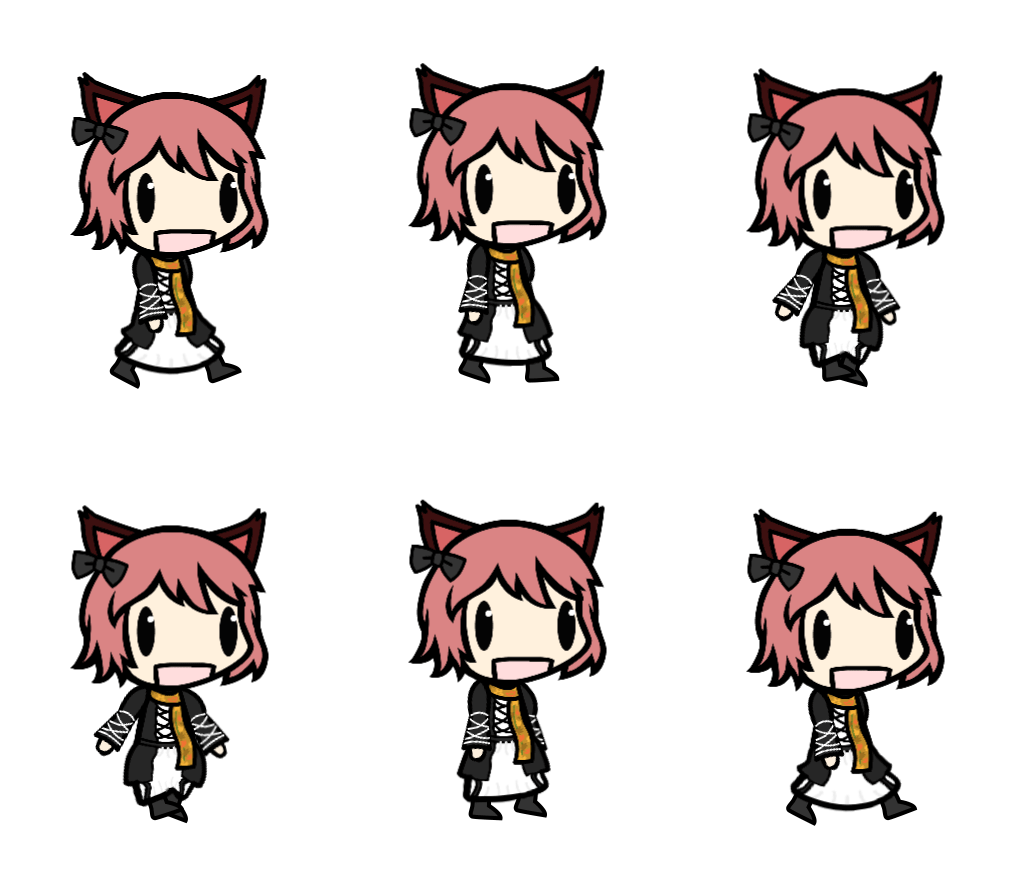
Normally, I wouldn't show an intermediate progress of a frame, but I felt it may help illustrate later to show how to use color and and then a separate layer for shading with highlights.I started off with making an outline and showing transitions of shading, seen on this [link]
To start off, use a 50% Gray color and you're good to go. I end up using burn and dodge instead of the brushes for this process.
Update: May 6, 2k13:
Well, I found mixing both the highlights and shading in one layer wasn't enough for me.... So now I have 2 highlights and 2 shading ones. Why not just have one? I'm still making changes here and there, but there are specific details I need to separate to make them as detailed as possible. This is the current result. Detailed Eyes, hair, face, etc. Everything is just sharper since I have spearate layers to orchestrate this stuff
Also, this was a photo of Kotani by pireze that was my reason for joining deviantArt, to notify Kotani and have her permission. The original project is just.... weird...I'm changing the new version to have a more plausible scenario in the world of Touhou.
Original photo found in this gallery by Pireze [link]
Original work not found here but on my own site: [link]
---
Update May 16, 2k13:
So what's new? I'm including now all major phases of this. You'll notice, I start with a zone tracing before I start painting with dodge and burn. (Yes, I don't really touch the Brush tool much). Phase 1, was the what I submitted originally, Phase 2, does not include Phase 1 in the composite. Phase 3 (the last two) incorperate the shadings from Phases 1 and 2 as well as extra details to bring out more of the details. I've got just a little more to do. I included both the gray scale and Color Composite versions. The gray scale looks more dramatic right now. I also need to do something with the green ribbon and shoulder border.