HOME | DD
 Vher528 — XP to Seven
Published: 2009-10-31 09:24:35 +0000 UTC; Views: 20809; Favourites: 22; Downloads: 4745
Redirect to original
Description
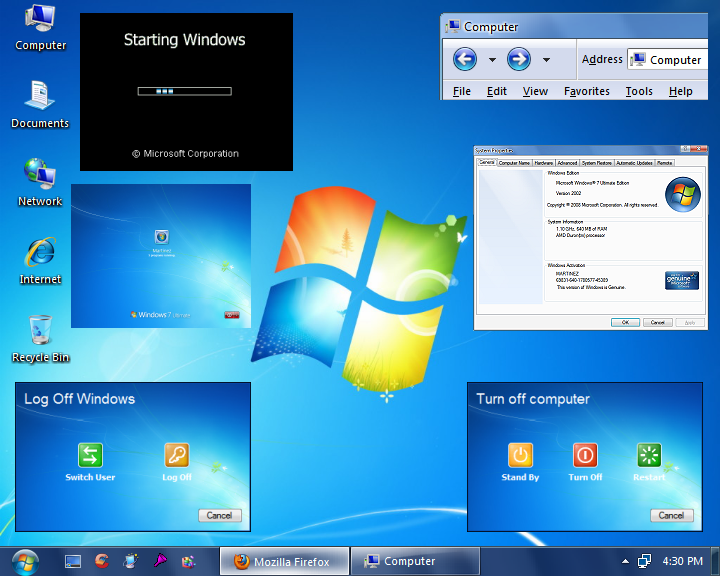
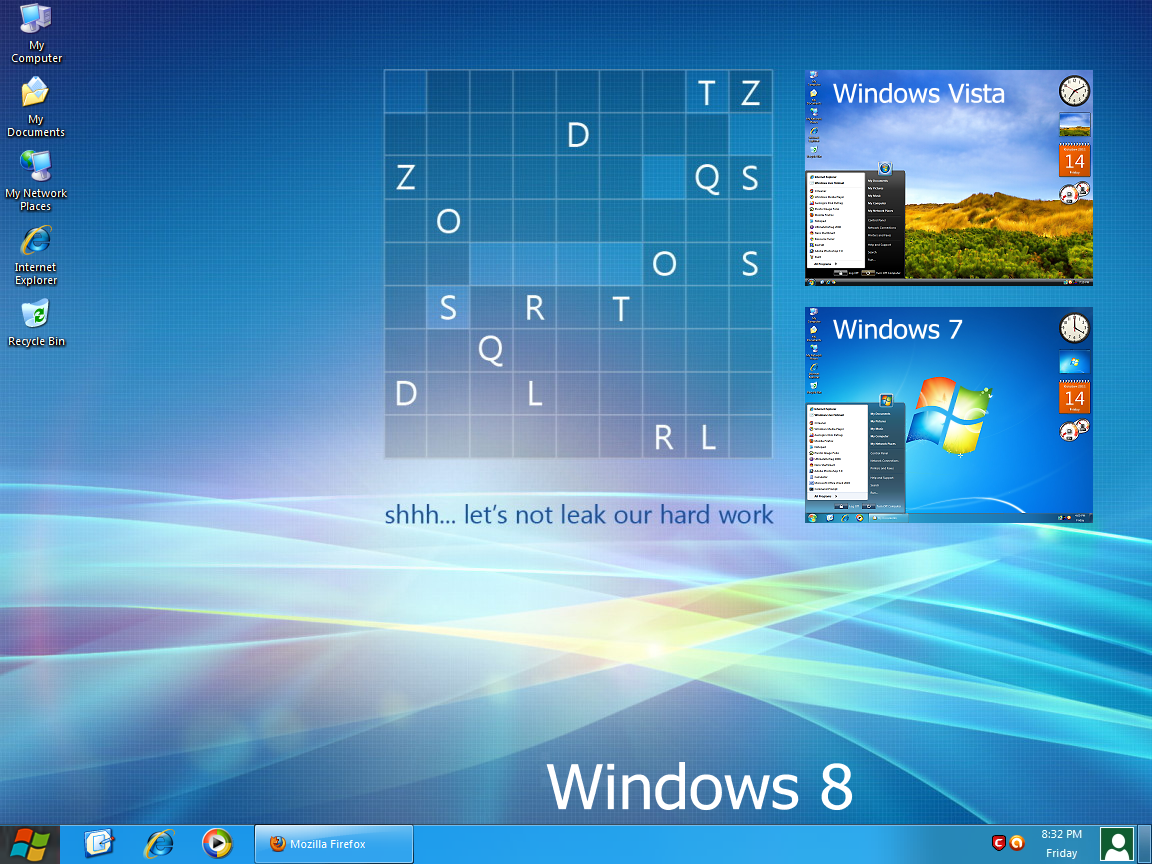
XP to SEVENPLEASE READ THIS FIRST:
This archive contains Windows XP modified files. Use them to make your Windows XP look like Windows 7. This is only for Windows XP Service Pack 2. Also make backup copies of system files before replacing them.
Suggestion: To replace Windows XP system files, it's better to use a Linux Live CD. Extract the files from the archive to a temporary folder (e.g. C:\Temp) using WinRar or any archiving utility capable of extracting files from a RAR file. Reboot your computer using a Live CD. You can use SLAX Linux. Then copy the following files to the following directories:
Copy to C:\WINDOWS\
explorer.exe
Copy to C:\WINDOWS\system32\
ntoskrnl.exe
logonui.exe
msgina.dll
mydocs.dll
sysdm.cpl
shell32.dll
After copying, reboot your computer again, but this time remove your Linux Live CD in order for you to boot from Windows XP.
Note: You must enable booting from your CD-ROM Drive before from a Hard Disk so that you can boot from your Live CD. If your system is a FAT32, you can use a Windows 98 Bootable CD. Then from a command prompt, you can copy the files to Windows directories (C:\WINDOWS and C:\WINDOWS\system32).
Another Method: You can also use Replacer to replace your system files. Download this said program and run. Just follow the instructions in the command prompt.
Warning: Use the extracted files at your own risk. If you're not sure of what you're doing, don't replace your system files. But if you successfully replaced the system files, your Windows XP will almost resemble Windows 7.
For Windows 7 Themes, please go to this link:
[link]
Related content






Comments: 10

👍: 0 ⏩: 0


guau que sorprendente amigo/a muyy bueno y se instala en segundos-
👍: 0 ⏩: 0

After my testing this works on Windows XP Pro SP3 (ENG)
👍: 0 ⏩: 0

oh...
I'll Try This on SP3!
If it works then good for you!
👍: 0 ⏩: 0

Awesome!
It's so easy to just download, replace and GO!
(I just use "replacer" which makes it waaaayyy easier!)
I know from firsthand experience that replacing resources in DLLs and EXEs is tedious as heck, so much that much more respect to you!
The only thing I'd change are the icons on the Turn Off Computer and Log Off Windows. They're remnants of XP's default "Fisher Price" look that just won't DIE! LOL
Again, great job, as always!
👍: 0 ⏩: 0

