HOME | DD
 webgoddess — Icon Sized Butterfly Brushes

Published: 2006-06-15 03:55:55 +0000 UTC; Views: 11581; Favourites: 25; Downloads: 3906
Redirect to original
Description
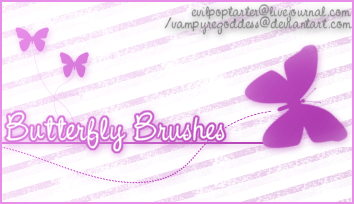
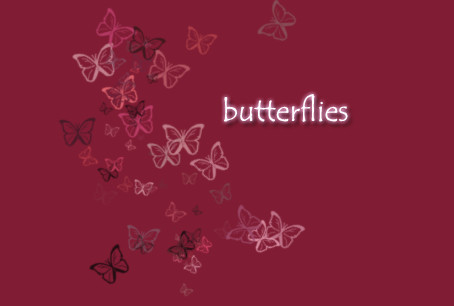
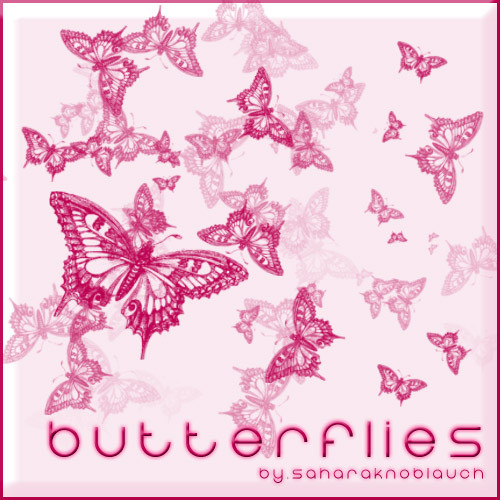
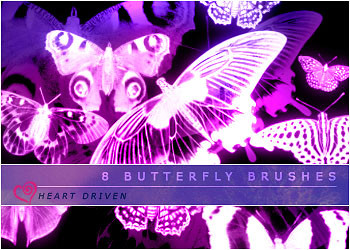
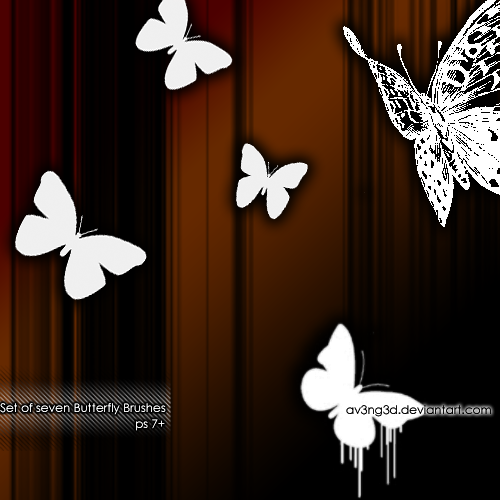
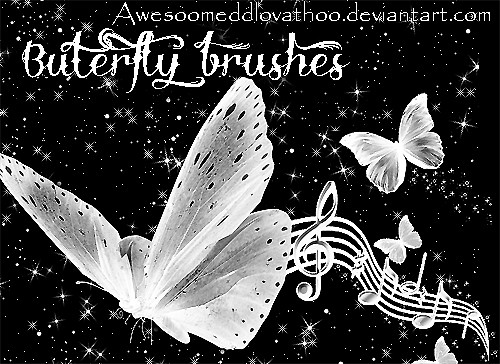
These are icon sized versions of my Butterfly Brushes.->[link]Please comment here or at my Livejournal, webgoddess, if you like them and/or use them. I would love to see anything you make with them. Also, if you would like to see more, please let me know. If I have positive feedback I will convert the rest of my brushsets to Icon Sized Versions.
All stock from sxc.hu.
Admiral-> [link]
Peacock butterfly 1-> [link]
Butterfly Ornaments 1-> [link]
wings-> [link]
Decor-> [link]
butterflies-> [link]
Butterfly-> [link]
Butterfly 1-> [link]
Blue Butterfly-> [link]
Silk Butterfly-> [link]
butterflower-> [link]
Mariposa-> [link]
EDIT: 6/22/06-If you would like the imagepack just email me and ask.
I give permission to ~BrushMakers and =Manip-Equips to submit and display this work!
Brush Rules-> [link]
Related content








Comments: 18

Is there any way that maybe you could convert a Image to a Gimp brush for me ?
👍: 0 ⏩: 1

I would, but I can't. For some reason Gimp isn't working on my computer. It keeps crashing on me. Try posting on Gimptalk.com I bet someone there could help you.
👍: 0 ⏩: 0

i have gimp but getting these brushes confuses me. i made a new file called My Gimp Brushes. then mini files like butterflies, hearts, stars, ya know? i have them downloaded on my computer but how do i get them into gimp? i have winzip if that helps... i can open it up as a picture, as if you really opened a picture in its own layer, but i cant get it into my brushes
👍: 0 ⏩: 1
You can go to gimptalk.com They have all kinds of tutorials to help you out.
👍: 0 ⏩: 0

OMG these are BEAUTIFUL!!!! May I use them for making layouts? I'll give you credit for the brushes. And how do I download these as brushes to GIMP? I'm not exactly sure...
👍: 0 ⏩: 1
Did you figure out how to download them to Gimp? What kind of layouts do you mean?
👍: 0 ⏩: 1
Indeed I did.
Standard easy layouts.. Something you'd find on Myspace for example.

👍: 0 ⏩: 0


These are gonna be very handy in drawing pretty nature scenes

👍: 0 ⏩: 1
Great! Enjoy! I would love to see anything you make with them.
👍: 0 ⏩: 0

Oooh! These could be veerrry useful. 
👍: 0 ⏩: 1
Thanks! I'm glad you can use them!
👍: 0 ⏩: 0

Ooo, I like these! I'm snagging them and will credit ya!
👍: 0 ⏩: 0

I absolutely loved your brush! I'm just starting making my own icons with GIMP, and this brush has been a great addition. Thanks! And if you could, other GIMP brushes would be great!
👍: 0 ⏩: 1
I will be making more over the next few days, so keep your eyes open.
👍: 0 ⏩: 0

Webgoddess I love your Icon-sized brushes! Do you have any that are flower icons? And would it possible for you to have medium sized and small sized icons in one pack?
👍: 0 ⏩: 1
What do mean by flower icons? Also what do you mean by medium and small? If you can give me more ideas about size and stuff, I can answer your questions better.
👍: 0 ⏩: 0