HOME | DD
 xeXpanderx — Yam! Conkys
Published: 2012-01-22 13:36:07 +0000 UTC; Views: 18184; Favourites: 31; Downloads: 444
Redirect to original
Description
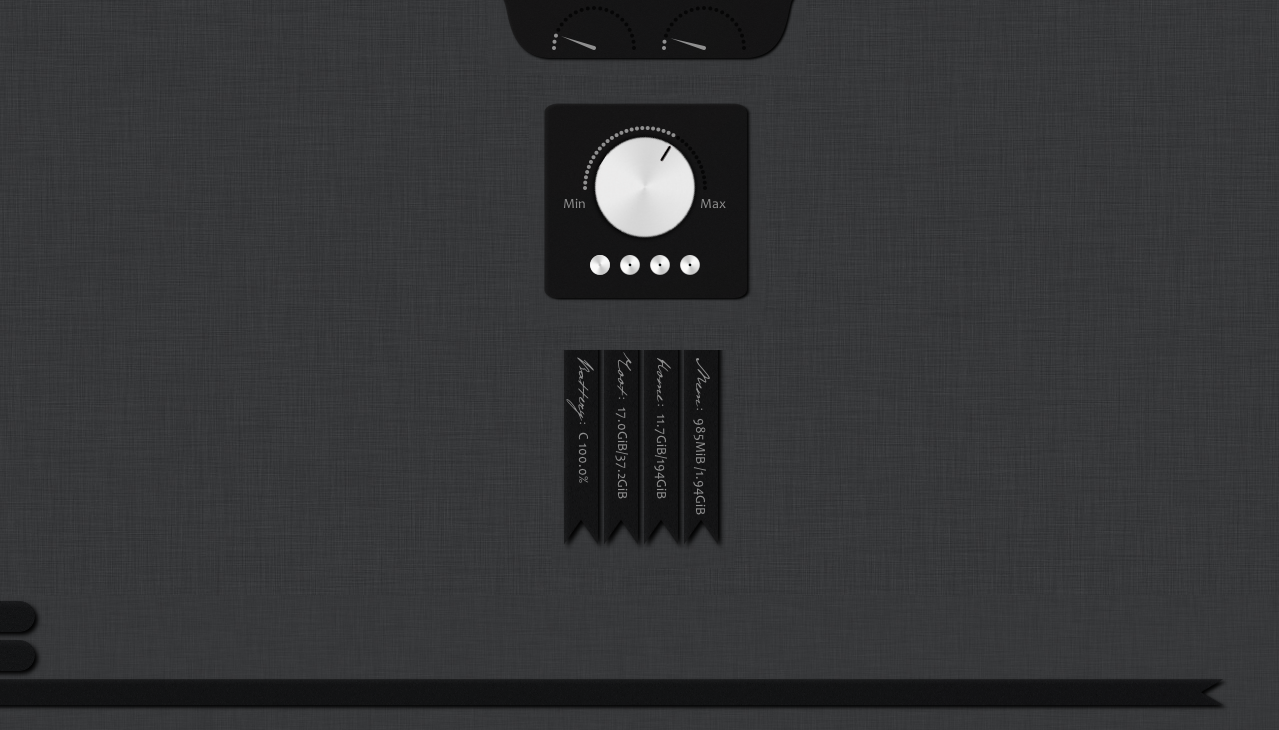
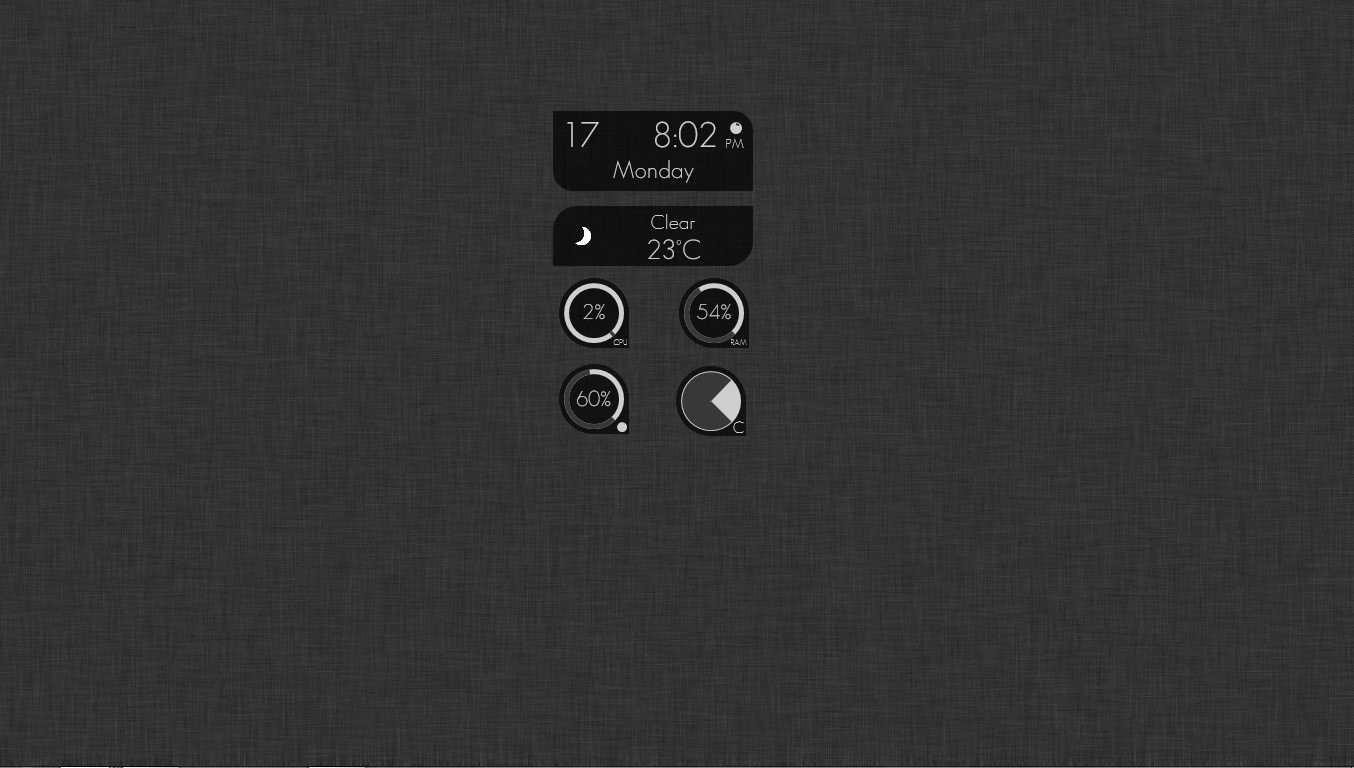
Here is the set of my Conkys I used on the Yam! screenshot.### CPU gauge Conky ###
Shows CPU usage fore core 0 and core 1. This is completely based on mrpeachy's gauge conky, and he is the one that should have the credits. I just added a background image.
He can be found at Crunchbang forum: [link]
Execute the script this way:
conky -c .conky_top
### Volume Conky ###
I modified mrpeachy's gauge conky. It shows a rotable volume button and the current workspace number.
The response is 1 second, so the workspace number and volume button will be updated after one second you switched workspace or increased/decreased the volume. It is possible to increase this update, but a value < 1 is very CPU intensive.
Volume buttons are made by nepst3r: [link]
Req: Candara font (Included in the Zip file)
Execute the script this way:
conky -c .conky_left
### Vertical text Conky ###
Shows Battery status, home and root free space and mem usage.
Req: Candara font (included)
Req: Pushkin font (included)
Req: acpitool (not included, you have to install it yourself)
Execute the script this way:
conky -c .conky_right
### Background images ###
Background images. Example Conky included.
Execute the script this way:
conky -c .conky_panel
Works best to have them on the sides of the screen.
*** Changelog v1.01 ***
Optimized the code of info.lua and Volume conky.
Related content
















Comments: 27


I want to invite you to be the first to see your Awesome conky .
Did not write the details yet but you definitely get kudos for it! 
👍: 0 ⏩: 0

Very, very beautiful, man! Thanks for sharing script =]
👍: 0 ⏩: 1


Thanks for sharing!
I will try it one day! when I will be more knowledgeable with conky..
👍: 0 ⏩: 1

Is not that hard! You need to extract it to your preferred directory, and from there execute one of the above conky's. For example, if you extract the conky volume in your home_directory just:
conky -c .conky_left
👍: 0 ⏩: 2
I Succeeded with the "conky-volume" but not with the others...
👍: 0 ⏩: 1
Well, that's a start 
And, for the CPU gauge you need to have two CPU cores... otherwise it will give errors.
Anyway, hope you liked the "Volume conky"
👍: 0 ⏩: 1
Yes! I do like it as you can see :[link]
for the CPU, I have only on core
for the Text I'm getting a message from the acpitool that I have TO ENABLE IT IN THE KERNEL. I think the reason is I'm using A PC not laptop.
My main goal is to learn how to do the scripting
thanks again!

👍: 0 ⏩: 1
Very nice, like to see it in action
Oh, yeah, I forgot, battery if using laptop... and np!
👍: 0 ⏩: 0
But, you can try it whenever you feel for it of course
👍: 0 ⏩: 0

Sweet! Awesome work eXpander, love this one, A fav!

👍: 0 ⏩: 1
Thank you! Wow, Im glad you liked it!
👍: 0 ⏩: 1
Your very welcome my friend.
👍: 0 ⏩: 0


